Free
Record invoice payments and show how to pay
Record full or partial payments on an invoice in Lipi, book the income to an account, and print bank, wallet or QR details so clients know how to pay.
Problems it solves
- A client paid half and I had no clean way to show what is left.
- I record the payment on the invoice and then again as income in my books.
- Clients keep asking for my bank details.
- A USD payment lands in my NPR account and I do not know what to enter.
What it is
Invoice payments in Lipi are the record of money a client has paid against an invoice. You record a full or partial payment, the status updates, and the payment can also become an income transaction in your own books. Payment methods are the bank, wallet or QR details you print so clients know how to pay you.
What problem it solves
Without a record, a half-paid invoice is a guess. And entering the same money in an invoice tool and in an expense tracker means doing it twice. Here the payment sits on the invoice, and one switch books it into the account where the money landed.
How it works
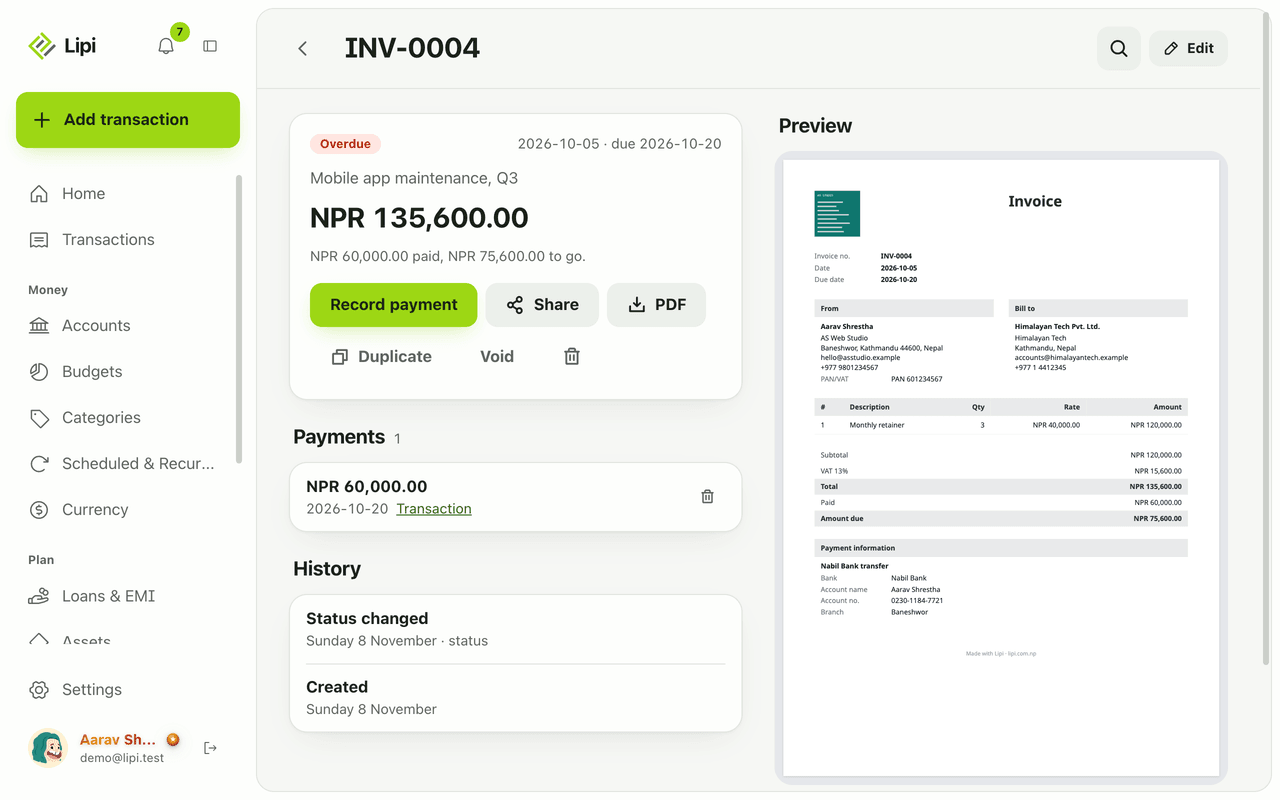
- Open an invoice and tap Record payment.
- Enter the Amount, the Paid on date and an optional note.
- Leave Create income transaction on to book it. Pick the Account. It goes under an Invoice income category.
- If the account is in another currency, check Amount received. Lipi fills it at today’s rate. Change it to what actually arrived after fees.
- Tap Save payment. The invoice becomes Partly paid or Paid. The invoice page shows how much is paid and how much is to go.
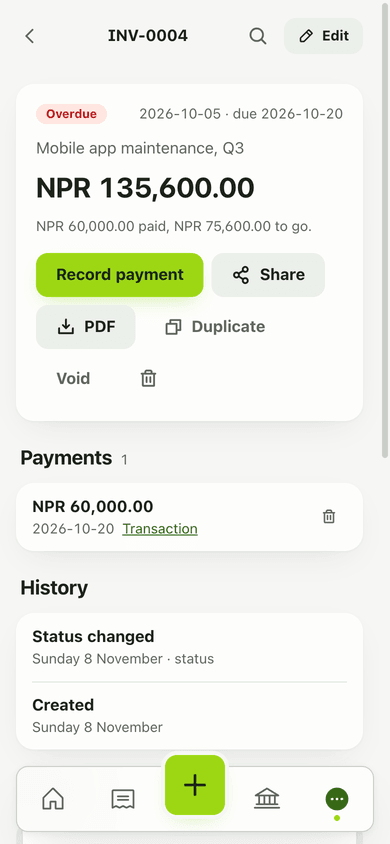
- To tell clients how to pay, go to Invoices, open Payment methods and add one: a name such as your bank or eSewa, then the details.
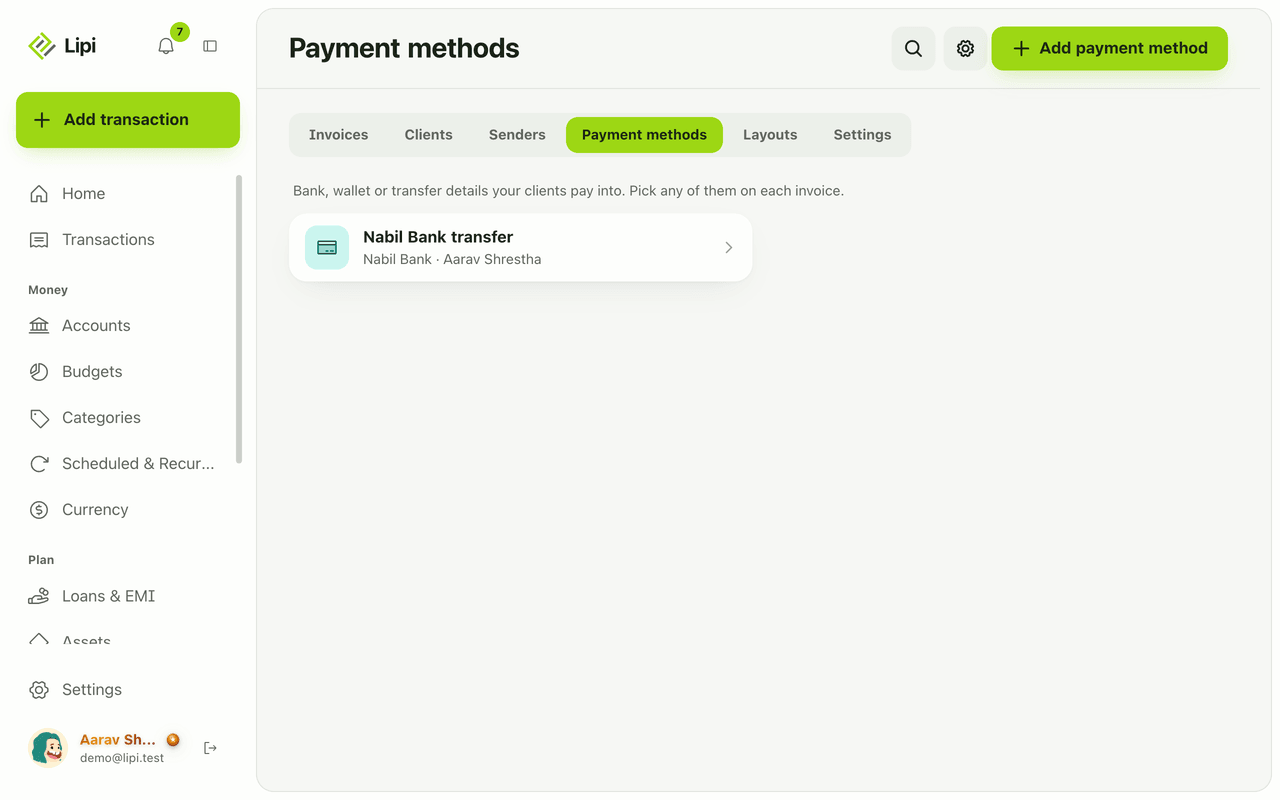
- In the invoice editor, pick the payment methods to print under Payment methods.
Details and rules
- Partial payments are allowed. The status follows the money: Partly paid until the full amount is in, then Paid.
- Income transaction: optional. You can also add it later with Create transaction on the payment, or attach an existing one with Link transaction by its id.
- Deleting a payment: the invoice owes that amount again. If a transaction is attached, you choose whether to delete it too.
- Currency: a payment is in the invoice currency. An account in another currency gets the converted amount, and you can edit it.
- Payment method fields: Bank, Account name, Account no., Branch, SWIFT / BIC, IBAN, Wallet ID and Notes, plus an optional QR image (PNG or JPG, up to 1 MB). The QR image is free. Your own logo and signature are Premium.
- Where they show: on the PDF, and under How to pay on the share page with a copy button for each detail.
- Plan: recording payments and saving payment methods are free.
- Lipi does not take card or wallet payments from your clients. It records and displays.
- Recording needs an internet connection.
Works with
- Invoices for the invoice the payment belongs to
- Clients where each client’s payments are listed
- Accounts that receive the income
- Multi-currency and exchange rates for the conversion
Ask an AI assistant
Connect Lipi to an AI assistant (see AI assistants) and ask:
- “Record a Rs 60,000 payment on INV-0004 into my Nabil Bank account.” Uses
record_invoice_payment. - “Show invoices that are partly paid.” Uses
list_invoices.
To mark an invoice sent, back to draft, paid or void without a payment record, the assistant uses set_invoice_status.
For AI assistants
Lipi’s MCP server gives an assistant these tools for this feature:
record_invoice_paymentset_invoice_statuslist_invoices
Questions and answers
Can I record a partial payment on an invoice in Lipi?
Yes. Tap Record payment on the invoice and enter any amount up to what is due. The invoice becomes Partly paid and the page shows how much is paid and how much is still to go. A later payment can finish it.
Does recording a payment add income to my accounts?
Only if you want it to. The Create income transaction switch books the money to an account you pick, under an Invoice income category. If you already added the transaction yourself, use Link transaction instead so it is not counted twice.
What happens when a client pays in a different currency?
If the invoice is in USD and your account is in NPR, Lipi works out the amount at today's rate and shows it in Amount received. You can change it to what actually arrived after fees. If the account is in the invoice currency, the income is booked in that currency.
How do clients know where to send the money?
Save payment methods once (bank, account name, account number, branch, SWIFT, IBAN, wallet ID, notes and an optional QR image). Pick any of them on an invoice and they print on the PDF and show under How to pay on the share page.
Can I undo a payment?
Yes. Delete the payment on the invoice page and the invoice goes back to owing that amount. If the payment has a transaction, Lipi asks whether to keep it in your books or delete it too.
Can Lipi collect payments online from my clients?
No. Lipi records payments you receive and shows your payment details. The client pays you by bank transfer or wallet, and you record it.
Last updated:
More in Invoices and clients
Invoice maker for freelancers and small business
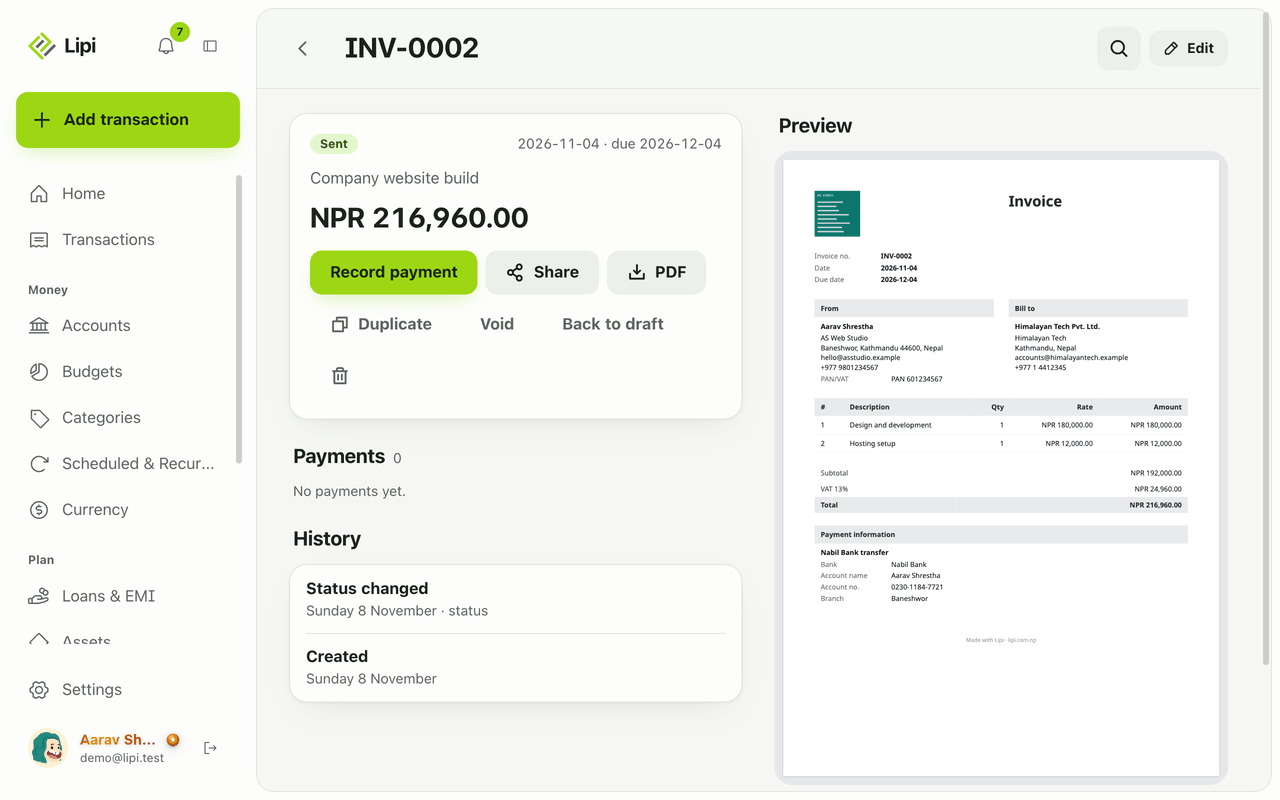
Yes, Lipi has invoicing: invoices with lines, discount and VAT, shared as a link or PDF, with full or partial payments and clear draft, sent, partly paid, paid and overdue states. Free for everyone.
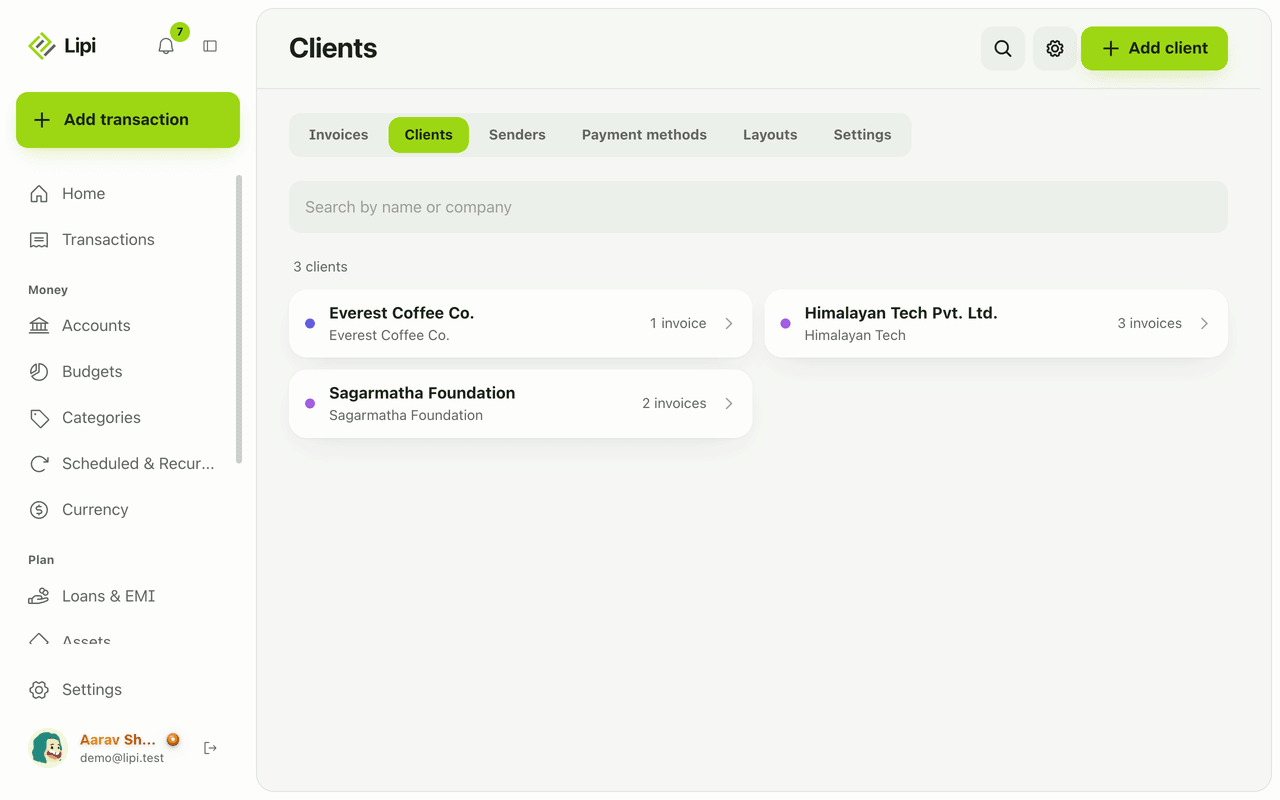
Client list for invoices: who you bill, who owes
Yes, Lipi keeps a client list for invoicing, with contact and tax details and each client's invoices, payments received and amount still owed. Free.
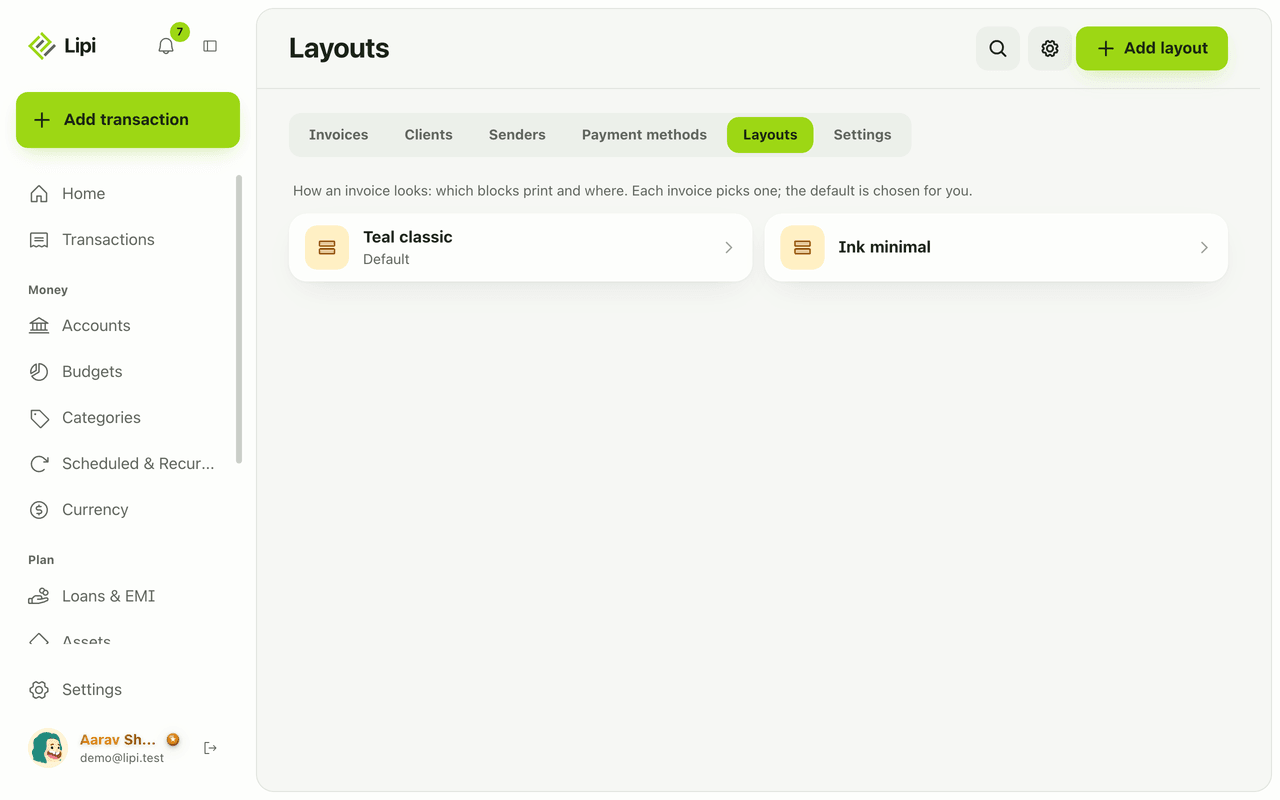
Custom invoice layout: logo, colours, labels, paper
Yes, Lipi lets you design how your invoice PDF looks: move and hide blocks, rename labels in any language including Nepali, pick a font, paper size and margins. Premium adds your own logo, signature, colours and no Lipi footer.