Free
Client list for invoices: who you bill, who owes
Keep a client list inside Lipi. Save contact details and PAN or VAT number, see every invoice and payment per client and what each one still owes.
Problems it solves
- I retype the same client address and PAN number on every invoice.
- I cannot tell how much one client owes me across several invoices.
- I lose track of which payments came from which client.
What it is
Clients is the contact book for your invoices. It is a client list for freelancers and small businesses: the people and companies you bill, with the invoices and payments that belong to each. Every invoice in Lipi can point at a client, so the details print in the Bill to block without retyping.
What problem it solves
Billing the same customers again and again means retyping addresses and registration numbers. Tracking what one client owes across three invoices is harder still. With a client list you add the details once, and the client page adds up what is still owed.
How it works
- Open Clients (it sits next to Invoices in the invoice sections) and tap Add client.
- Fill in the form. Every field is optional except the name: Name, Company, Email, Phone, Address, PAN or VAT number, Country and Notes. Tap Add client.
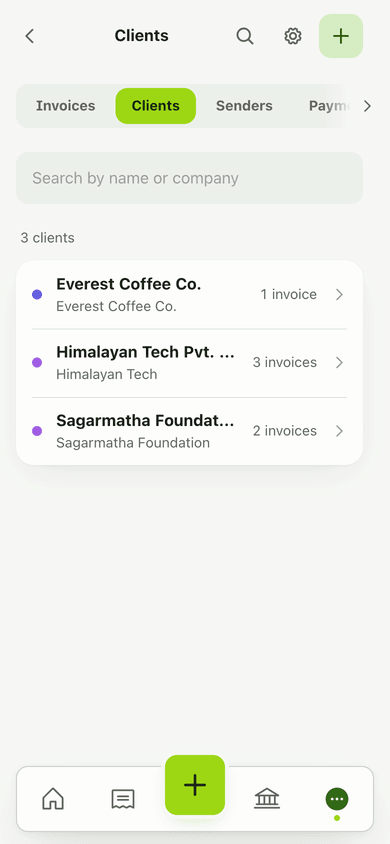
- Use Search by name or company to find a client later. Each row shows how many invoices that client has.
- Open a client to see Still owed, their Contact details, their Invoices and the Payments received.
- When you make an invoice, pick the client under Bill to. You can also choose New client right there. See invoices.
Details and rules
- Still owed counts sent, partly paid and overdue invoices only. Drafts and void invoices are left out. With nothing outstanding it shows Nothing owed.
- PAN or VAT number is a business registration number, never a personal ID.
- Country is optional. If you invoice as a company and the client is in Nepal, the invoice gets a short note that it is not an IRD tax invoice.
- Each client page shows an invoiced and paid line in the invoice currency.
- Clients are free for everyone. There is no limit on the number of clients.
Works with
- Invoices for billing a client
- Invoice payments for the payments that land under a client
- Recurring invoices for billing the same client every month
- Ledgers for lending and borrowing if you track informal money with friends and family instead
Ask an AI assistant
Connect Lipi to an AI assistant (see AI assistants) and ask:
- “Add a client called Himalayan Tech Pvt. Ltd. in Kathmandu with this PAN number.” Uses
save_client. - “Show my clients and how many invoices each has.” Uses
list_clients.
For AI assistants
Lipi’s MCP server gives an assistant these tools for this feature:
list_clientssave_client
Questions and answers
Does Lipi have a client list?
Yes. Open Clients to add the people and companies you bill. Each client keeps contact details, and every invoice and payment for that client appears under their name.
How do I see what a client still owes me?
Open the client. The Still owed figure adds up their sent, partly paid and overdue invoices. Drafts and void invoices do not count. When everything is paid it says Nothing owed.
Is the PAN or VAT number a personal ID?
No. The PAN or VAT number field is for a business registration number that prints in the invoice header when your client needs it. Do not enter a personal ID number.
Are clients free or Premium?
Clients are free for everyone, with no limit on how many you add. Every field except the name is optional.
Can I add a client while making an invoice?
Yes. In the invoice editor, under Bill to, choose New client. You fill in the same form and the client is saved to your list.
Last updated:
More in Invoices and clients
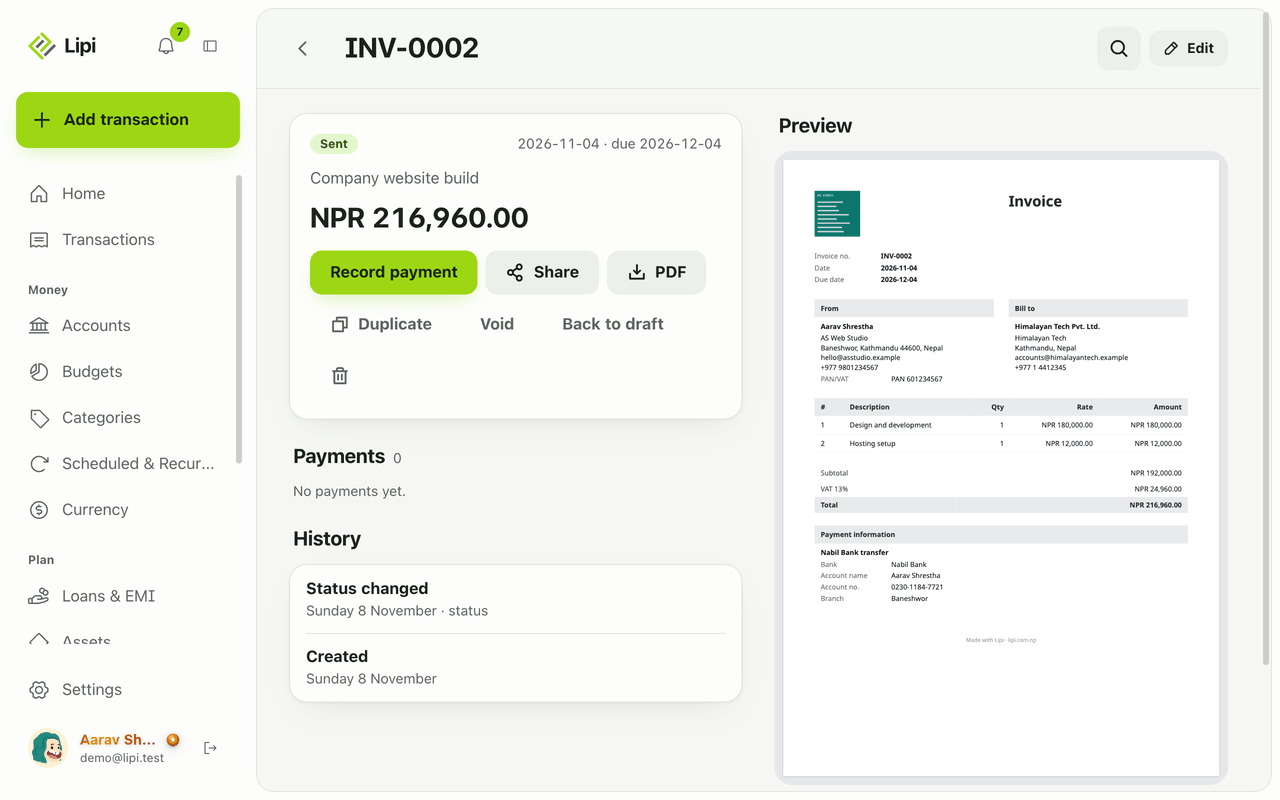
Invoice maker for freelancers and small business
Yes, Lipi has invoicing: invoices with lines, discount and VAT, shared as a link or PDF, with full or partial payments and clear draft, sent, partly paid, paid and overdue states. Free for everyone.
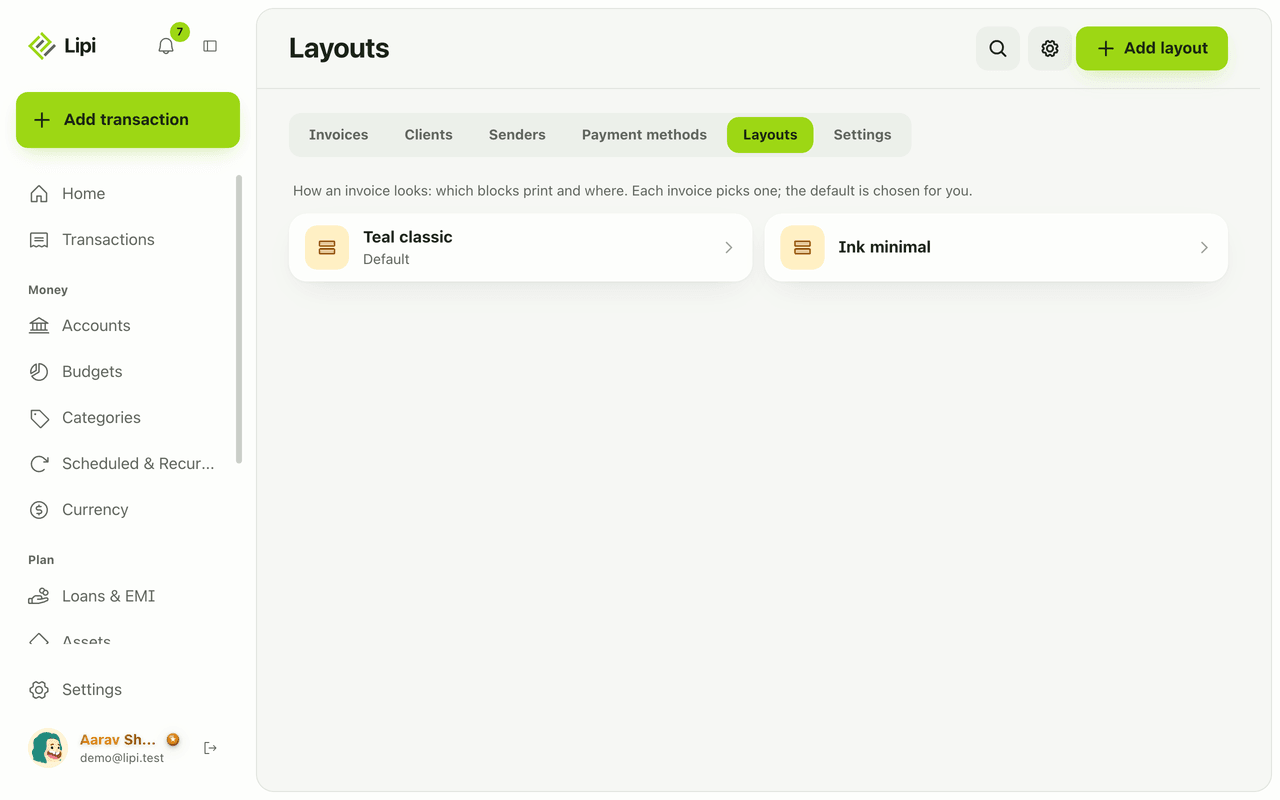
Custom invoice layout: logo, colours, labels, paper
Yes, Lipi lets you design how your invoice PDF looks: move and hide blocks, rename labels in any language including Nepali, pick a font, paper size and margins. Premium adds your own logo, signature, colours and no Lipi footer.
Record invoice payments and show how to pay
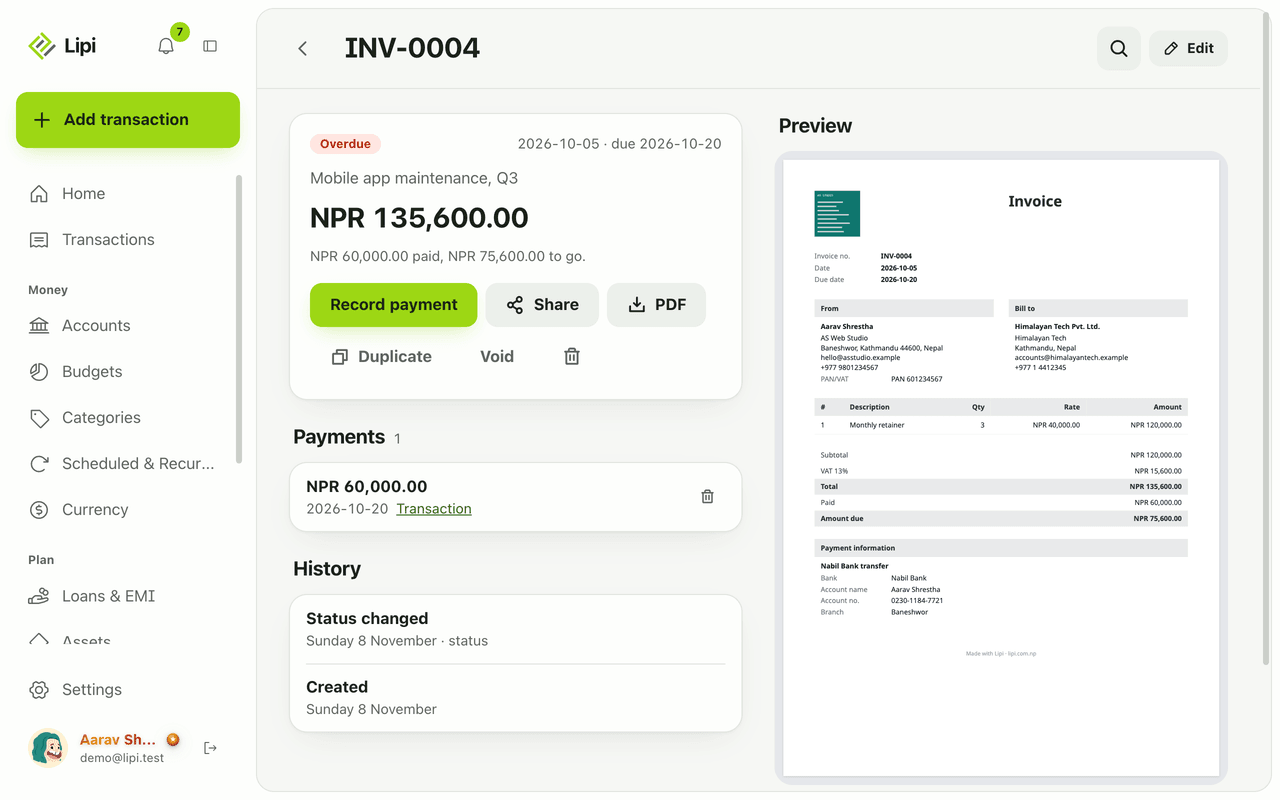
Yes, Lipi records full and partial payments on invoices and can create the matching income transaction in the account you choose, converted at today's rate. Free for everyone.