Add in seconds
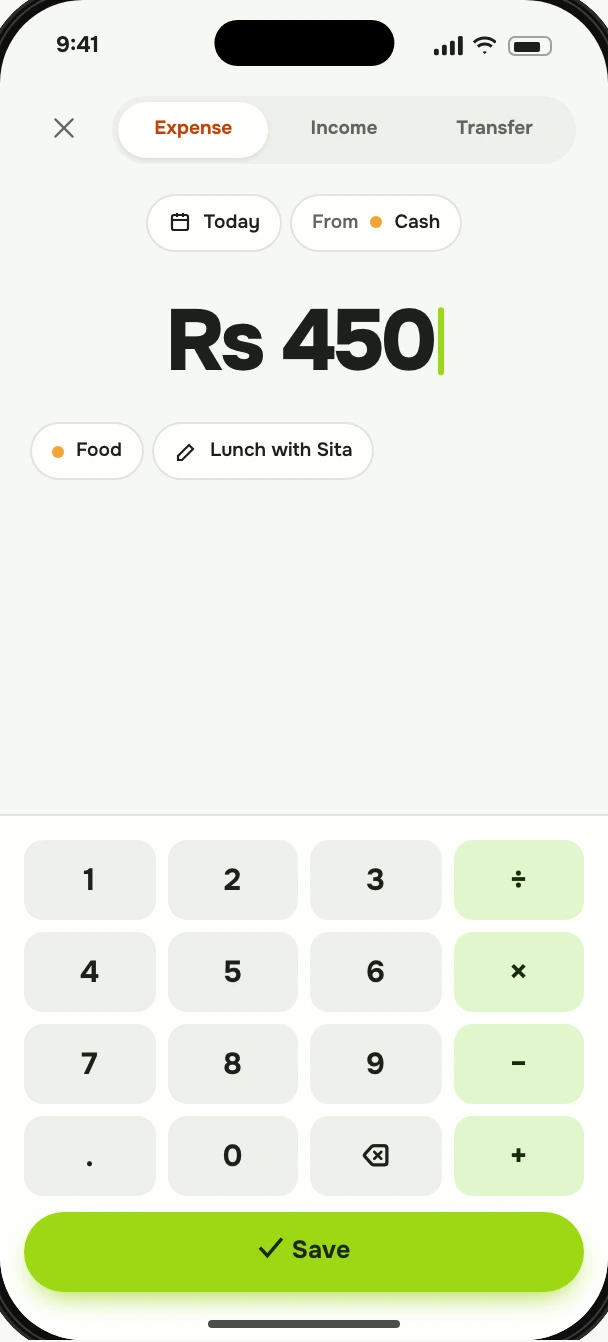
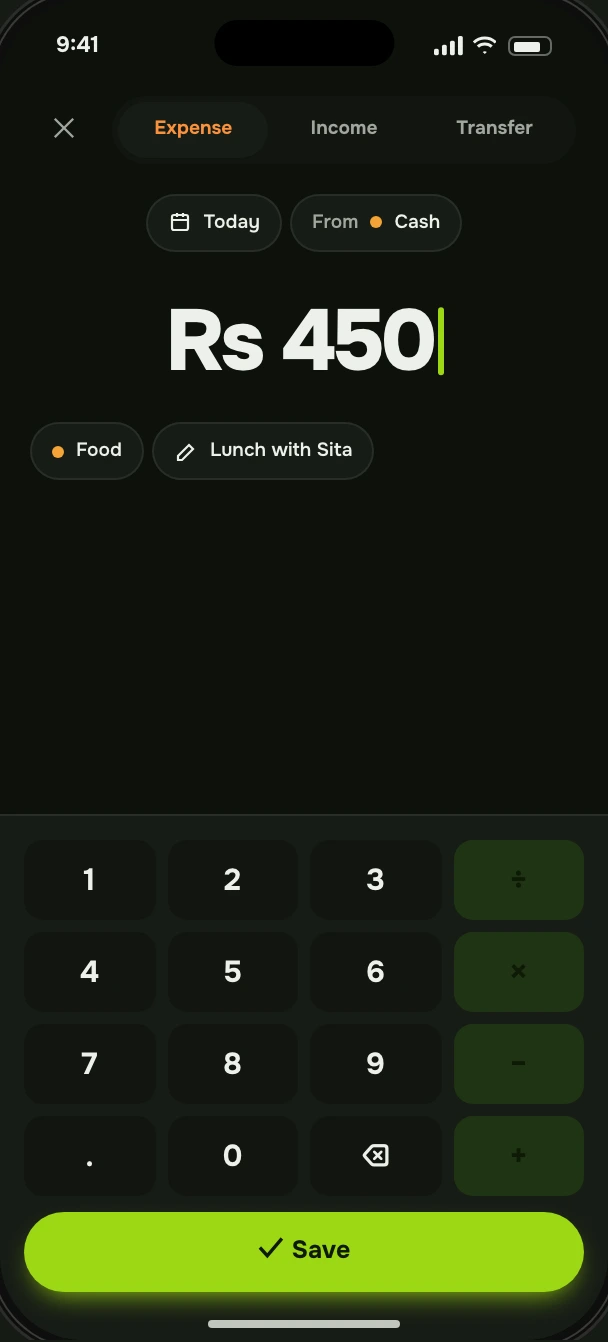
Amount first, then category. The keypad sits where your thumb already is, and your usual categories are one tap away.
Lipi is the easiest way to track what you spend and stick to a budget. Log an expense in seconds, set limits that hold, and see your whole month at a glance.
Spent this month
Rs 42,380
Recent
See all ›
Type the amount, pick a category, done. Recurring bills add themselves on Premium, so you only log what actually changes.
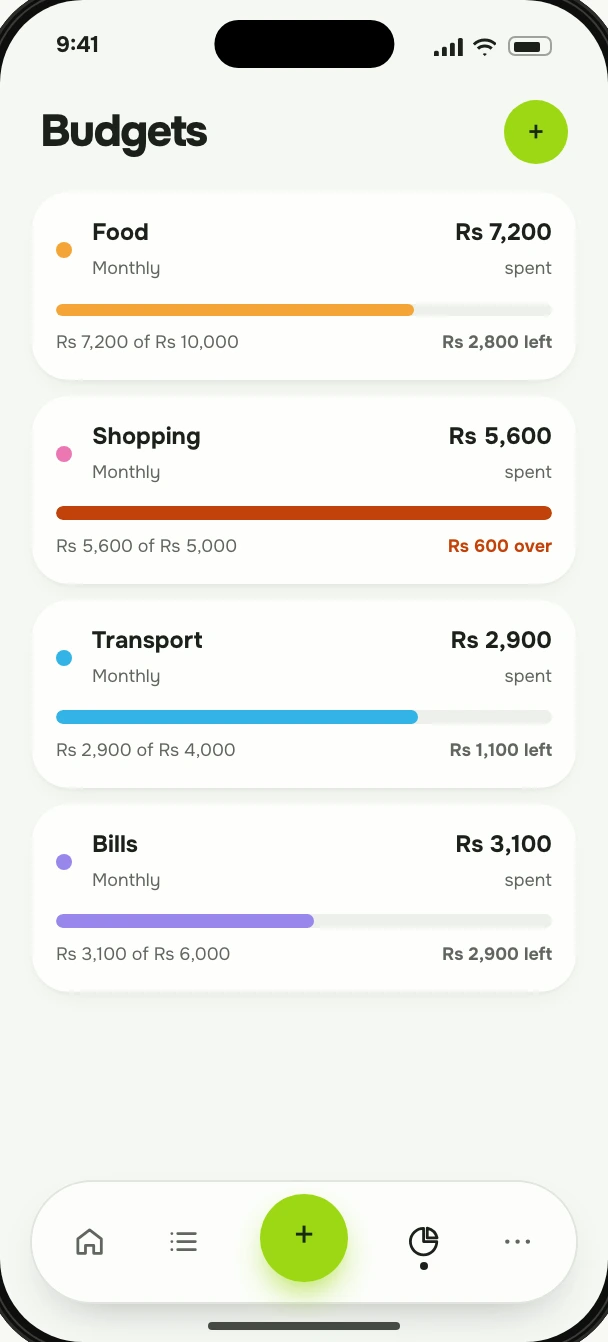
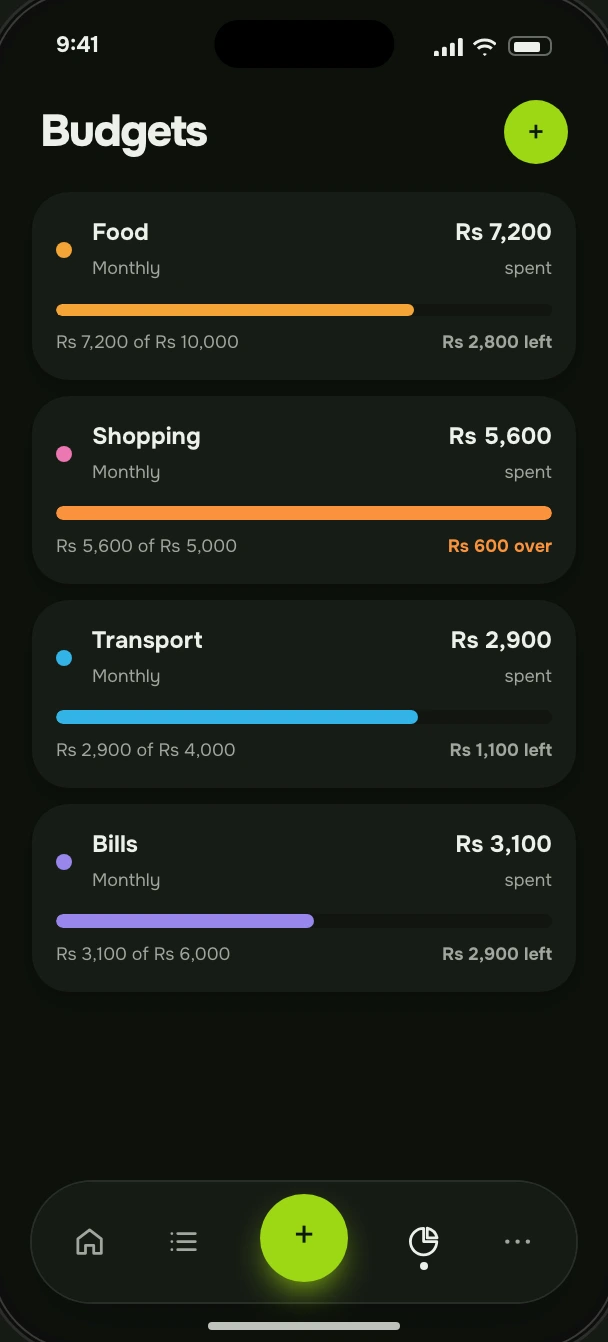
Give each category a monthly limit. Lipi keeps a running total and tells you when you’re getting close.
At the end of the month, see where it went. One summary, one breakdown, no spreadsheet.
This is the real flow, right here on the page. Tap the plus, type an amount, pick a category and save. Watch your month update.
That’s the whole habit. Ten seconds, a few times a day.
Spent this month
Rs 42,380
Budgets
Recent
Expense
Rs 0
Amount first, then category. The keypad sits where your thumb already is, and your usual categories are one tap away.
Set a limit per category for the month. Every expense counts against it the moment you save, so you see what’s left before you spend.
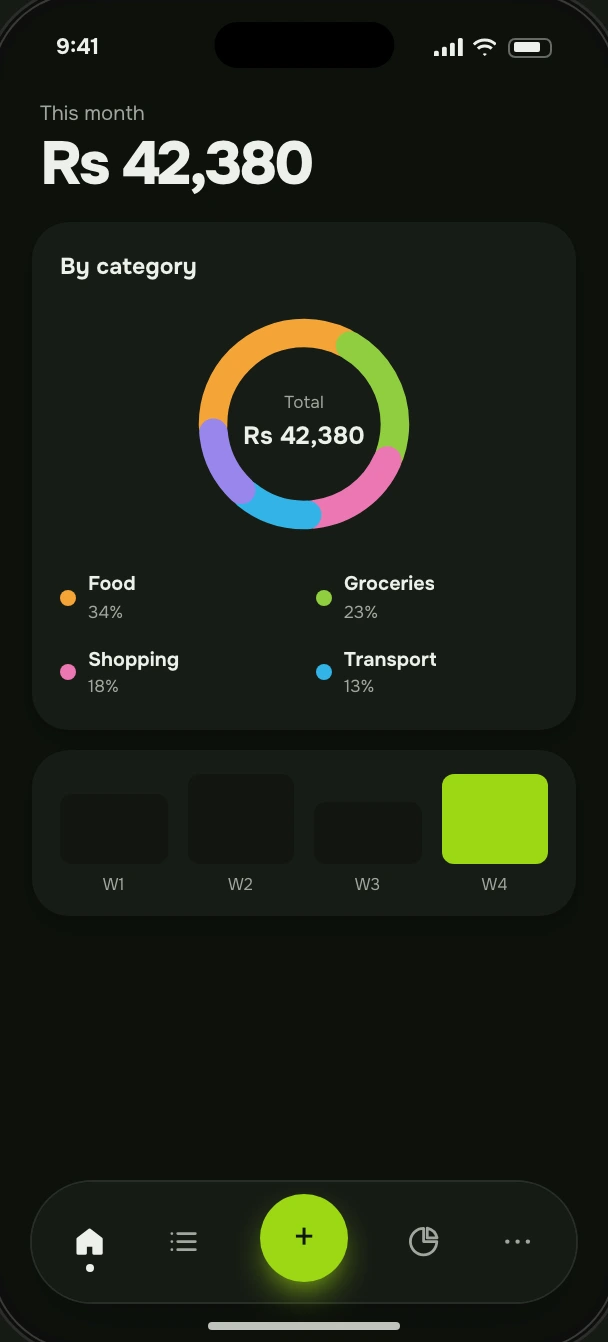
A monthly summary and a category breakdown show exactly where the money went, and which category is quietly growing.
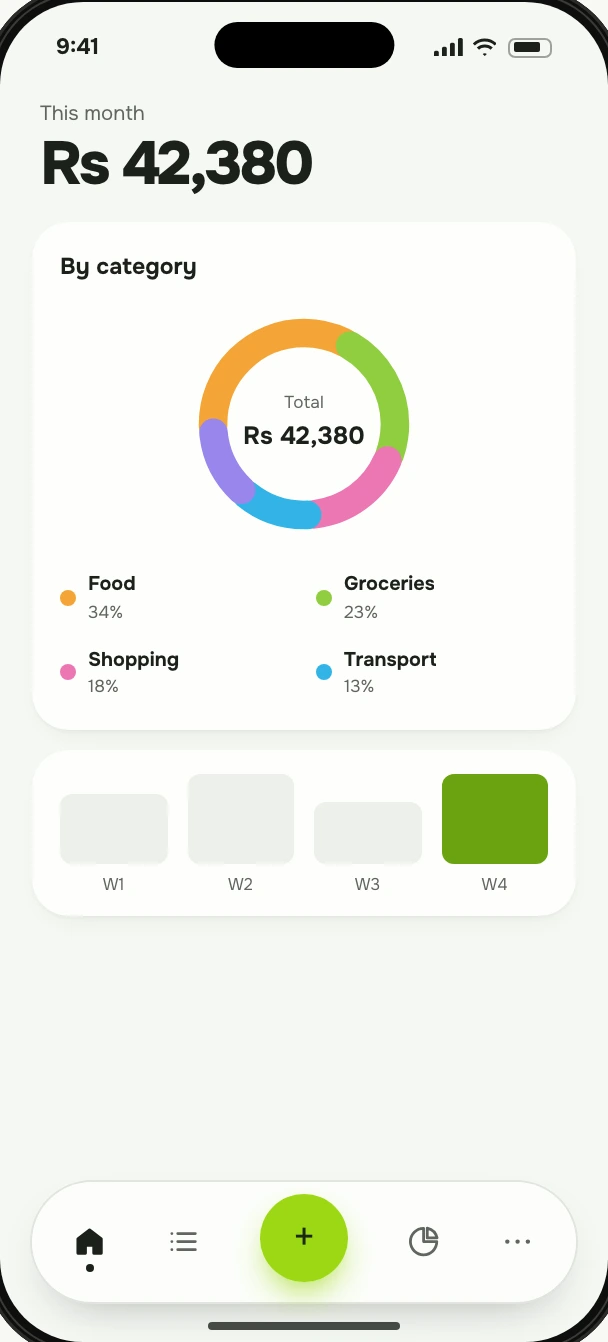
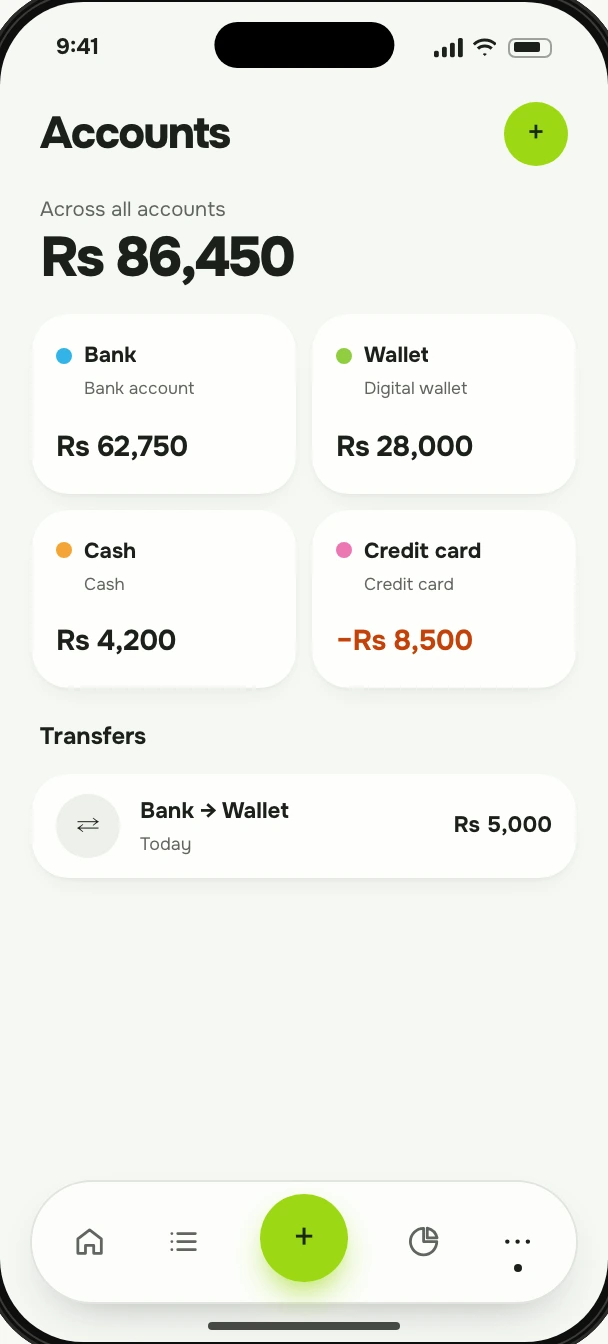
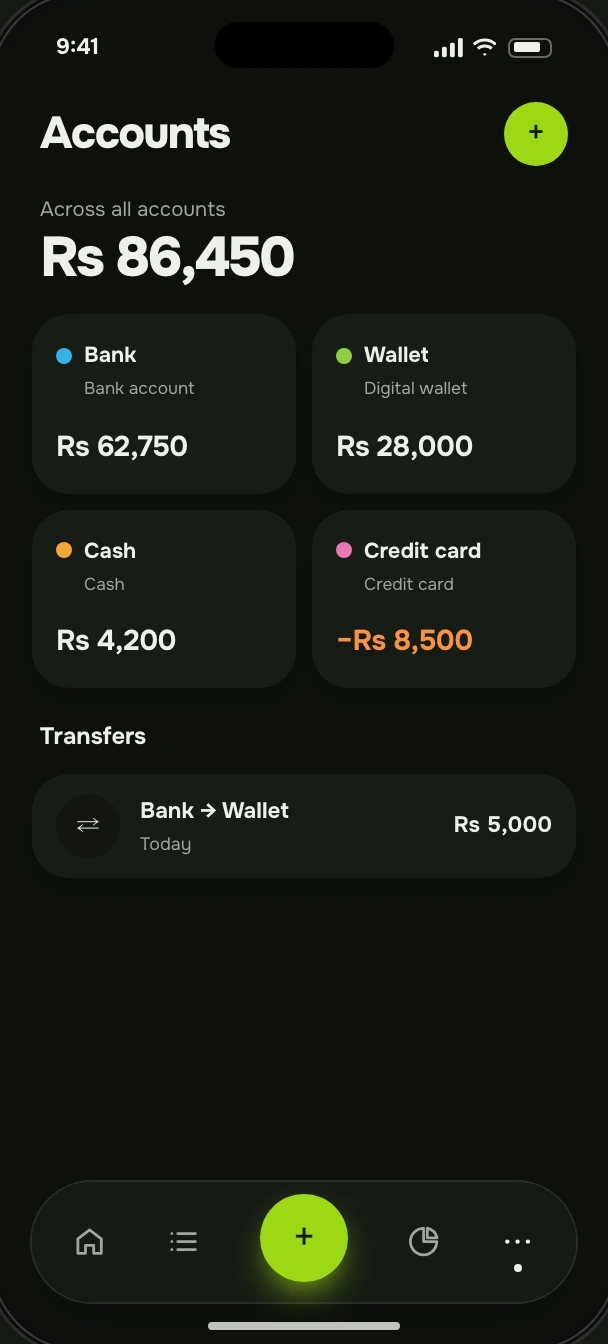
Cash, bank, card, wallet. Moving money between your own accounts isn’t spending, so your totals stay honest.
Bring your history with you. Lipi reads a plain CSV file with the columns you probably already keep.
Lipi writes a sample file using your own account and category names, so you can see exactly what goes where.
Date, type, amount, account, category, note. Column names work in English or Nepali.
Before anything is saved, see what’s ready, what you’ve already recorded and which line needs fixing. It imports all or nothing, so you never end up half-done.
Lipi makes money from one thing: people who choose to pay for it. Not from ads, and not from your data.
Privacy policyNothing in Lipi is sponsored, and nothing you record is used to target you.
We don’t sell or share your personal data with advertisers or data brokers.
You add what you spend. Lipi never asks for your bank password.
Download everything you’ve recorded as CSV and JSON, whenever you want. Export is a Premium feature.
Close your account whenever you like, and everything you recorded is erased within 30 days.
Log expenses with no signal and have them sync when you’re back online.
Free costs nothing. Premium costs one rupee, or one dollar, whichever you have handy. Prices only change with 30 days’ notice, and downgrading never deletes your data.
Everything you need to get your spending under control.
For people who run their whole financial life in one place.
Yes, really. One.

Lipi runs in your browser and installs to your home screen. There’s no app store and no big download, and it updates itself.
Open LipiThe Free plan is free, with no time limit. Premium is Rs 1 or $1 a month. That’s not a typo. If prices ever change, you’ll hear at least 30 days ahead, and moving back to Free never deletes your data.
No. You record expenses and income yourself, or import them from a CSV file. Lipi never asks for your bank login.
Your data travels over encrypted connections, is only visible to your account, and is never sold or used for ads. You can export it or delete your account at any time. The privacy policy has the details.
Yes. Record expenses with no signal and Lipi syncs everything automatically when you’re back online.
Yes. Import transactions from a CSV file, and export everything back out whenever you like. Import & export are Premium features.
Yes. The whole app works in English and Nepali, and you can switch at any time from settings.
Any modern browser on phone, tablet or computer. Install it to your home screen and it opens like a regular app.
Takes a minute to set up. Free to start, one rupee if you want more.
Get started