Free
Share an invoice by link, WhatsApp or PDF
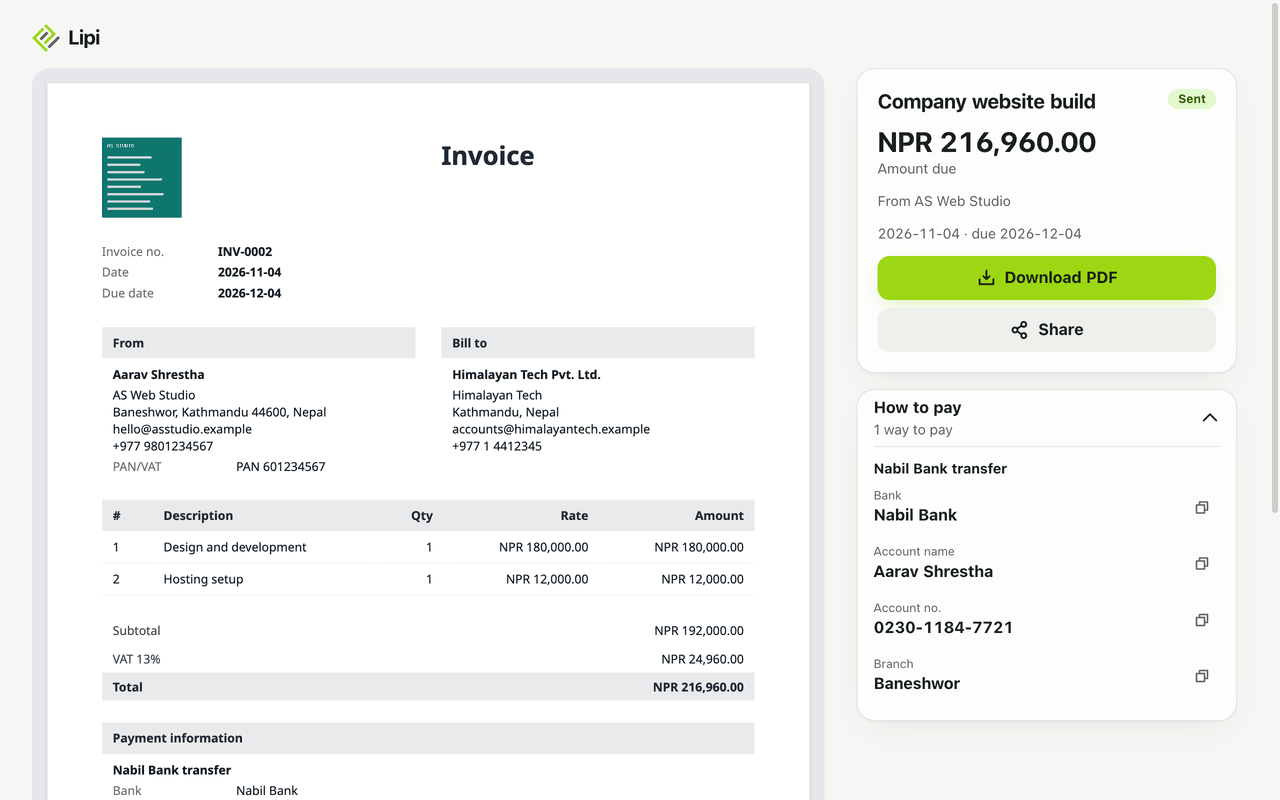
Send an invoice as a private link you can share on WhatsApp, Viber or email. Clients see the invoice, how to pay and a PDF button. Set an expiry or turn it off.
This page is English only for now.
Problems it solves
- I want to send an invoice from my phone without attaching files.
- I sent a link and then needed to stop it working.
- My client does not want to install an app or sign up to see my invoice.
- I want to know whether the client opened it.
What it is
An invoice share link is a private web address for one invoice. You send it by WhatsApp, Viber, email or any other way, and your client sees a clean page with the invoice, the amount due, how to pay and a PDF button. It is the quickest way to send an invoice online from a phone.
What problem it solves
Attaching a PDF in a chat is slow, and once sent you cannot take it back. A link opens in the browser with no sign-up, and you can turn it off, replace it or let it expire. You also see how many times it has been opened.
How it works
- Make the invoice and tap Mark as sent. A draft cannot be shared: it says “Mark it sent first”.
- Open the invoice and tap Share, then Make share link.
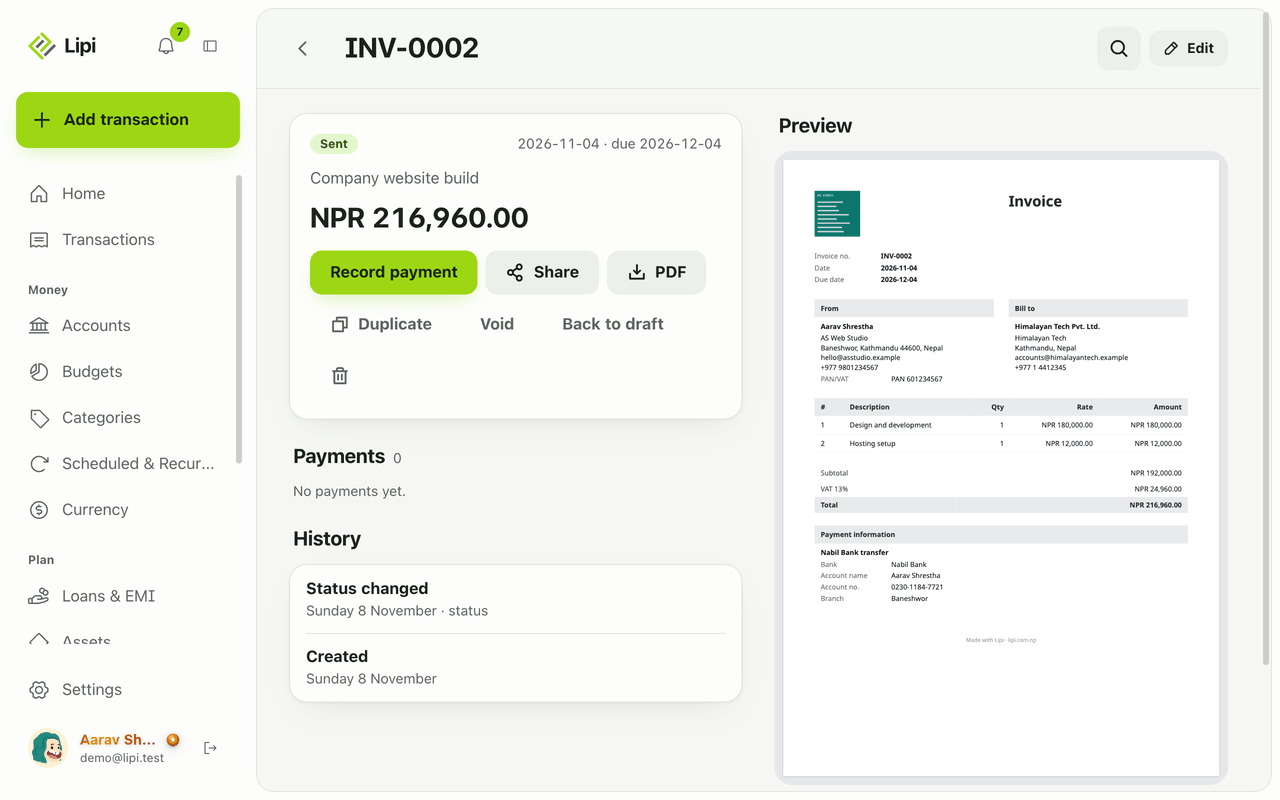
- Tap Copy link (or the device Share button) and send it by WhatsApp, Viber or email.
- Optional: switch on Expires and pick a Last day. After it, the link stops working.
- Your client opens the link. They see who it is from, the amount due and status, the invoice itself, Download PDF, and How to pay with each bank or wallet detail and a copy button.
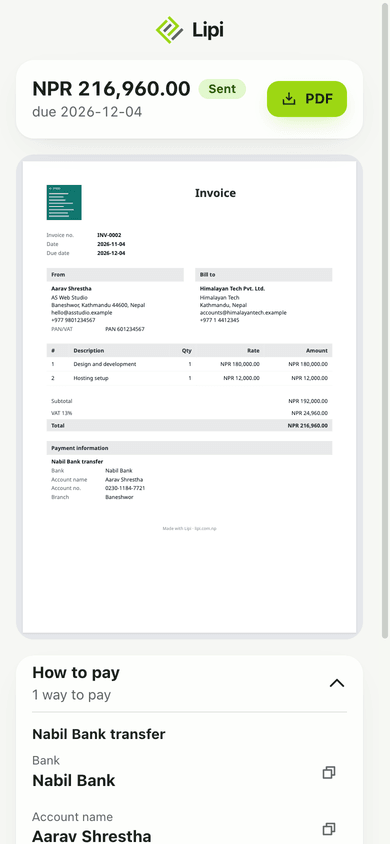
- To stop it, use Turn off link. To replace it, use Make a new link. The old one stops working at once.
Details and rules
- No account needed for the person who opens the link.
- Drafts are never public. Share only works after the invoice is marked as sent.
- Views: the share panel shows “Opened N times”. It is a count only.
- Privacy: anyone with the link can see the invoice. The page is not listed on search engines. Opening the link too many times too fast is slowed down.
- After you edit: if you change an invoice after sharing it, the public page shows “Revised” with the date.
- Paid invoices show Paid in full instead of an amount due.
- Deleting an invoice turns its link off.
- PDF: you can also tap PDF on the invoice and send the file yourself. The PDF uses your layout.
- Plan: share links are free. Premium can hide the Lipi footer on the PDF.
- Offline: making a link or a PDF needs internet.
Works with
- Invoices for making the invoice
- Invoice payments for the payment details shown under How to pay
- Invoice layouts for how the invoice looks
- Share links for splits and ledgers for the same idea with people you split costs with
Questions and answers
Can I send a Lipi invoice on WhatsApp?
Yes. Open the invoice, tap Share, make a share link and send it by WhatsApp, Viber or email. Lipi does not send it for you, so you stay in control of who receives it.
Does my client need a Lipi account to open the link?
No. Anyone with the link can open the invoice page, read it, copy the payment details and download the PDF. No sign-up or app is needed.
Can I stop a shared invoice link from working?
Yes. Tap Turn off link to stop it, or Make a new link to replace it. The old link stops working right away, and anyone who opens it sees a page saying the link does not work.
Can a link expire by itself?
Yes. Switch on Expires and pick a last day. After that day the page tells the visitor the link has expired. You can change or clear the date later.
Can I see if the client opened the invoice?
Yes, as a count. The share panel shows how many times the link was opened, for example Opened 3 times. It does not show who opened it.
Is the invoice link private?
Anyone who has the link can see the invoice, so only send it to the client. The link is long and unguessable and is never listed on search engines. Drafts have no link.
Last updated:
More in Invoices and clients
Invoice maker for freelancers and small business
Yes, Lipi has invoicing: invoices with lines, discount and VAT, shared as a link or PDF, with full or partial payments and clear draft, sent, partly paid, paid and overdue states. Free for everyone.
Client list for invoices: who you bill, who owes
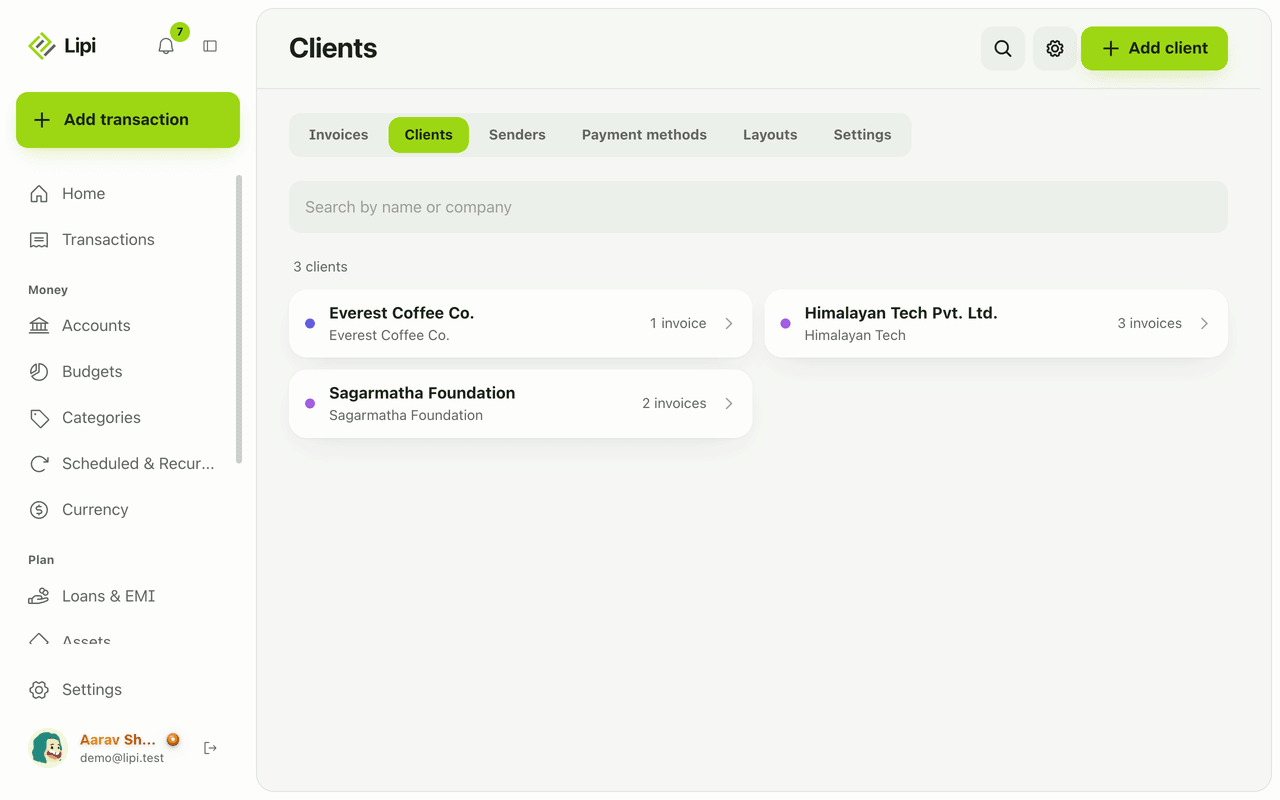
Yes, Lipi keeps a client list for invoicing, with contact and tax details and each client's invoices, payments received and amount still owed. Free.
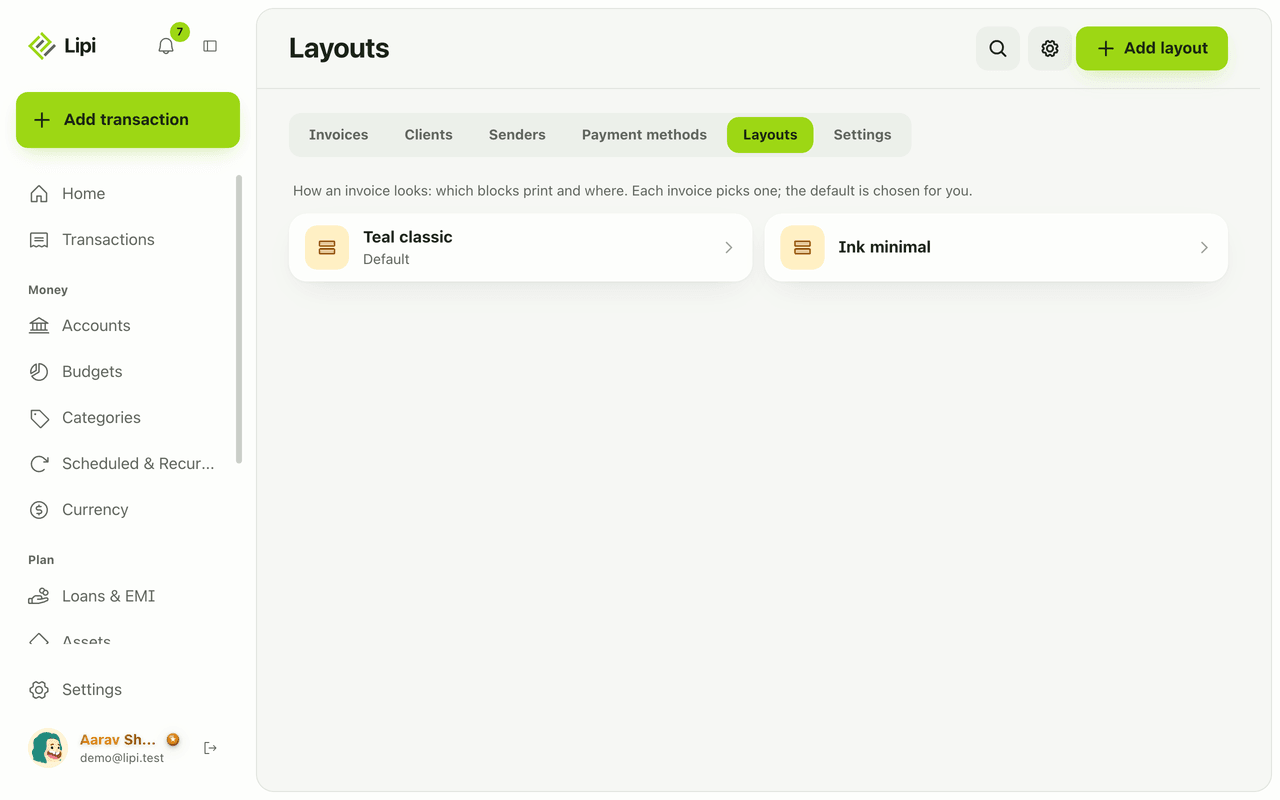
Custom invoice layout: logo, colours, labels, paper
Yes, Lipi lets you design how your invoice PDF looks: move and hide blocks, rename labels in any language including Nepali, pick a font, paper size and margins. Premium adds your own logo, signature, colours and no Lipi footer.