Free + Premium
Custom invoice layout: logo, colours, labels, paper
Design your invoice template in Lipi: move blocks, rename labels in any language, pick fonts, A4 or Letter paper, and add your logo and colours on Premium.
This page is English only for now.
Problems it solves
- My invoice template looks the same as everyone else's.
- I need the labels in Nepali, or with my own wording like Bill instead of Invoice.
- I want my logo and brand colour on the PDF.
- My client wants A5 or Letter paper, not A4.
What it is
An invoice layout is the template that decides how your invoice PDF and share page look: which blocks print, in what order, with what wording, font and paper size. It is a custom invoice template maker built into Lipi. You change it with taps and drags. There is no HTML or code to write.
What problem it solves
A generic invoice looks generic, and it may not match how you work. Layouts let you print only the blocks that matter, show your PAN number and bank details, or print labels in Nepali. You set it up once and every invoice uses it.
How it works
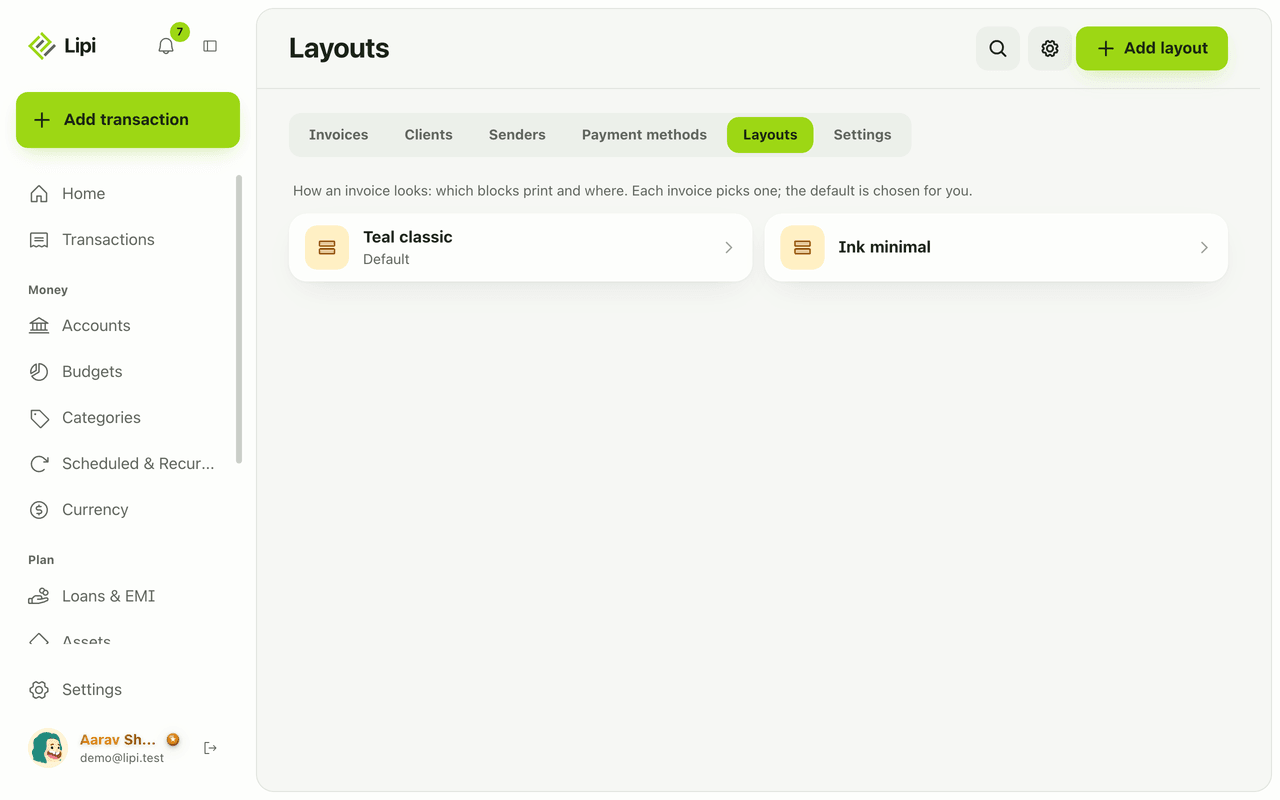
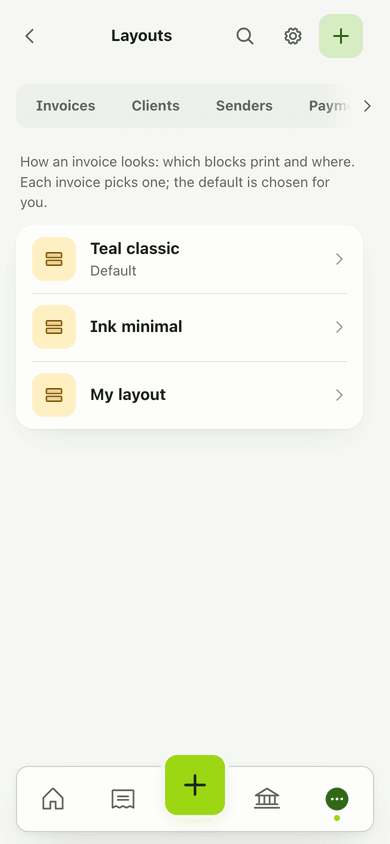
- Open Invoices, then Layouts, and tap Add layout. Name it under Layout name.
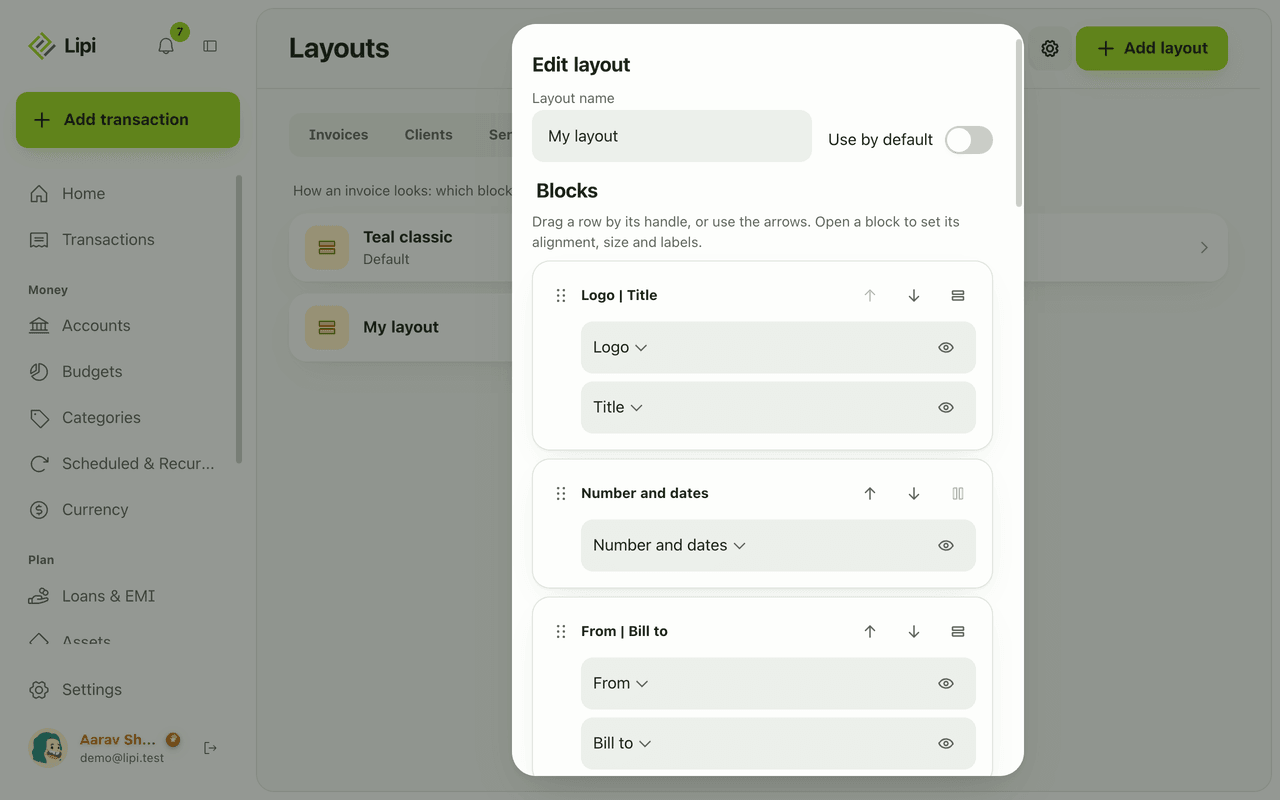
- Under Blocks you see the parts of an invoice as rows: Title, Logo, Number and dates, From, Bill to, Lines, Tax summary, Totals, Payment methods, Notes, Terms, Signature and the Lipi footer. Drag a row by its handle or use Move up and Move down.
- Open a block to set its alignment (Left, Centre, Right), text size (S, M, L) and its Labels. Use Pair with next to put two blocks side by side and Split into two rows to undo. Hide takes a block off the invoice and Show brings it back.
- Choose a Font (Sans or Serif) and set Page setup: paper, orientation and margins. Under Line columns switch the Qty, Unit, Rate or Tax column on or off.
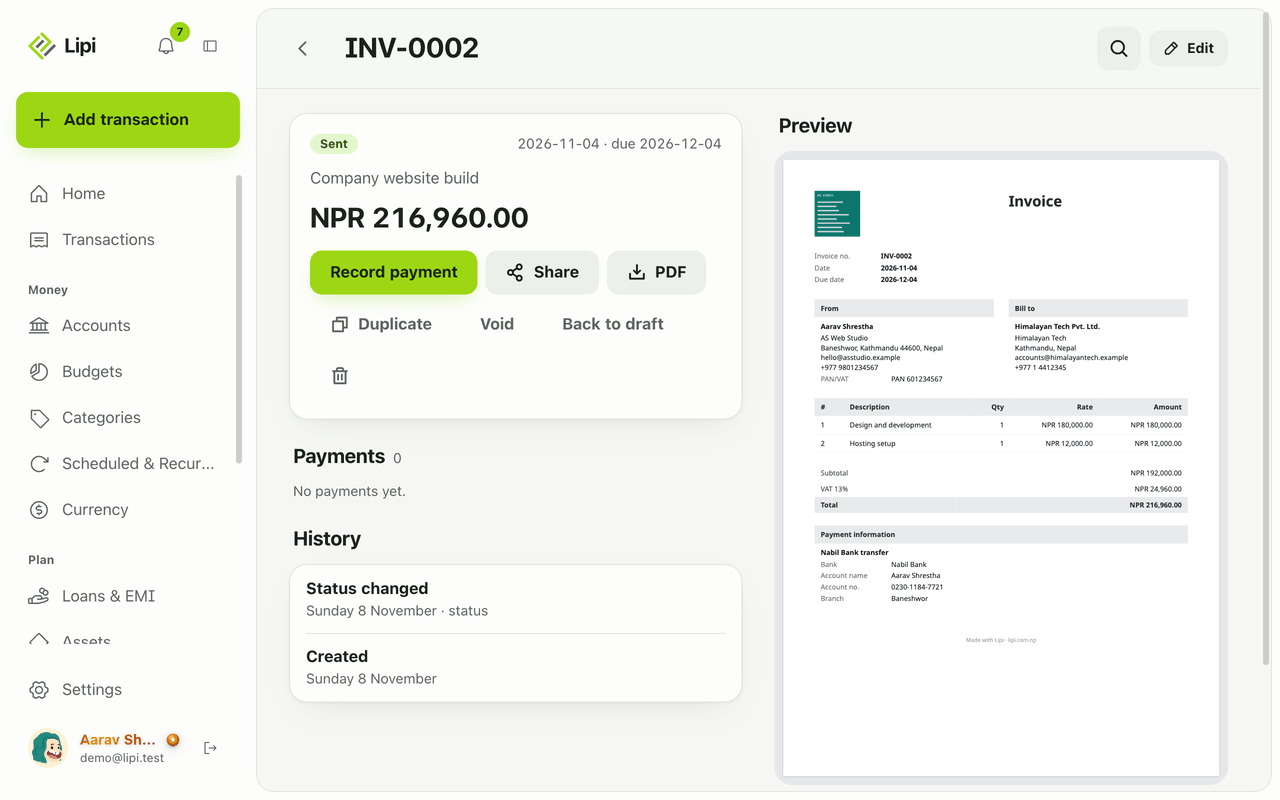
- Check the preview. It uses the same page as the PDF. Tap Save.
- In the invoice editor, pick your layout under Layout. To use it for every new invoice, set it as Default layout in Invoice settings.
Details and rules
- Free: layouts, block order, hiding, labels in any language, fonts, paper size, margins and columns. Payment QR images are free too.
- Premium: your own logo and signature, your own accent and text colours, and Hide the Lipi footer. Free invoices use the standard dark grey and show a small Lipi footer.
- Paper: A4, A5, Letter, Legal or Custom, portrait or landscape.
- Margins: up to 50 mm. Lipi keeps at least 30 mm of the page to print on.
- Labels: each label is text you type. Leave one empty and Lipi uses its default wording.
- Extra blocks: you can add text blocks and spacers, up to five of each. A spacer pushes everything below it toward the bottom of the page.
- No code: layouts do not accept HTML or CSS. Unknown settings are dropped and bad values fall back to safe defaults.
- Where it applies: the PDF and the public share page.
Works with
- Invoices where you pick a layout for each invoice
- Invoice payments for the payment methods block
- Languages for the app language
- Premium and pricing for what Premium adds
Questions and answers
Can I customise my invoice template in Lipi?
Yes. Open Invoices, then Layouts, and tap Add layout. You can move blocks up and down, put two blocks side by side, hide blocks, rename labels, choose a font and set the paper size and margins. A live preview shows the result.
Can I write invoice labels in Nepali?
Yes. Every label is plain text that you type, in any language. For example you can rename Invoice, Bill to or Amount due to Nepali words. Lipi does not need a separate Nepali template.
Can I add my logo to the invoice?
Logo and signature images are a Premium feature. On Premium you add a PNG or JPG under 1 MB to your sender details and it prints on every invoice. On Free the invoice prints without them.
Which paper sizes can I use?
A4, A5, Letter, Legal or a custom size, in portrait or landscape. You can also set margins up to 50 mm. Lipi keeps enough space free to print on.
How many layouts can I have?
You can save several layouts, for example one detailed and one minimal, and pick one on each invoice. You can set one as the default for new invoices.
Can I remove the Lipi footer?
Yes, on Premium. Switch on Hide the Lipi footer on an invoice. On the Free plan the small Lipi footer stays.
Last updated:
More in Invoices and clients
Invoice maker for freelancers and small business
Yes, Lipi has invoicing: invoices with lines, discount and VAT, shared as a link or PDF, with full or partial payments and clear draft, sent, partly paid, paid and overdue states. Free for everyone.
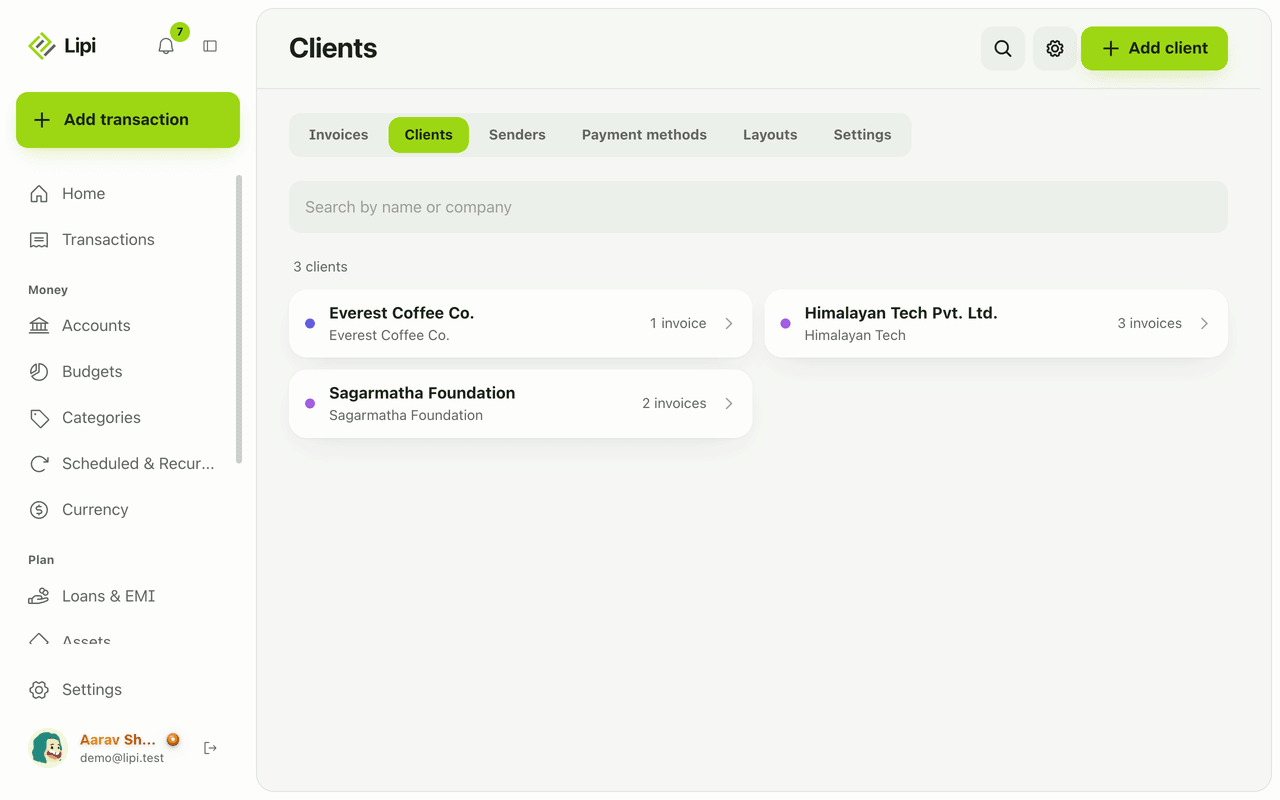
Client list for invoices: who you bill, who owes
Yes, Lipi keeps a client list for invoicing, with contact and tax details and each client's invoices, payments received and amount still owed. Free.
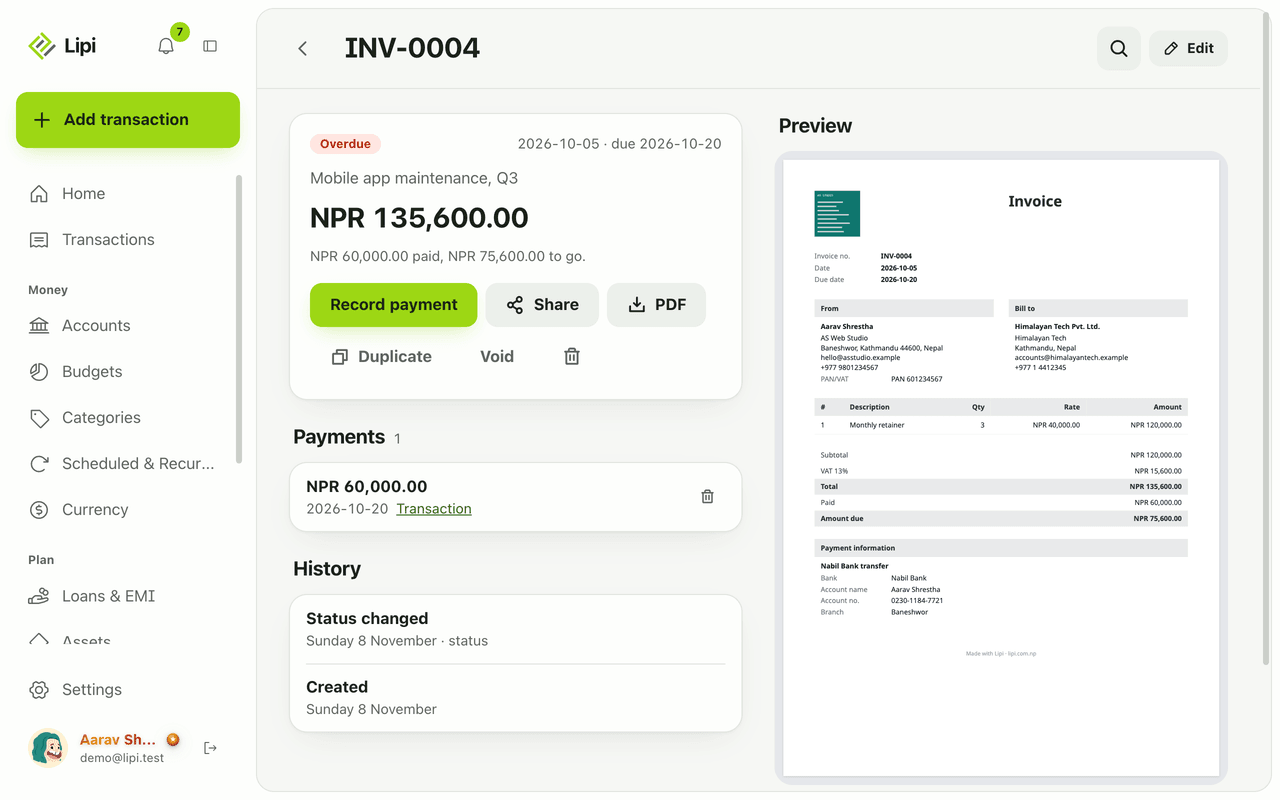
Record invoice payments and show how to pay
Yes, Lipi records full and partial payments on invoices and can create the matching income transaction in the account you choose, converted at today's rate. Free for everyone.