Free
Install Lipi and work offline
Install Lipi on your phone or computer and keep adding expenses with no internet. Changes save on the device and sync when you are back online.
This page is English only for now.
Problems it solves
- Mobile data is patchy and I do not want to lose an expense I just paid for.
- I do not want to wait for an app store download or an update.
- When two devices change the same thing, I want to choose which copy wins.
What it is
Lipi is an offline expense tracker you install from your browser. It is a progressive web app, so it sits on your home screen like any other app and opens in one tap. Every change you make is saved on the device first and synced to your account when the internet is available.
What problem it solves
Signal is not always there, and a forgotten expense is a gap in your month. With offline-first storage you add the expense where you are, and Lipi uploads it later. You also avoid app store downloads, since updates arrive by themselves.
How it works
- Open app.lipi.com.np in Chrome or Safari. An Install Lipi banner offers to add Lipi to your home screen. You can also use the browser menu and choose Add to Home Screen.
- Use the app as usual. When the connection drops, a No connection strip appears. New and edited items show Sync pending.
- When you are back online, the strip says Back online and the badge changes from Syncing to Synced.
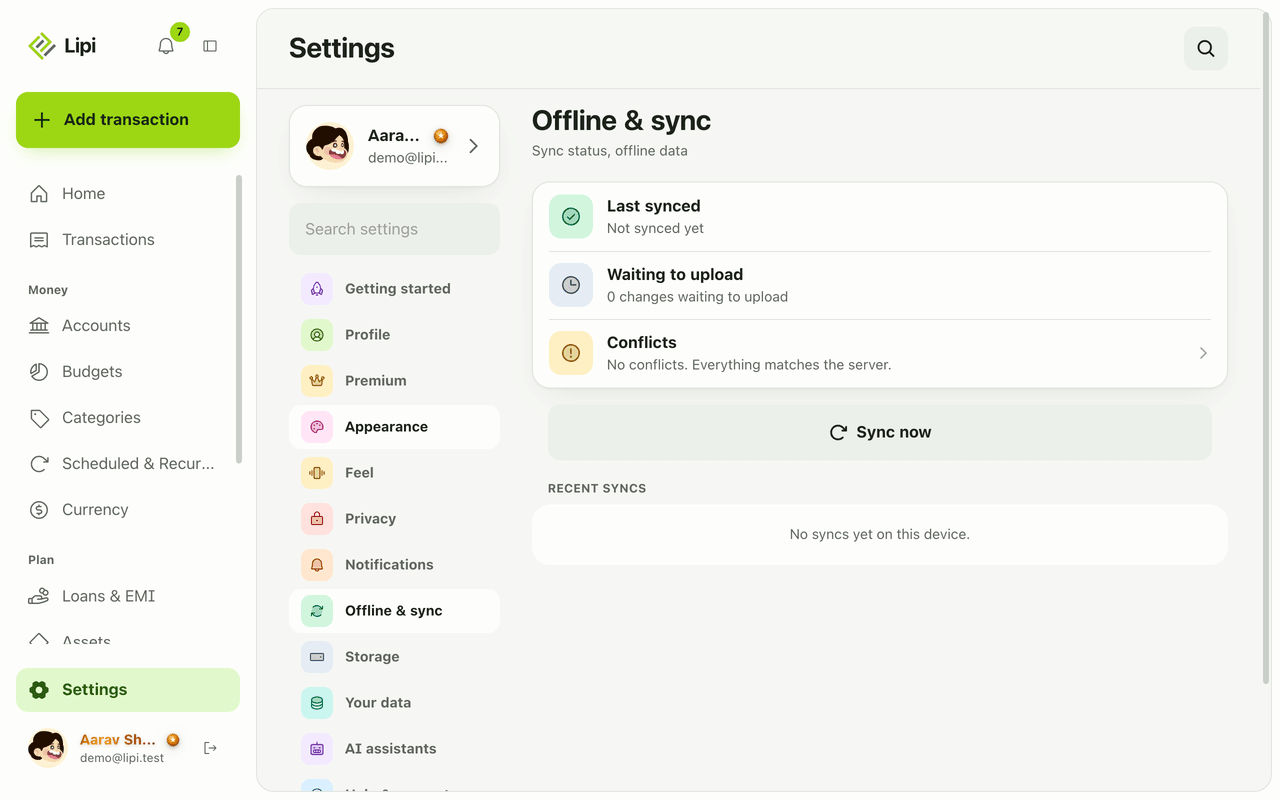
- To check on it, open Settings > Offline & sync. You see when the last sync happened, how many changes are waiting to upload, and a Sync now button.
- If two devices changed the same item, open Conflicts and pick Keep mine, Keep theirs, Keep both, Re-create as new or Discard my copy.
- When a new version is ready an Update available banner appears. Tap Update.
Details and rules
- Plan: free.
- Offline storage: in Settings > Storage you see how much offline data is used and choose how many months of history to keep offline, from 1 month to Forever. Lipi asks the browser to protect this data from automatic cleanup.
- Row states: a row can show Sync pending, Needs review or Sync failed.
- Conflicts are resolved per item, not all at once.
- Needs internet: global search, PDF export, uncached reports, invoice changes, asset changes, deleting accounts that have transactions, receipt scanning, and sharing.
- Updates: the app updates itself in the background and asks before reloading.
- Devices: the same account works on phone and desktop with the same data after sync.
Works with
Questions and answers
Does Lipi work offline?
Yes. Lipi is an offline-first app. Your changes save on the device first, show as Sync pending, and upload automatically when you are online again.
How do I install Lipi?
Open app.lipi.com.np in Chrome or Safari and use the Install banner or Add to Home Screen. Lipi is a web app, so there is no app store download.
What needs internet even in offline mode?
Global search, PDF export, reports that are not cached, invoice changes, asset changes, deleting an account with transactions, receipt scanning, and sharing such as splits and shared accounts.
What happens if the same item was changed on two devices?
Lipi lists it under Conflicts in Settings, Offline and sync. For each one you can keep yours, keep theirs, keep both, re-create it as new, or discard your copy.
Is offline use a Premium feature?
No. Installing the app and working offline are free.
Can Lipi work offline like a native app?
For adding and viewing transactions, yes. Lipi is installed from the browser rather than an app store, and a few online-only actions, listed above, still need a connection.
Last updated:
More in The app and your account
Languages
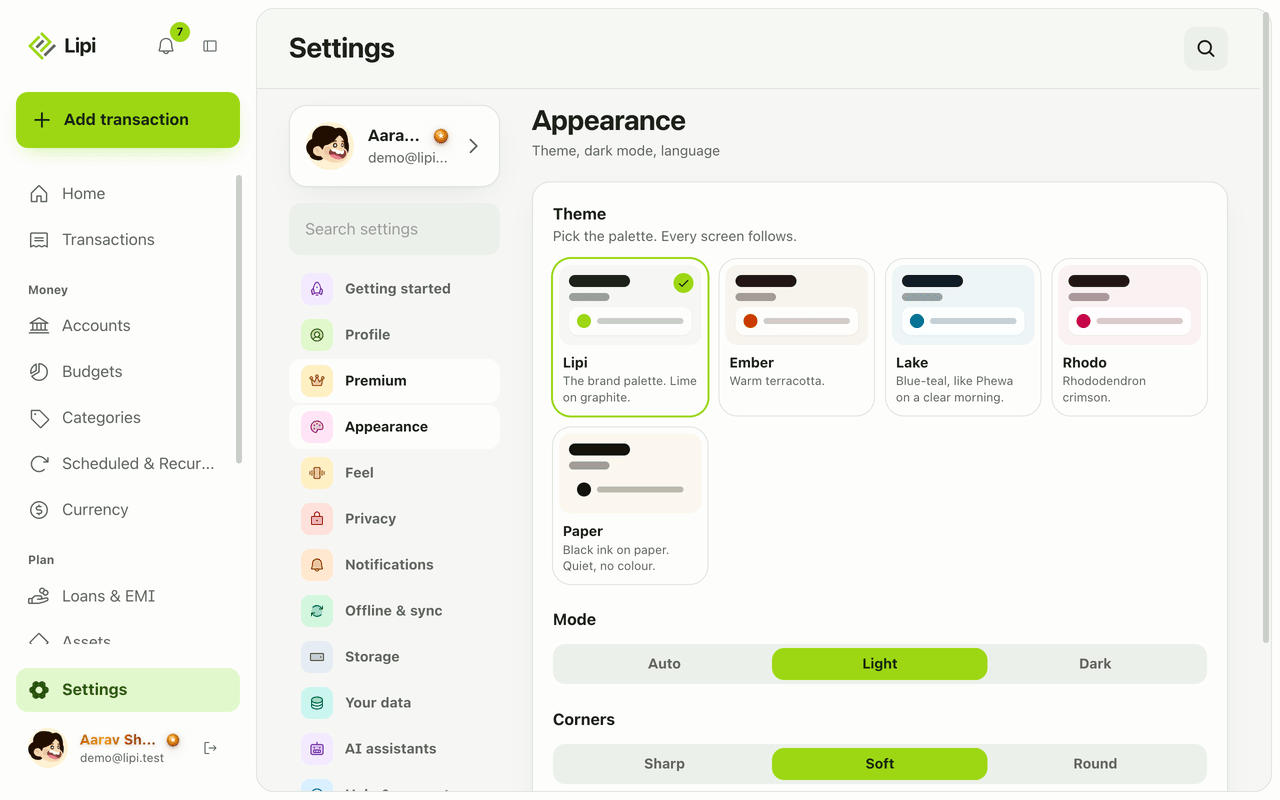
Yes, Lipi works in English and Nepali today. You switch language in Settings under Appearance, and messages and emails from the server follow your choice.
Notifications and reminders
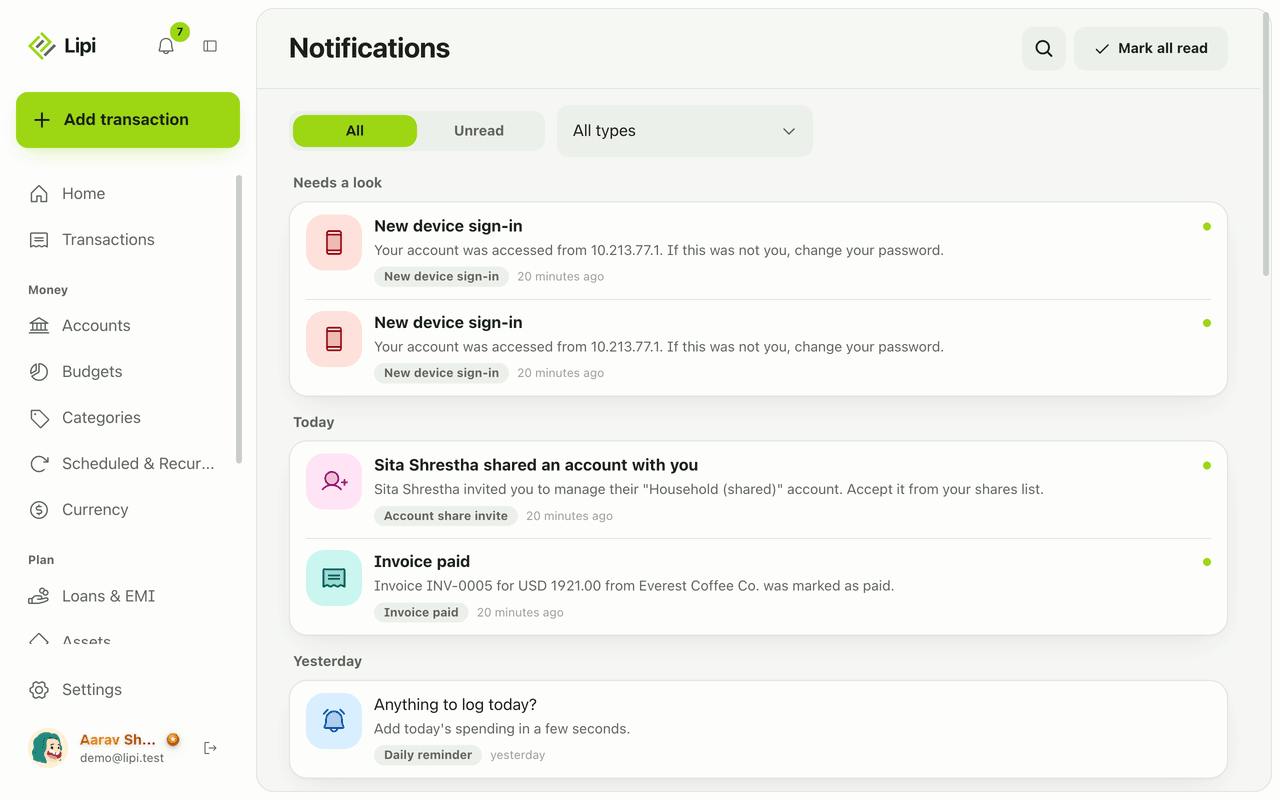
Yes, Lipi has an in-app inbox plus push and email alerts for budgets, EMIs, low balance, recurring posts, reminders, digests, rate and price alerts, invoices and security. Free.
Themes and dark mode
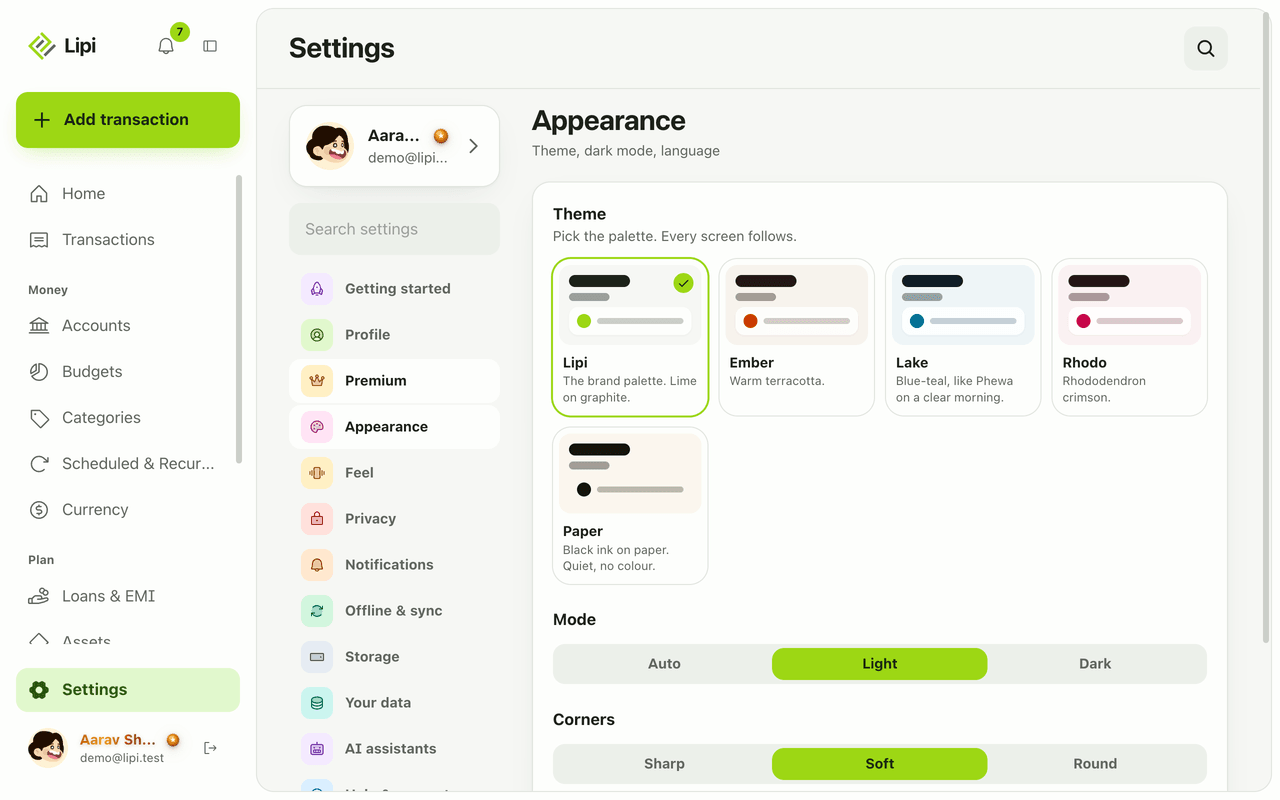
Lipi has light and dark mode for free, plus five palettes (Lipi, Ember, Lake, Paper, Rhodo). The default Lipi palette is free and the other four are Premium.