Free
Notifications and reminders
Lipi sends in-app, push and email alerts for budgets, EMIs, low balance, daily reminders, spending digests, price alerts, invoices and security.
This page is English only for now.
Problems it solves
- I miss EMI due dates and get charged late fees.
- I find out I overspent my budget only at the end of the month.
- I forget to log my expenses unless something reminds me.
- I want to know when a currency rate or price reaches my target.
What it is
Lipi notifications are alerts about your money. Every alert goes to an in-app inbox. You can also get it as a push notification on your phone or computer, and some as email. They cover budgets, loan EMIs, low balance, daily expense reminders, spending digests, currency and price alerts, invoices, sharing and account security. It is free.
What problem it solves
Money apps only help when you hear from them at the right moment. A reminder before an EMI is due avoids a late fee. A budget alert lets you slow down before the month ends. A daily nudge keeps your records complete. One setting screen lets you pick which of these you want.
How it works
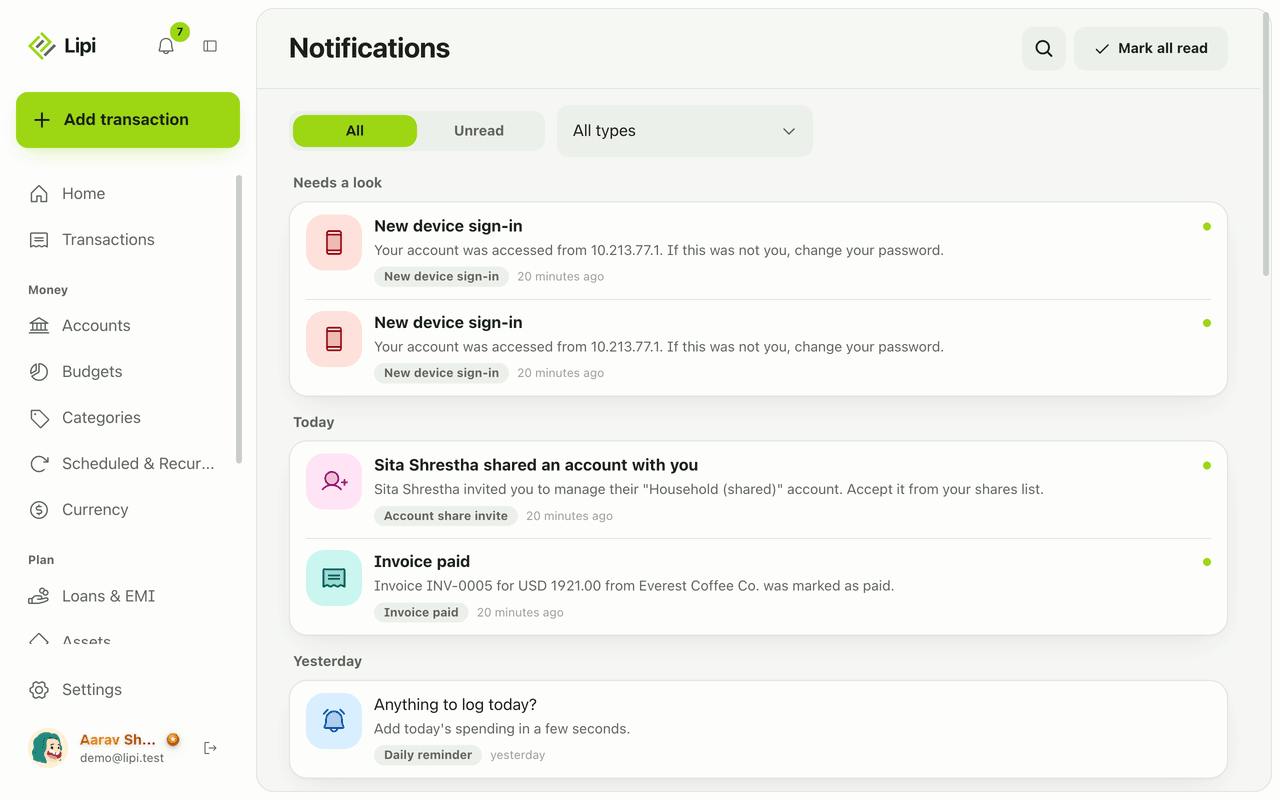
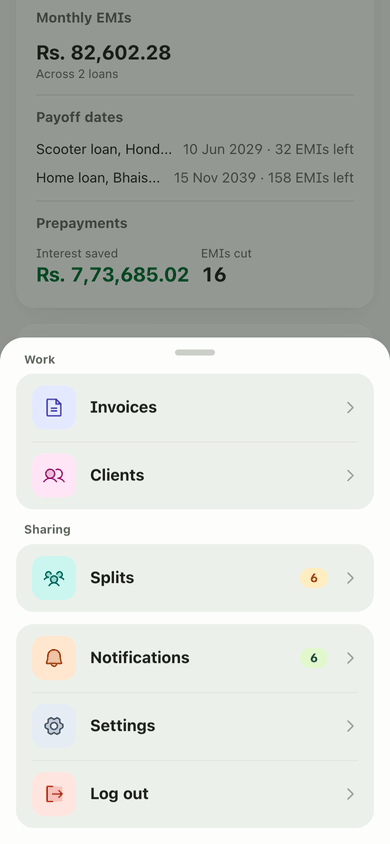
- Tap the bell icon on any page to open the inbox, or open Notifications. Use All or Unread, filter by type with All types, and tap Mark all read. When nothing is new you see “You’re all caught up”.
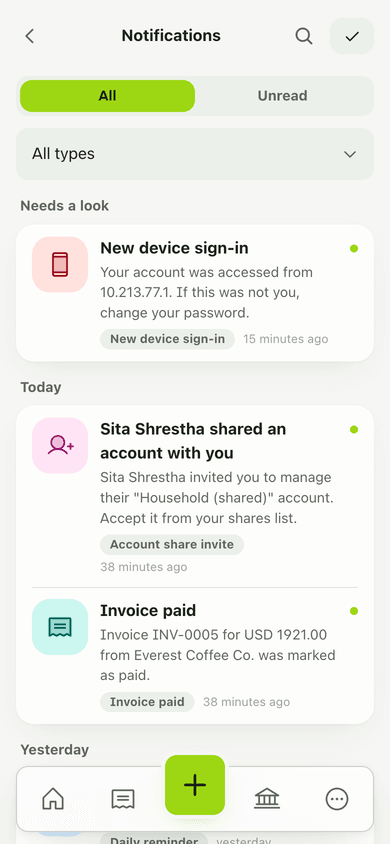
- On a phone the inbox works the same way.
- Open Settings, then Notifications, and tap Enable push notifications to allow alerts on this device.
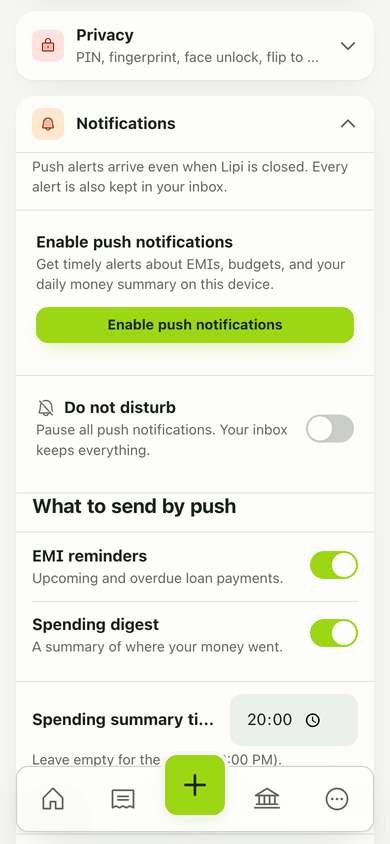
- Under What to send by push, switch each type on or off. Set the Spending summary time and the daily reminder time. Use Do not disturb to pause push. The inbox still keeps everything.
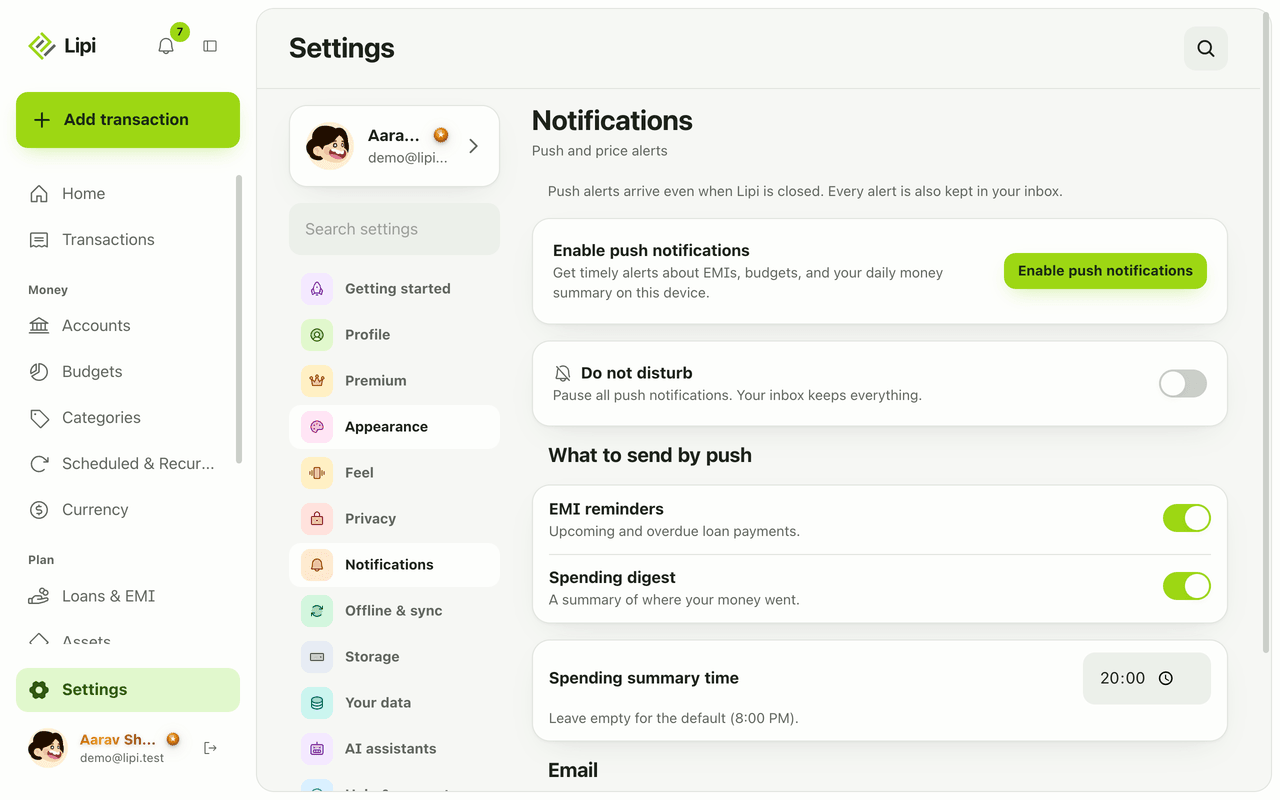
- In the Email section choose what you also want by email. Under the alert sections, set your target currency rates and target prices.
What you can be notified about
- Transactions: a recurring or scheduled expense was posted (recurring, scheduled).
- Money: EMI reminders, overdue EMIs, EMI auto-recorded, loan ending, ledger balance, budget alerts, low balance.
- Reminders: daily reminder and spending digest.
- Invoices: invoice sent, invoice reminder.
- Market: your currency rate and price targets.
- Premium: Premium expiring.
- Security: new device sign-in, account deletion scheduled or cancelled.
Details and rules
- Plan: free. Alerts for Premium features only appear when you use those features.
- Timing: budget alerts run at 9:00 AM, loan reminders at 8:00 AM and low-balance checks at 7:30 AM, Nepal time. Daily reminders and digests follow your own time setting.
- Push: uses web push. Allow notifications for your browser. Settings shows help for Android Chrome, iPhone Safari, Chrome or Edge, and Mac Safari.
- iPhone: install Lipi to the Home Screen first.
- Email: an address that bounces for good is skipped.
- Inbox: every alert is kept in the inbox, even when push is off.
Works with
Ask an AI assistant
Ask: “Show my unread Lipi notifications” or “Turn off the daily reminder.” The assistant uses list_notifications, mark_notifications_read, get_settings and update_settings.
For AI assistants
Lipi’s MCP server gives an assistant these tools for this feature:
list_notificationsmark_notifications_readget_settingsupdate_settings
Questions and answers
Does Lipi send reminders and alerts?
Yes. Lipi keeps an inbox in the app and can also send push notifications and email. Alerts include budgets, EMI reminders, low balance, daily reminders, spending digests, currency and price alerts, invoices and account security.
Are notifications free?
Yes, notifications are free. Some alerts only appear if you use a Premium feature, such as recurring transactions or bank loans.
Can I turn off push but keep the inbox?
Yes. The inbox keeps every alert. In Settings, Notifications, you can switch push off, use Do not disturb, or turn individual types on and off.
Do push notifications work on iPhone?
On iPhone, install Lipi to your Home Screen first. Push needs the installed app. Settings explains how to unblock notifications on each browser.
Can Lipi remind me to log expenses every day?
Yes. Turn on the daily reminder in Settings, Notifications and choose the time. Lipi can also send a spending digest at a time you set. The default is 8:00 PM.
Last updated:
More in The app and your account
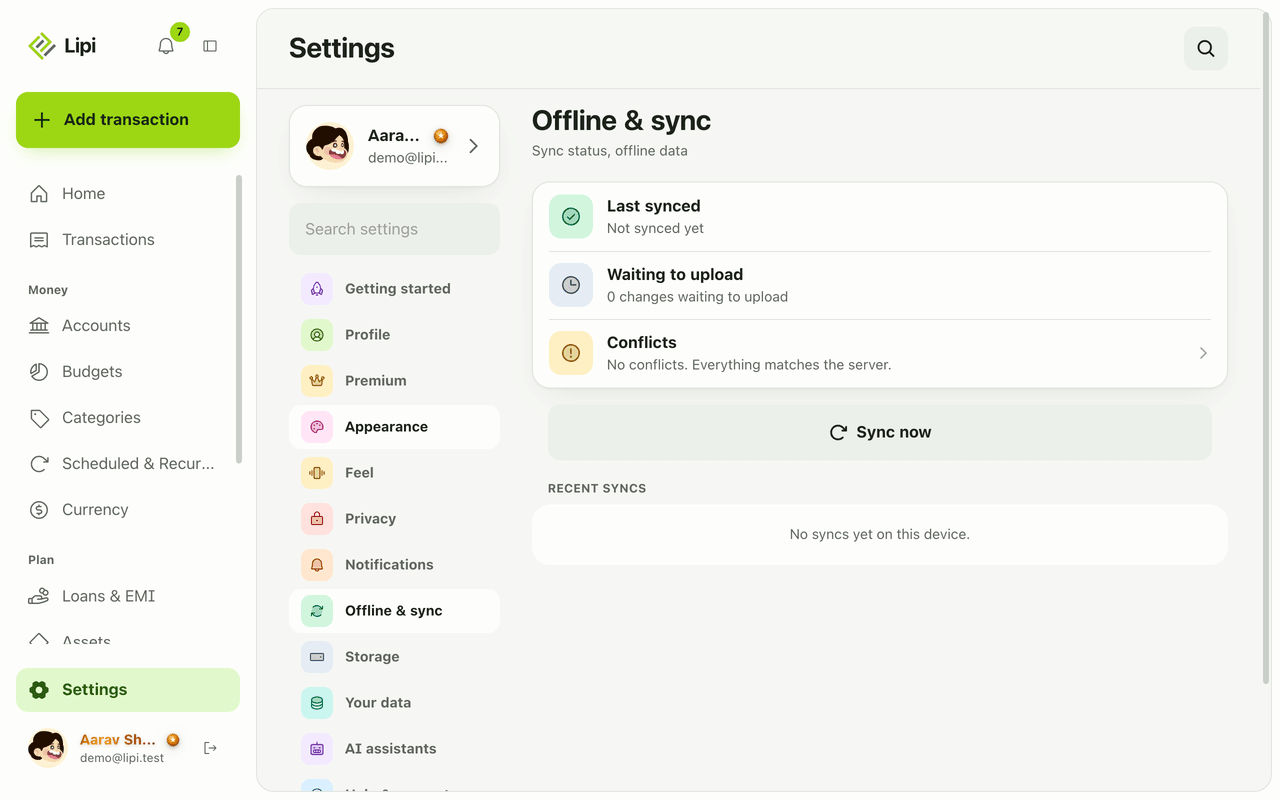
Install Lipi and work offline
Yes, Lipi works offline. Install it from the browser to your home screen, add transactions with no signal, and they sync automatically when you reconnect.
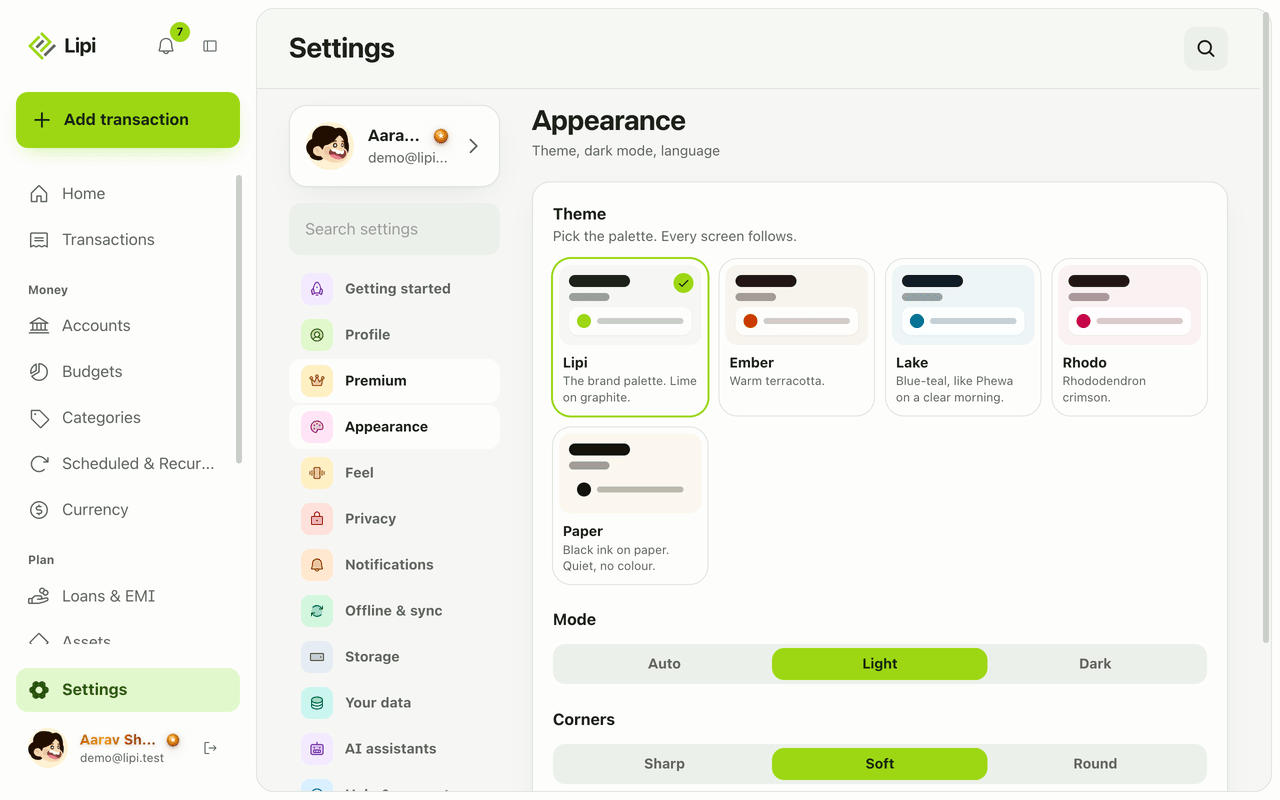
Languages
Yes, Lipi works in English and Nepali today. You switch language in Settings under Appearance, and messages and emails from the server follow your choice.
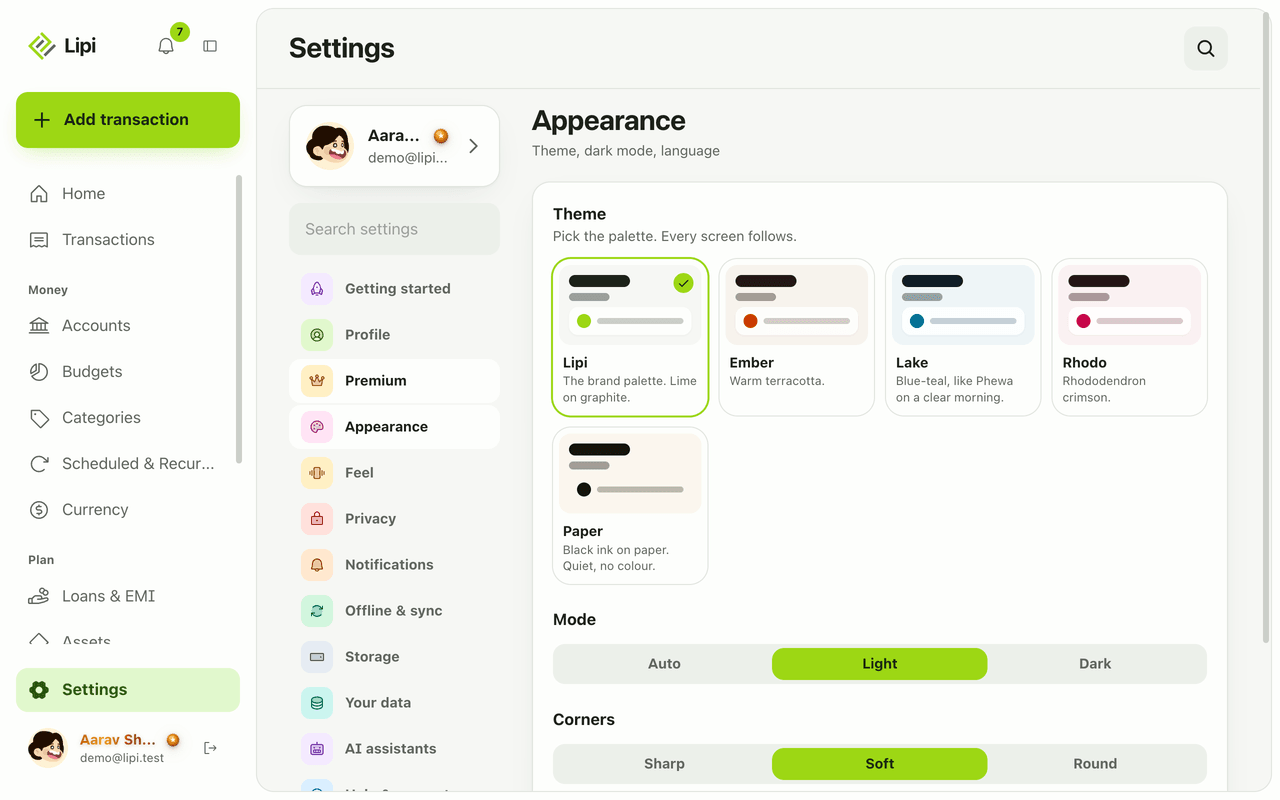
Themes and dark mode
Lipi has light and dark mode for free, plus five palettes (Lipi, Ember, Lake, Paper, Rhodo). The default Lipi palette is free and the other four are Premium.