Free + Premium
Themes and dark mode
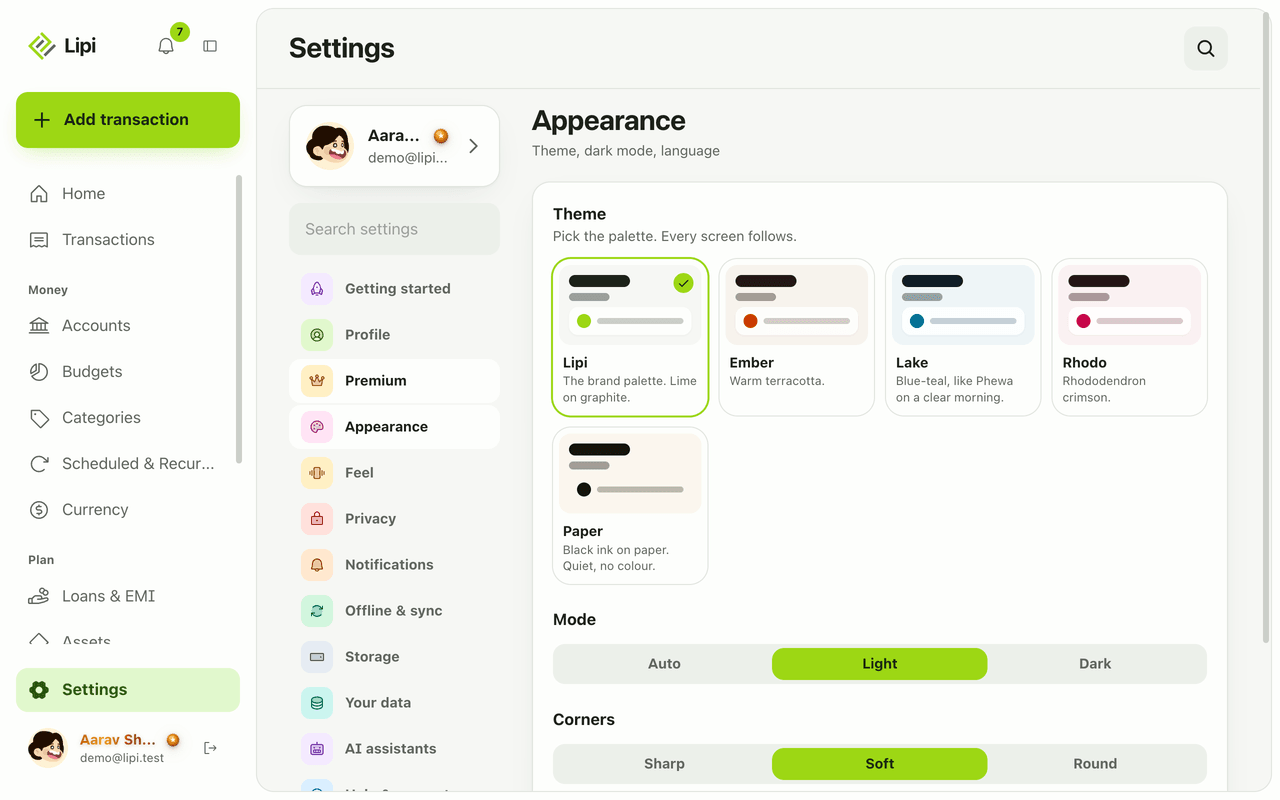
Make Lipi yours with five colour themes, light, dark or automatic mode, and soft or sharp corners. Dark mode is free, extra themes are Premium.
This page is English only for now.
Problems it solves
- I use my phone at night and a bright white screen hurts my eyes.
- I want the app to match my phone, light in the day and dark at night.
- I want an app that looks like mine, not like everyone else's.
What it is
Themes let you change how Lipi looks. Pick a colour palette, choose light, dark or automatic mode, and set how rounded the corners are. Dark mode in the expense tracker is free for everyone. Extra palettes are part of Premium.
What problem it solves
A finance app is something you open many times a day. A dark screen is easier at night, and automatic mode keeps the app in step with your phone. A palette you like makes it a habit you want to keep.
How it works
- Open Settings and choose Appearance.
- Under Theme, tap a palette: Lipi, Ember, Lake, Rhodo or Paper. Every screen follows the choice.
- Under Mode, choose Auto, Light or Dark.
- Under Corners, choose Sharp, Soft or Round.
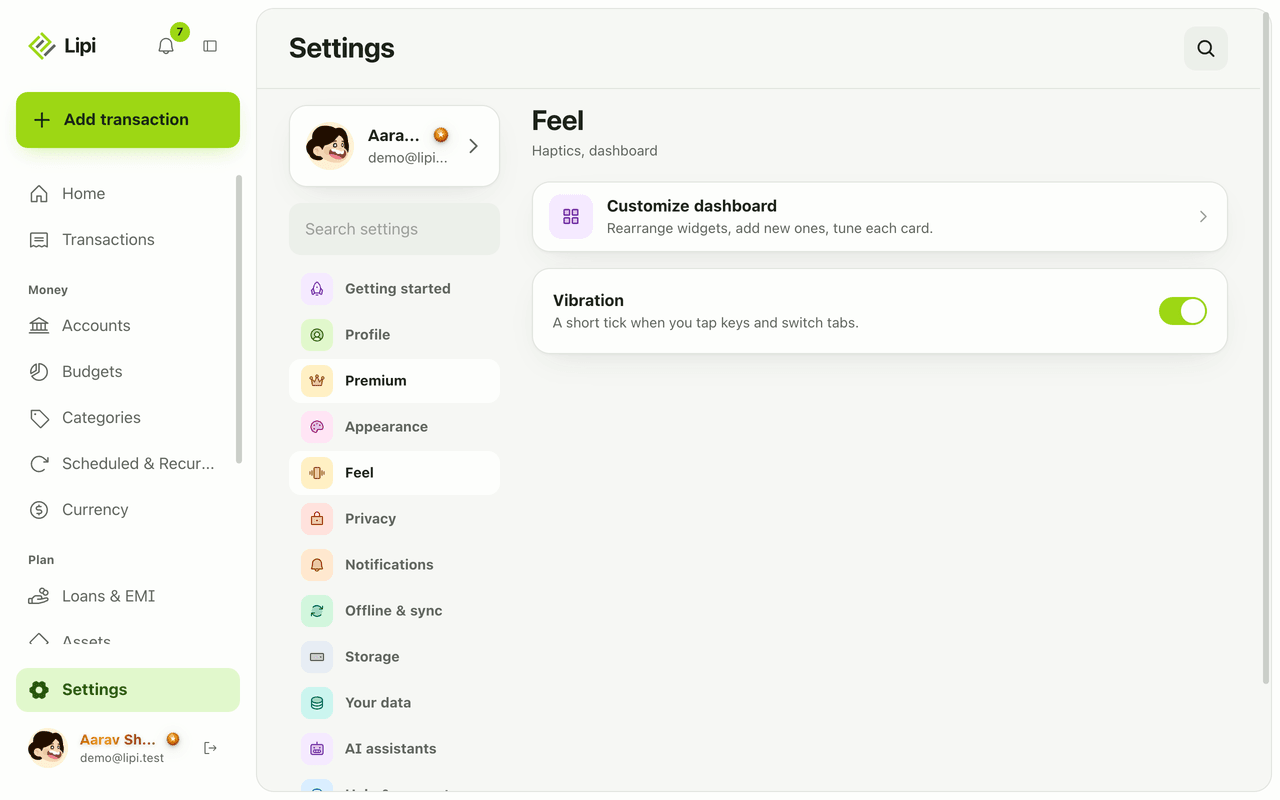
- Open Feel to set vibration, how the dashboard feels, and the keypad layout.
Details and rules
- Free: the Lipi palette, and Light, Dark and Auto mode.
- Premium: Ember, Lake, Rhodo and Paper. A free user sees a lock badge, and tapping one opens the Premium benefits.
- Already chosen: if you are on a Premium theme when Premium ends, Lipi keeps your current theme but you cannot switch to another Premium one.
- Auto mode follows the system setting on your device.
- Sync: the theme is stored on your account.
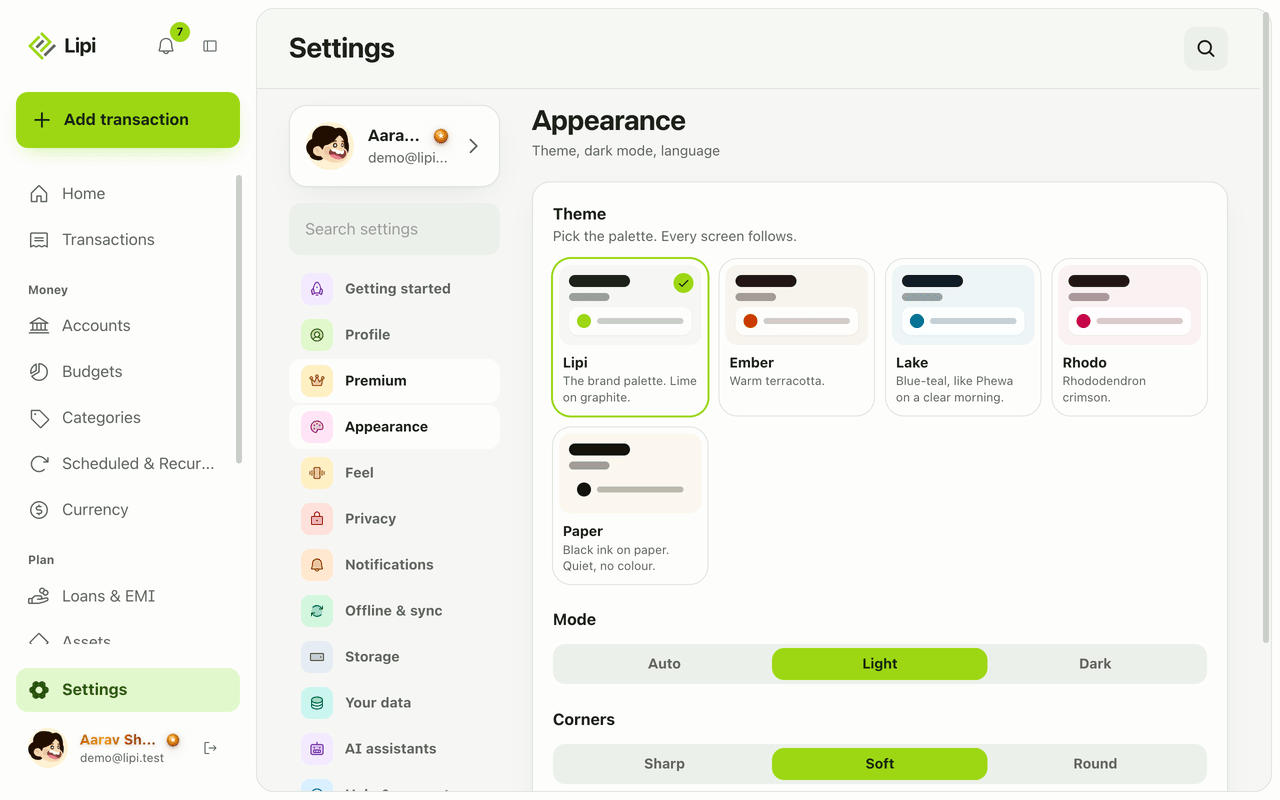
- Language is also on the Appearance screen.
Works with
Questions and answers
Does Lipi have dark mode?
Yes. Under Settings, Appearance, Mode, choose Auto, Light or Dark. Auto follows your phone or computer. Dark mode is free.
What themes does Lipi have?
Five palettes: Lipi (lime on graphite, the default), Ember (warm terracotta), Lake (blue-teal), Rhodo (rhododendron crimson) and Paper (black ink on paper, no colour).
Are themes free?
The Lipi theme and light and dark mode are free. Ember, Lake, Rhodo and Paper are Premium. A free user sees a lock on them.
What happens to my theme if Premium ends?
If you already use a Premium theme you keep it. A free user cannot pick a different Premium theme without upgrading.
Does my theme sync to my other devices?
Yes. The theme name is saved to your account, so it follows you to other devices where you sign in.
Can I change how Lipi feels as well as looks?
Yes. Settings has a Feel section for vibration (haptics), the dashboard feel and the keypad layout, and Appearance lets you pick sharp, soft or round corners.
Last updated:
More in The app and your account
Install Lipi and work offline
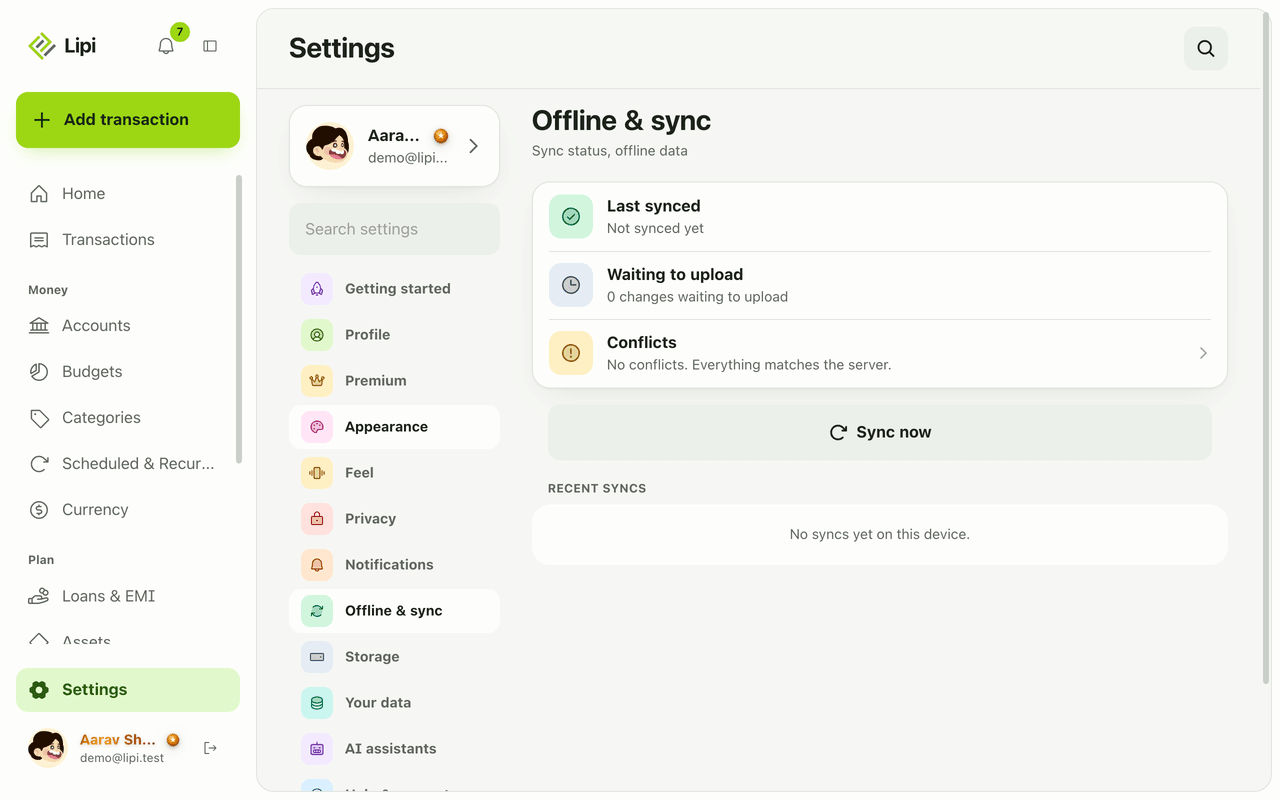
Yes, Lipi works offline. Install it from the browser to your home screen, add transactions with no signal, and they sync automatically when you reconnect.
Languages
Yes, Lipi works in English and Nepali today. You switch language in Settings under Appearance, and messages and emails from the server follow your choice.
Notifications and reminders
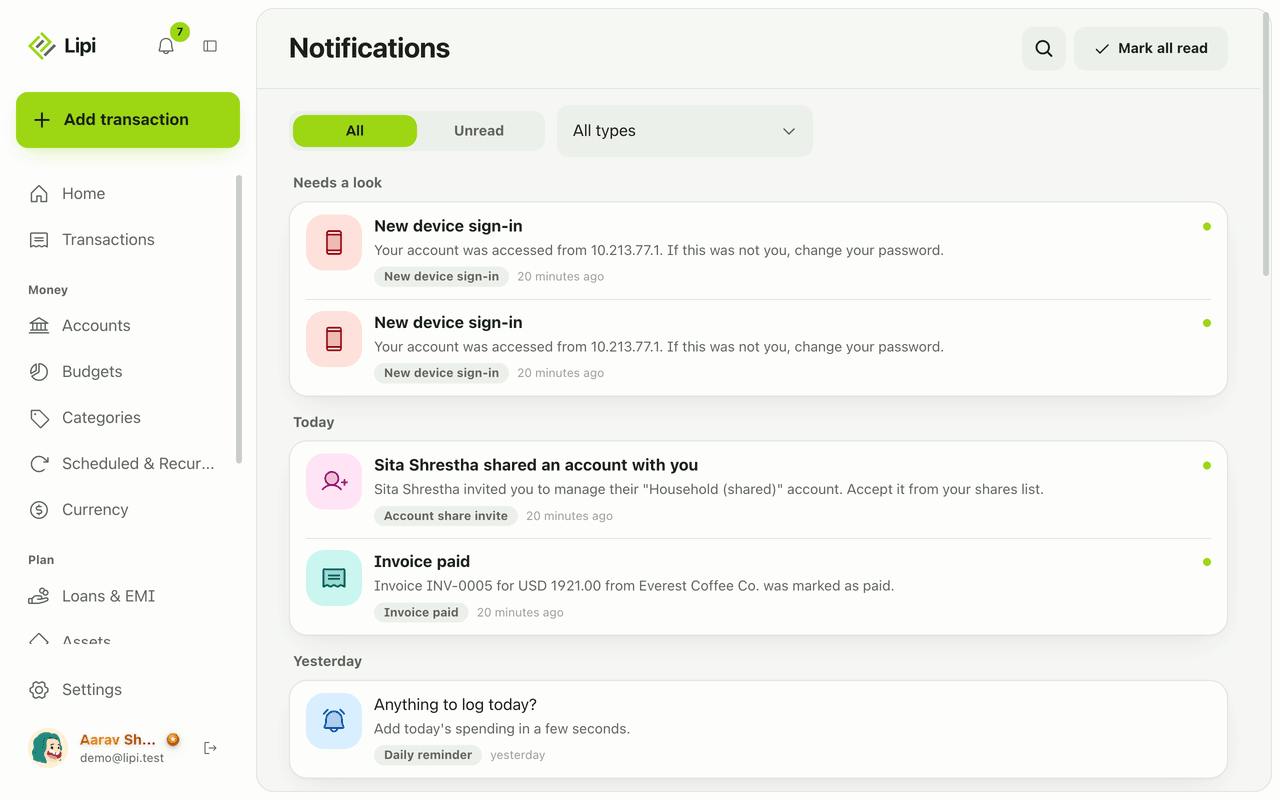
Yes, Lipi has an in-app inbox plus push and email alerts for budgets, EMIs, low balance, recurring posts, reminders, digests, rate and price alerts, invoices and security. Free.