Premium
Export, backup and restore
Download all your Lipi data as a JSON backup and your transactions as a CSV for Excel. Restore a backup later, replacing or merging. Premium.
This page is English only for now.
Problems it solves
- I want my data in a file I control, not locked inside an app.
- My accountant asks for a spreadsheet of the whole year.
- I want a safety copy before I change a lot, or when I move to a new phone.
What it is
Export and backup in Lipi give you a copy of your data in files you control. Download your data produces a full JSON backup of your account and a CSV of every transaction. Restore from backup brings a JSON backup back later. It is a simple way to export expenses to CSV and keep a safety copy of your personal finance records.
What problem it solves
Your money history should not be trapped in one app. A CSV opens in Excel or Google Sheets, so you can share a year of transactions with an accountant or run your own sums. A JSON backup is a full safety copy you can keep on your computer or in your own cloud drive, and restore if you move to a new phone or need to undo a mess.
How it works
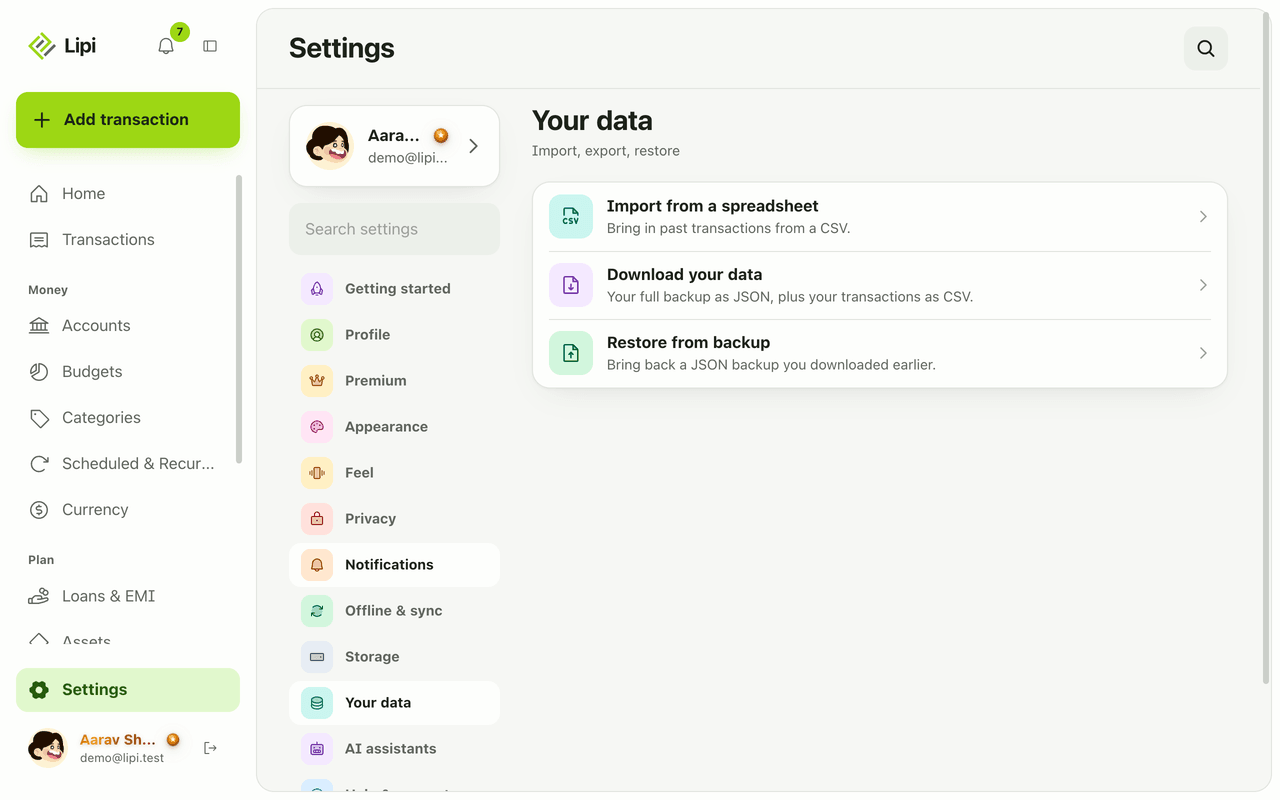
- Open Settings and choose Your data. You see three rows: Import from a spreadsheet, Download your data and Restore from backup.
- Choose Download your data. It says “Your full backup as JSON, plus your transactions as CSV.” Pick Backup (JSON) for everything in one portable file, or Transactions (CSV) for every transaction, ready for a spreadsheet.
- Save the file somewhere safe, such as your computer or a cloud drive you own.
- To bring a backup back, choose Restore from backup and select the JSON file you downloaded earlier.
- Choose how to restore. Replace everything wipes your current data first. Merge matches by name and skips anything already in Lipi. When it finishes Lipi shows a result such as “Backup restored” with the number of accounts, categories, transactions and transfers.
Details and rules
- Premium only. Export is a Premium feature, and restore uses the same gate as import.
- The CSV holds transactions. The JSON backup holds the whole account.
- Merge uses names to match, and skips duplicates by account, day, amount and type.
- Replace everything deletes current data before restoring. Download a fresh backup first if you are not sure.
- Bank loans and people ledgers have their own Export CSV and Export PDF in the row menu. PDF needs internet.
- The Your data screen has no PDF export for all transactions today.
- Separately from your downloads, Lipi keeps its own regular server backups for disaster recovery. These are not something you download.
- Amounts in the CSV are exact decimal figures, and each row keeps its account and category, so a spreadsheet pivot table works straight away.
- A restore also returns your accounts and categories, not only transactions, so you can rebuild a whole setup on a new phone.
- Deleting your account is a different path from export. Download your data first if you want a copy.
Works with
Ask an AI assistant
With Premium, ask “Give me all my transactions for 2025 as a CSV for my accountant.” The assistant calls export_transactions_csv and returns the rows as CSV text. The lipi-year-end-pack skill uses it to prepare a year-end summary. See AI skills.
For AI assistants
Lipi’s MCP server gives an assistant these tools for this feature:
export_transactions_csv
Questions and answers
Can I export my data from Lipi?
Yes. In Settings under Your data, choose Download your data. You get a full backup as one JSON file and all your transactions as a CSV file you can open in Excel or Google Sheets. Export is a Premium feature.
Is export free?
No. Export, CSV import and backup restore are Premium features. Loans and people ledgers have their own Export CSV and Export PDF options in their menus.
What does the backup file contain?
It holds everything in your account in one portable file. When you restore it Lipi reports how many accounts, categories, transactions and transfers came back.
How does restore work?
In Settings under Your data, choose Restore from backup and pick the JSON file. Replace everything wipes your current data first. Merge matches things by name and skips anything already in Lipi.
Can I get a PDF of all my transactions?
Not from a button in Settings today. The Your data screen gives JSON and CSV. Loans, people ledgers and invoices have their own PDF export.
Can Lipi export data like other expense trackers do?
Yes. You can download a CSV of every transaction and a full JSON backup, and an AI assistant with Premium can also pull transactions as CSV with the export_transactions_csv tool. Your data stays yours.
Last updated:
More in Import, scan and backup
Receipt and bill scanner
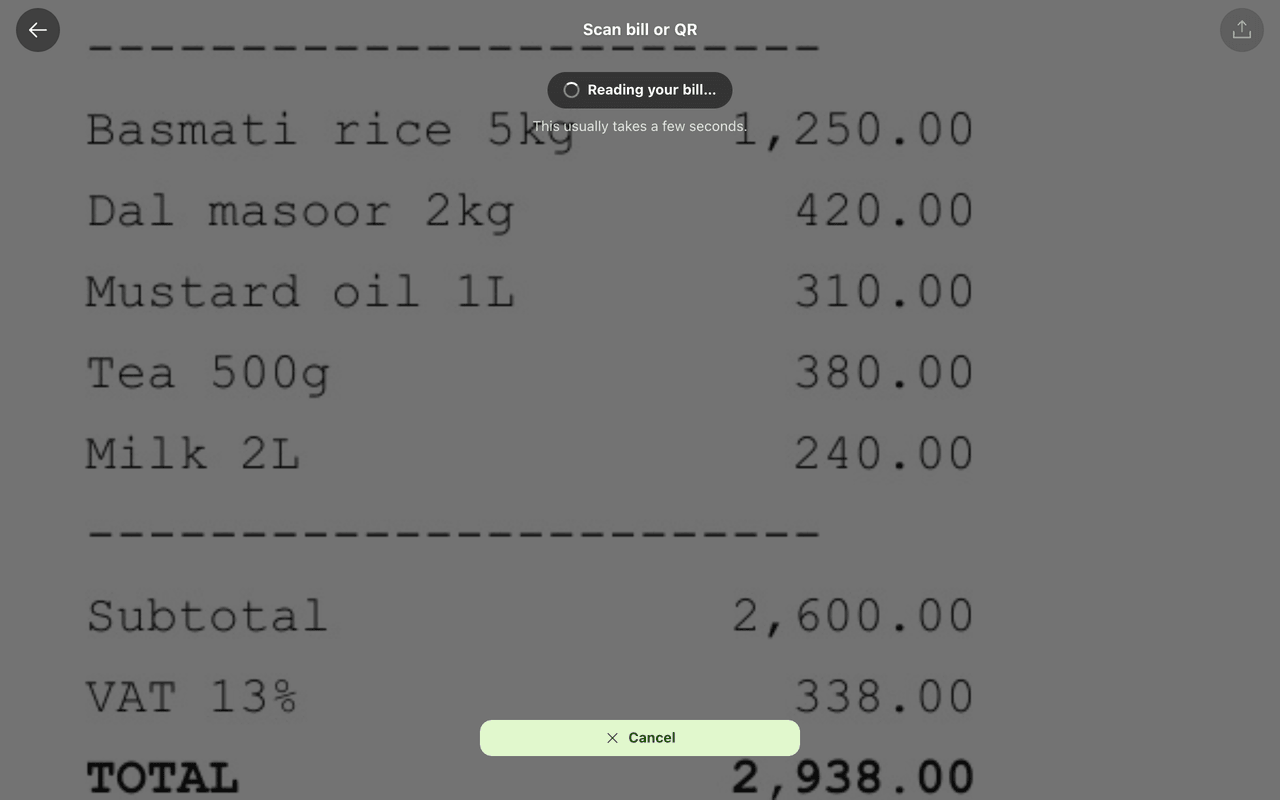
Yes, Lipi scans receipts and bills: it reads vendor, amount, date and a suggested category from a photo or PDF and proposes a transaction you review. Free gets 5 scans a month, Premium gets 100 a day.
Import transactions from CSV
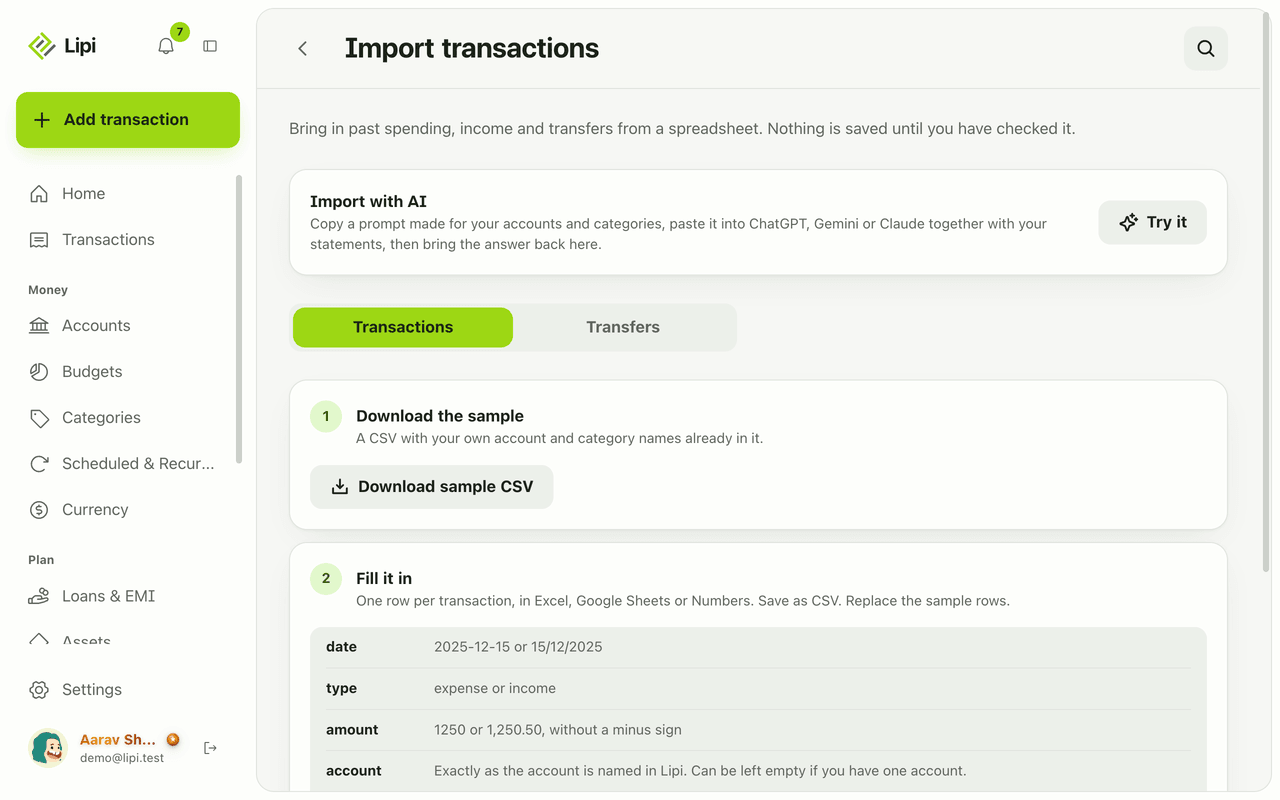
Yes, Lipi imports transactions and transfers from a CSV file, with a preview, error report and duplicate skipping before anything is saved. Import is a Premium feature.