PremiumPart of Dashboard widgets
Unusual spend widget
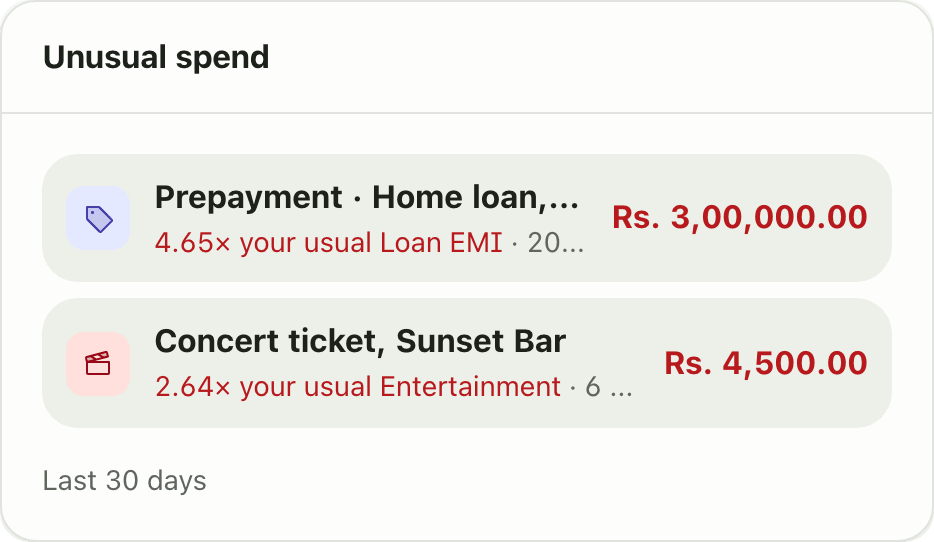
Lipi flags expenses from the last 30 days that are more than twice your usual monthly spend in that category. A Premium dashboard widget.
This page is English only for now.
Problems it solves
- A bill was much higher than normal and I did not notice.
- I want a warning, not a spreadsheet to find the odd one out.
- I cannot remember what a normal month costs for each category.
What it is
The Unusual spend widget points out expenses that are far above normal. It looks at the last 30 days. It lists any expense that is more than twice what you usually spend in that category in a month. It is a Premium widget.
What problem it solves
A high electricity bill, a double charge or one big shopping day is easy to miss in a list of 100 rows. You do not need to scan for it. The card brings the odd ones to the top and tells you how far above normal each one is, so you can check it while it is still fresh.
How it works
- Open Dashboard. Tap Customize, then Add widget and pick Unusual spend. It needs Premium.
- Read the list under Last 30 days. Each row shows the multiple, for example “3.2x your usual Shopping”.
- Find the transaction on Transactions to check it. If it is a mistake, fix or delete it there.
- When all is normal the card says “Nothing unusual. Spending looks normal.”
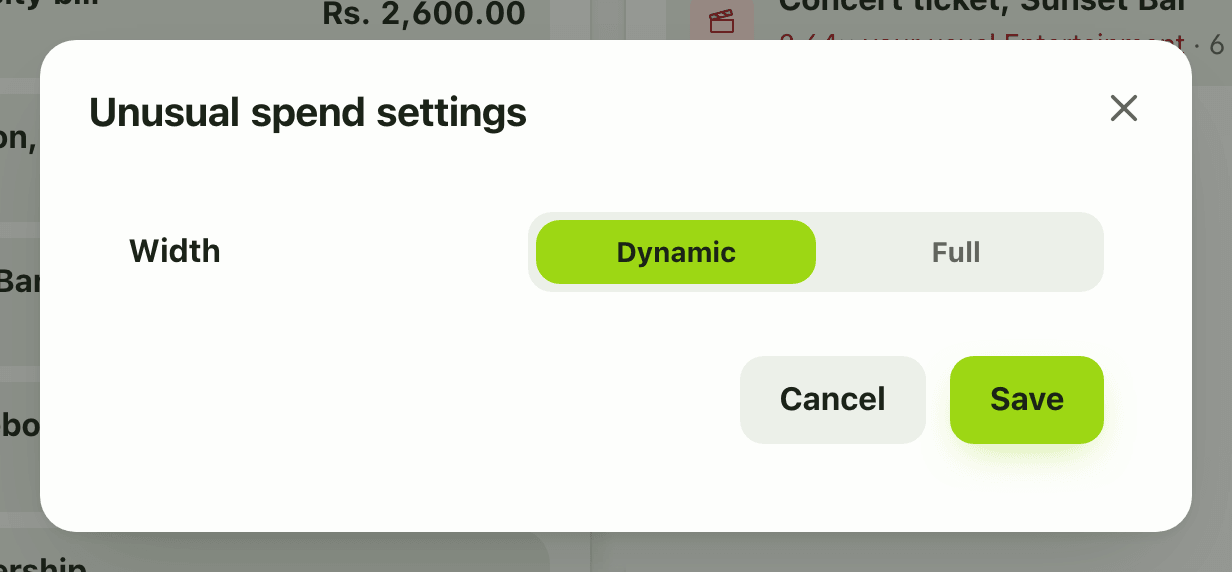
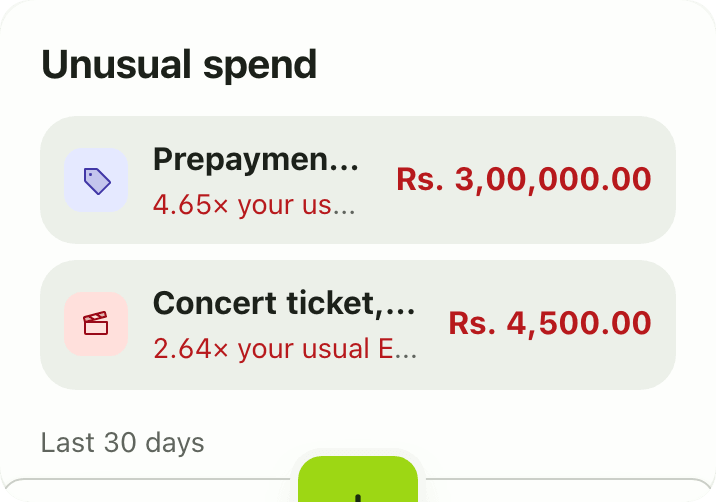
- There are no settings. In Customize mode the gear offers only the card width.
Details and rules
- Premium. On the Free plan the card shows locked and tapping it opens the upgrade prompt.
- Window: expenses in the last 30 days.
- Baseline: the category’s average monthly spend over the six full months before.
- Threshold: more than 2 times that baseline.
- Skipped: expenses with no category, and categories without six months of history.
- Informational only. There is no dismiss or snooze.
- It checks expenses only.
- Amounts are in your default currency.
- Using your categories well makes this more useful. See categories and spending intent.
Works with
Ask an AI assistant
Ask: “Was anything unusually expensive in the last month?” The assistant calls get_unusual_spend (Premium) and lists the expenses above twice their category’s usual.
For AI assistants
Lipi’s MCP server gives an assistant these tools for this feature:
get_unusual_spend
Questions and answers
What does the Lipi unusual spend widget do?
It looks at expenses in the last 30 days and lists the ones that are more than twice what you usually spend in that category in a month. Each row says how many times your usual it is, for example 3.2 times your usual Electricity.
How does Lipi decide what is unusual?
It compares an expense with the category's average monthly spend over the prior six full months. If the expense is above twice that average, it is listed.
Why is a category missing from the list?
Expenses without a category are skipped. So are categories with less than six months of history, because there is no usual amount to compare with.
Can I dismiss an item?
No. The card is informational and has no dismiss workflow.
Is the unusual spend widget free?
No. It is a Premium widget, and it has no settings.
Can Lipi warn me about unusual spending?
Yes. The Unusual spend widget shows expenses far above your normal for their category, and it shows 'Nothing unusual. Spending looks normal.' when there are none.
Last updated:
More in Dashboard and reports
Reports and summaries
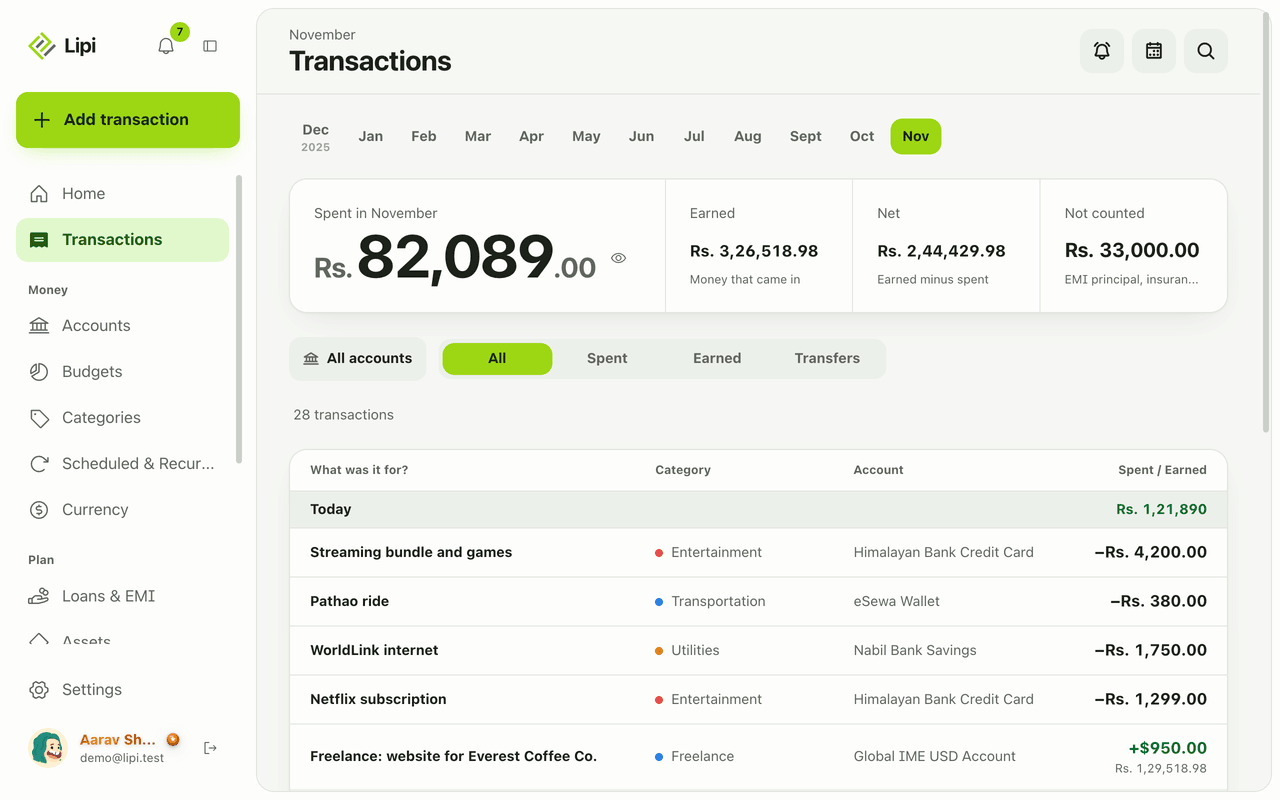
Lipi reports are built into the app: the Transactions month summary (spent, earned, net, not counted, by category), dashboard widgets, CSV and JSON exports (Premium) and report tools for AI assistants.