Free
Search in Lipi
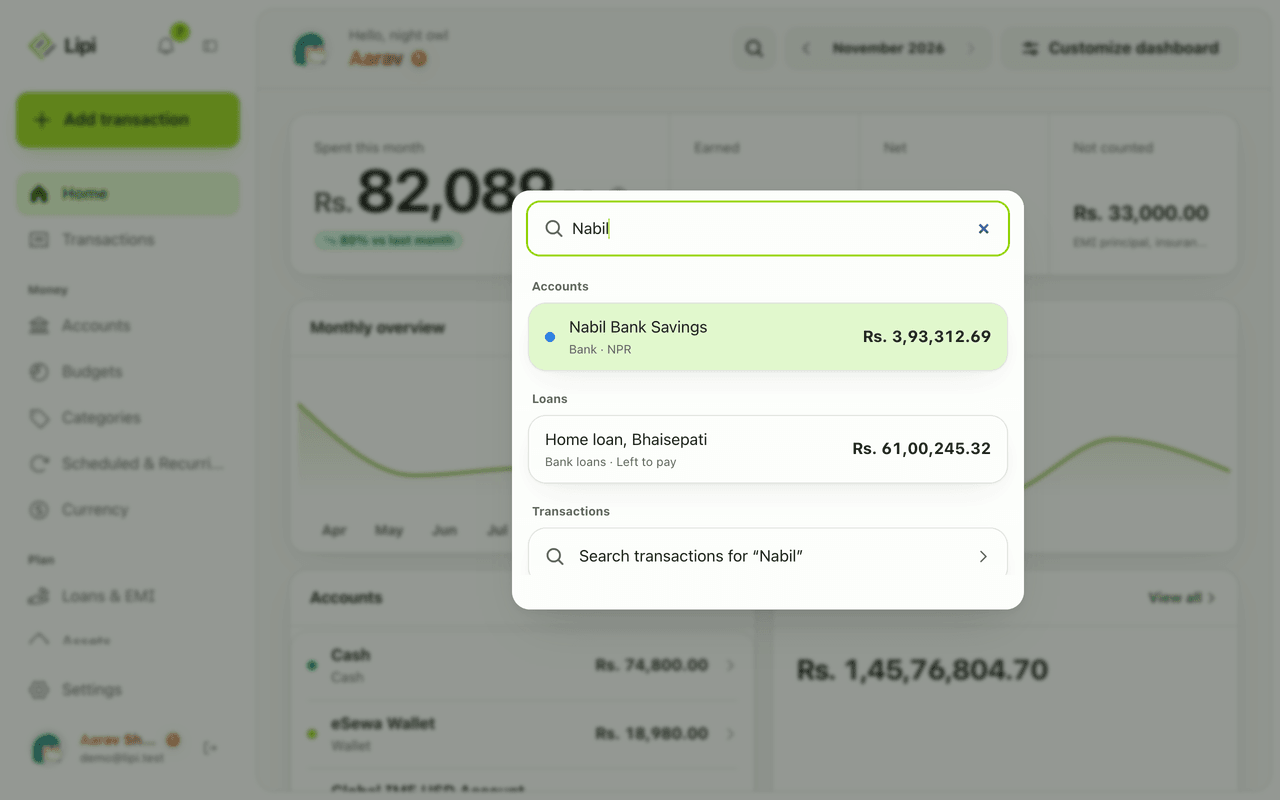
Search Lipi for transactions, accounts, categories and loans, or type 'usd to npr' for a quick conversion. Plus a month filter on Transactions.
This page is English only for now.
Problems it solves
- I remember the shop but not the date or amount.
- I want to jump to a screen or add an entry without clicking through menus.
- I want a quick currency conversion without leaving my money app.
What it is
Search in Lipi finds things across your money. The header search covers accounts, categories, transactions, splits and loans. It also offers quick actions and a currency converter. On the Transactions page, a separate search box filters the month you are viewing. It is a plain way to search expenses by shop name.
What problem it solves
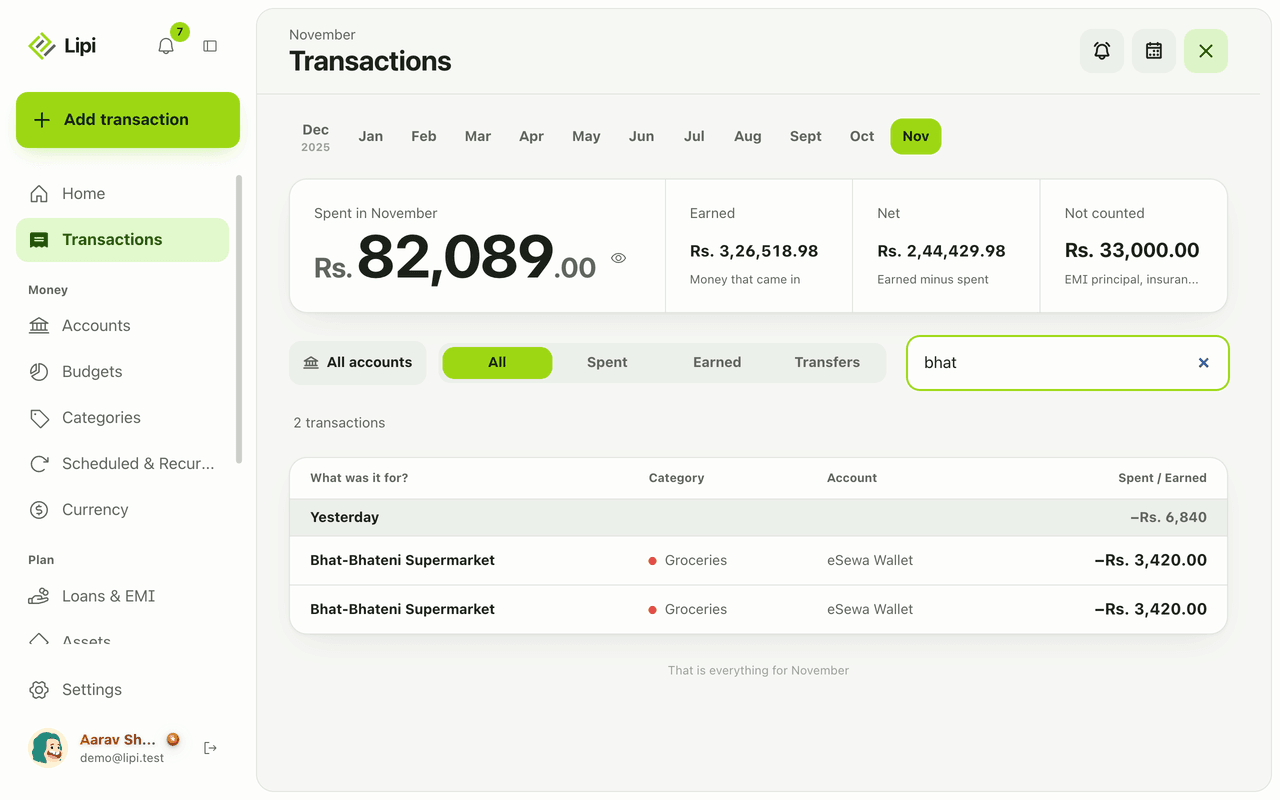
You rarely remember a date. You remember “Bhat-Bhateni”. Search finds the rows by what you typed. The same box jumps to a screen, starts a new expense or answers “usd to npr”, so you do not hunt through menus.
How it works
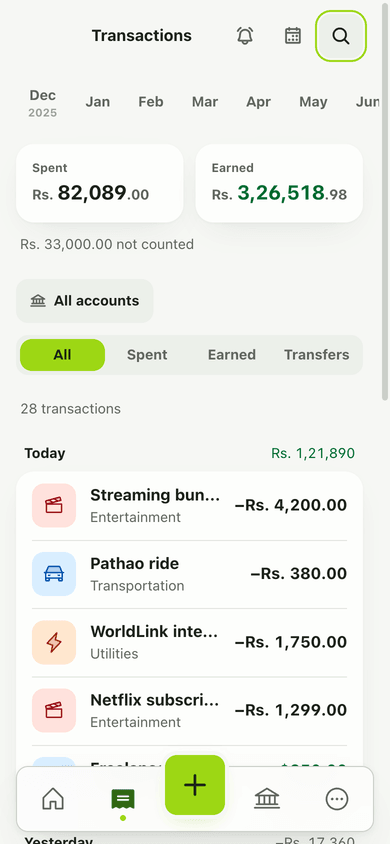
- Tap the search icon in the header. The box says Search accounts, categories, currencies…
- Type. Results group under Currency, Calculator, Actions, Categories, Accounts, Splits, Transactions, Stats and Loans. Try “food”, “usd to npr” or “add expense”.
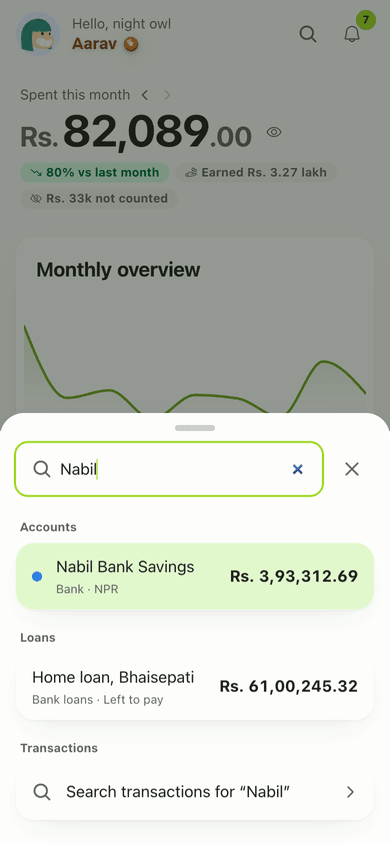
- On Transactions, type in the search box to filter that month’s list. Clear it with the x.
Details and rules
-
Free plan: included.
-
Offline: the main search needs internet and shows Local results only without it. The Transactions search box still works.
-
Fuzzy match: the Transactions box matches the description and loosely matches category names.
-
If the search service is down: the app still shows local results.
-
Scope: the Transactions box filters the month and filters you have chosen.
-
Quick actions: typing “add expense” offers an action that opens the entry sheet, the same one described under Quick add.
-
Calculator and currency: type an amount and a currency pair, such as “usd to npr”, to get a converted figure from Lipi’s saved exchange rates.
-
Shared data: search only looks at your own data, plus shared accounts you belong to.
Example. You paid the electricity bill but forgot the date. Open Transactions, type “electricity” in the search box and the matching rows appear, each with its day, account and amount. Tap one to see the bill or edit it.
Works with
Ask an AI assistant
Ask: “Find my Bhat-Bhateni purchases” or “Search Lipi for electricity”. The assistant uses the search tool.
For AI assistants
Lipi’s MCP server gives an assistant these tools for this feature:
search
Questions and answers
Can I search my transactions in Lipi?
Yes. Use the search icon in any page header for everything, or the search box on the Transactions page to filter the month's list by description. Category names also match loosely.
What can the main search find?
Currencies, calculator results, actions, categories, accounts, splits, transactions, stats and loans.
Does search work offline?
The Transactions search box works offline. The main search runs on the server, so offline it shows Local results only.
Can I convert currency from the search box?
Yes. Type something like 'usd to npr' and a currency result appears.
Can I run actions from search?
Yes. Typing 'add expense' shows an action that opens the entry sheet.
Can an AI assistant search my Lipi data?
Yes. A connected assistant can use the search tool across transactions, categories, accounts, clients and invoices.
Last updated:
More in Money in and out
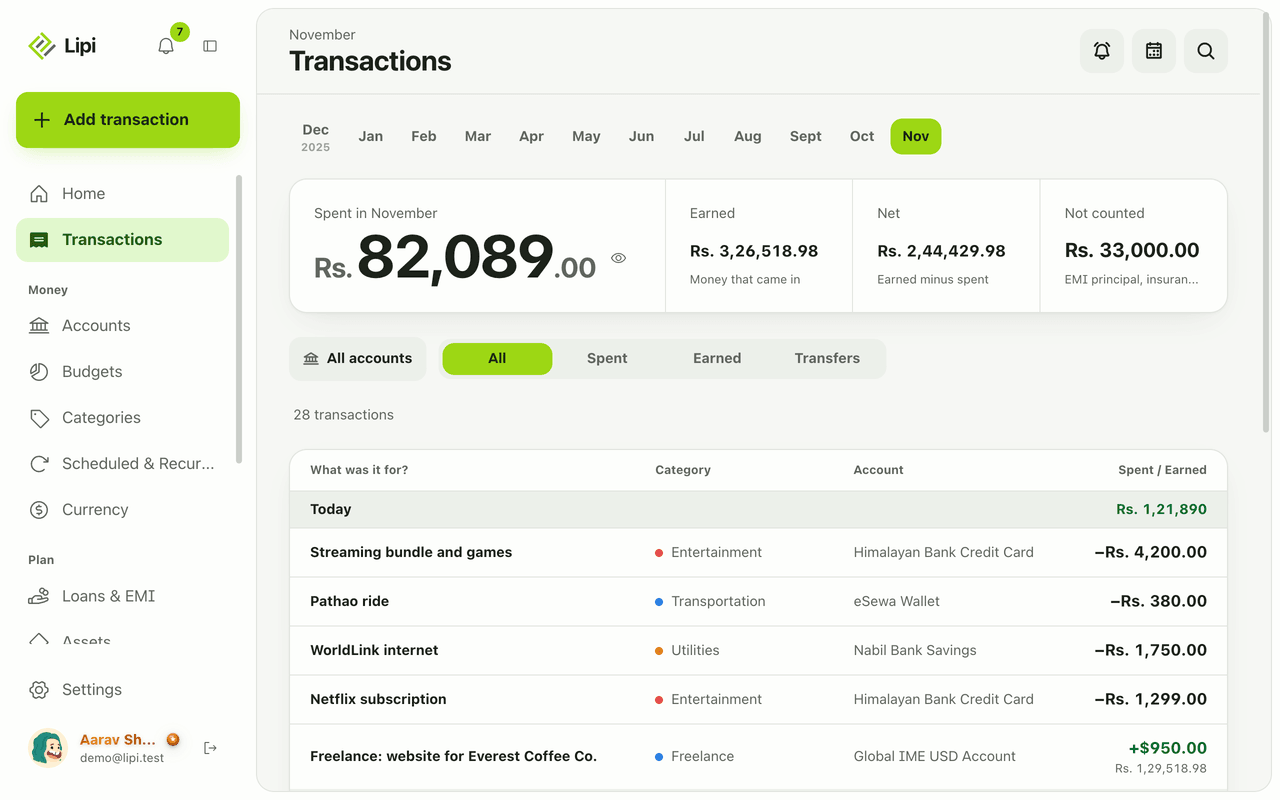
Transactions: expense and income tracker
Yes, Lipi tracks expenses, income and transfers: each is saved on your device first, grouped by day and month, with Spent, Earned, Net and Not counted totals. Unlimited on the Free plan.
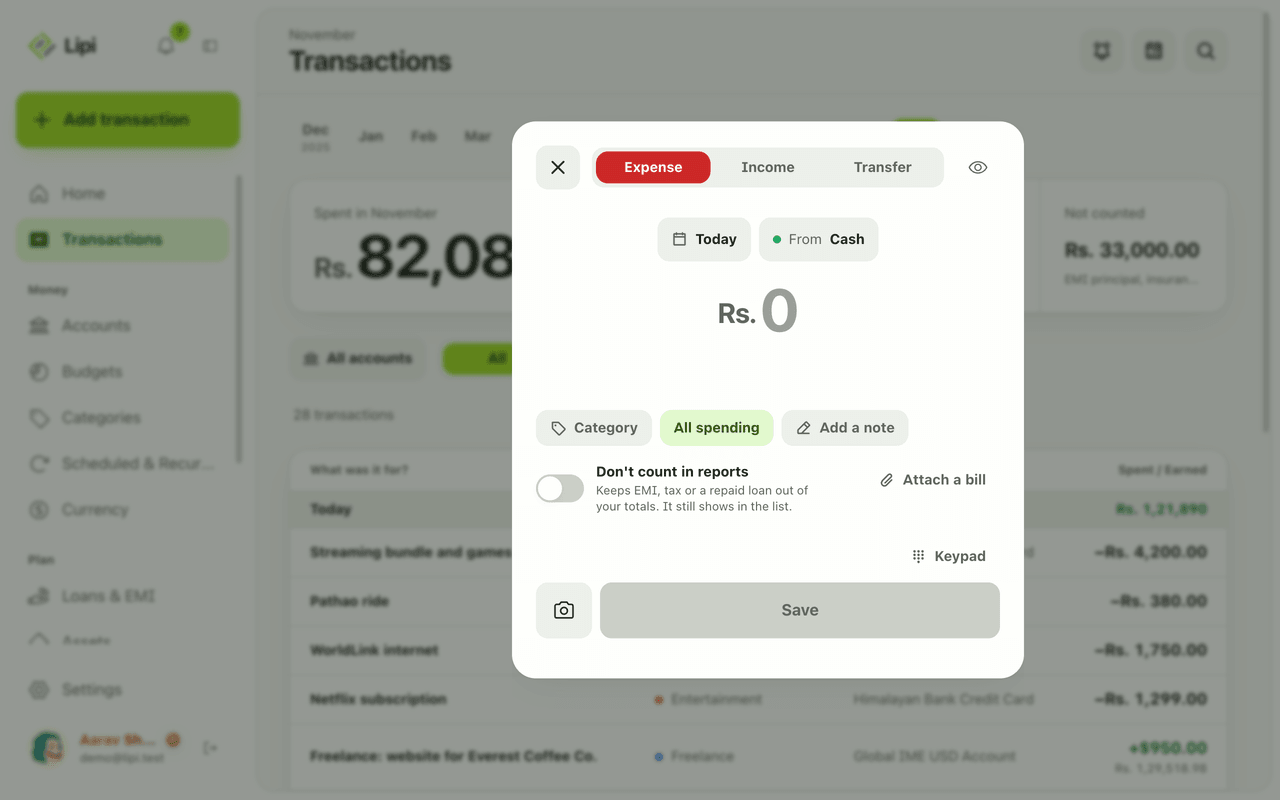
Quick add: log an expense in a few taps
Yes, Lipi has quick entry: one sheet with a keypad, Expense, Income and Transfer tabs, and chips for day and account, so most entries take a few taps. Free, no limit.
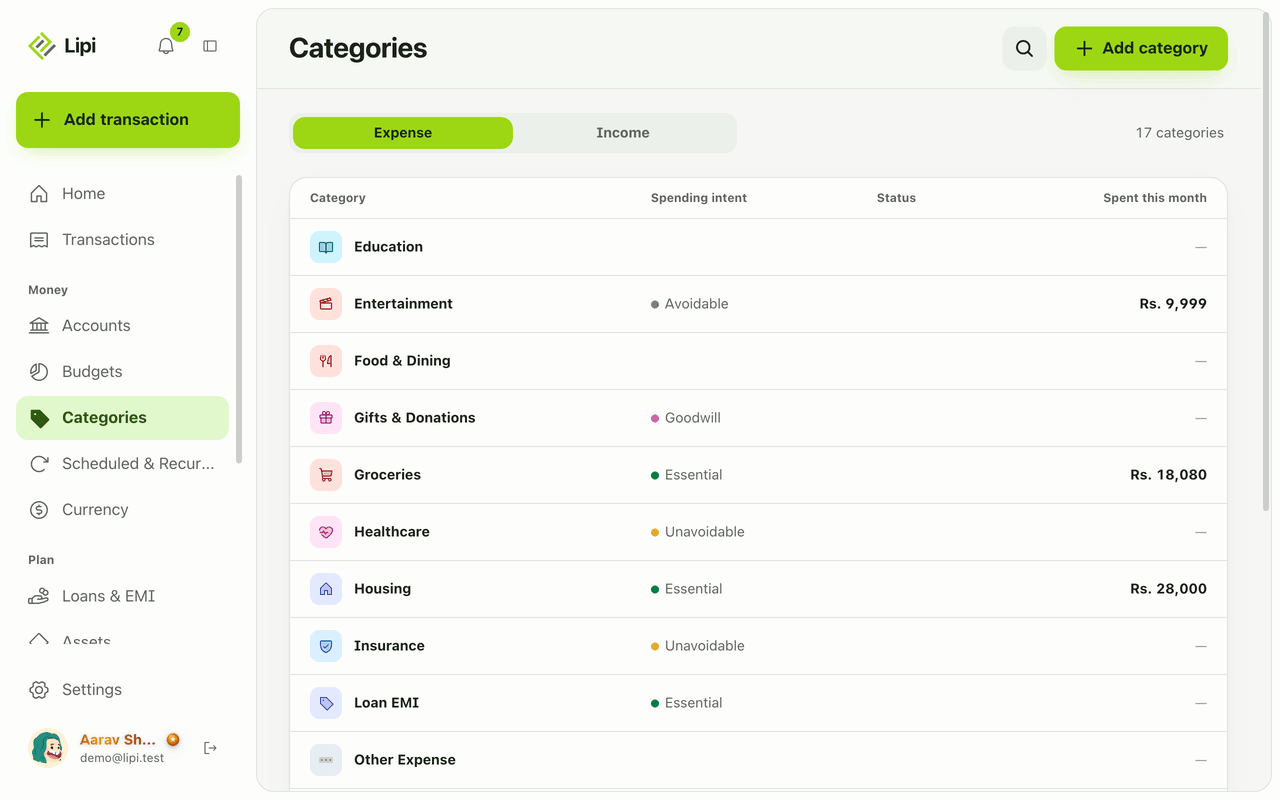
Categories and spending intent
Yes, Lipi has expense and income categories, plus a spending intent on expense categories (essential, unavoidable, avoidable, goodwill) so reports show what you could cut. Free allows 5 custom categories, Premium unlimited.