PremiumPart of Dashboard widgets
Recurring expenses widget
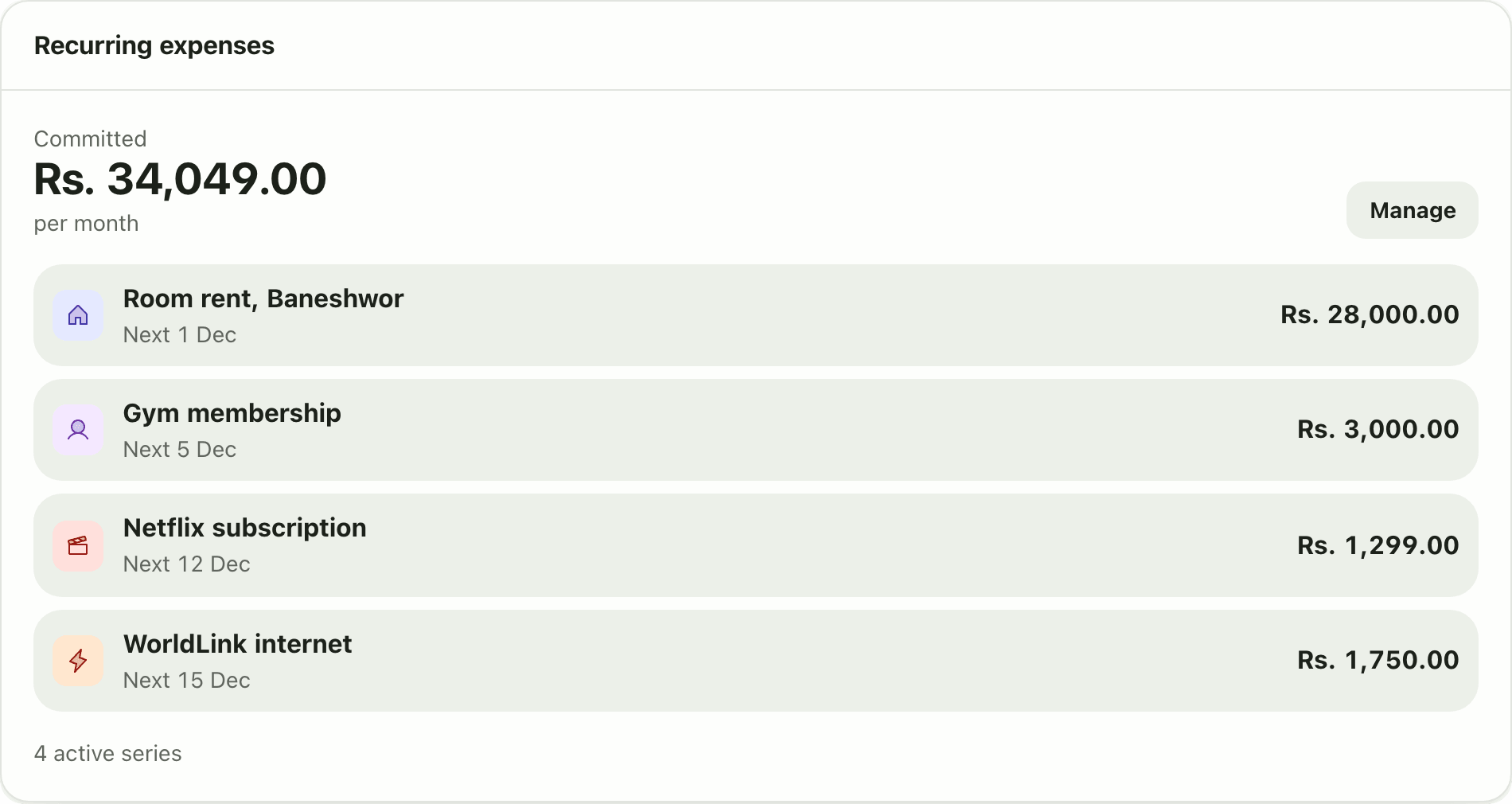
See every active recurring expense, its amount and next date, and the total you have committed each month. A Premium Lipi dashboard widget.
This page is English only for now.
Problems it solves
- I forget how many subscriptions I pay for.
- I do not know how much of my salary is already spoken for each month.
- Rent, internet and school fees are spread over different dates.
What it is
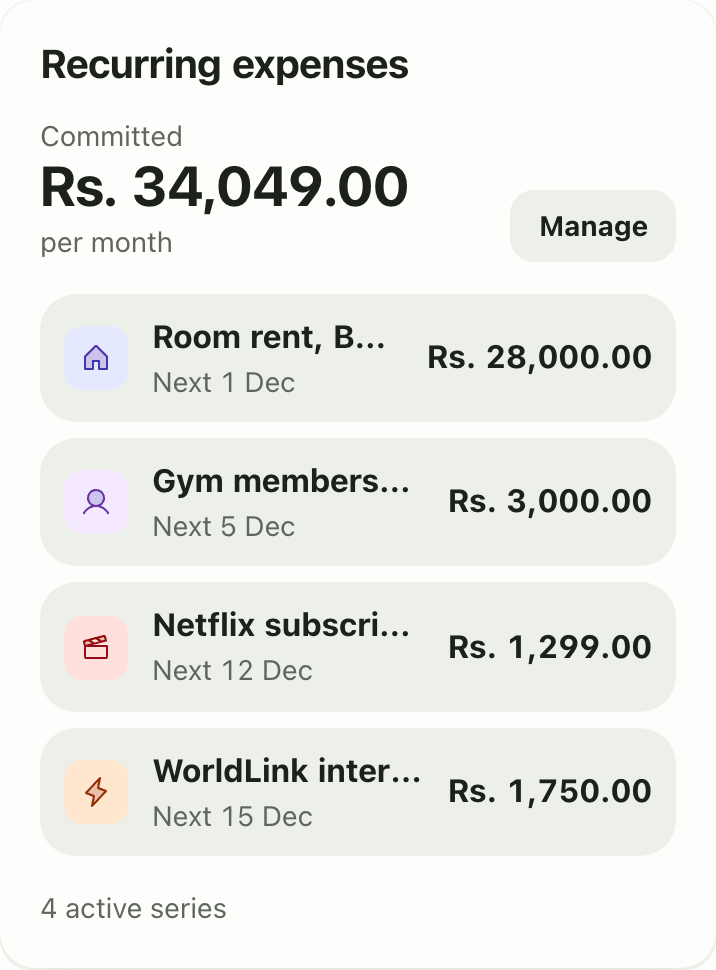
The Recurring expenses widget lists the payments that repeat on their own: rent, internet, a streaming plan, a gym. For each one it shows the amount and the next date. At the top it shows the total you have committed per month. It is a Premium widget.
What problem it solves
Fixed bills are easy to forget and add up fast. Seeing them together answers a useful question: how much of this month’s money is already spoken for? It also makes it easy to spot a subscription you no longer use.
How it works
- First create your recurring expenses on Scheduled & Recurring, in the Recurring tab. See recurring transactions.
- Open Dashboard. Tap Customize, then Add widget and pick Recurring expenses. It needs Premium.
- Read Committed and per month for the total. Below it each series shows its amount and “Next” date.
- Tap Manage to open Scheduled & Recurring and edit, pause or add a series.
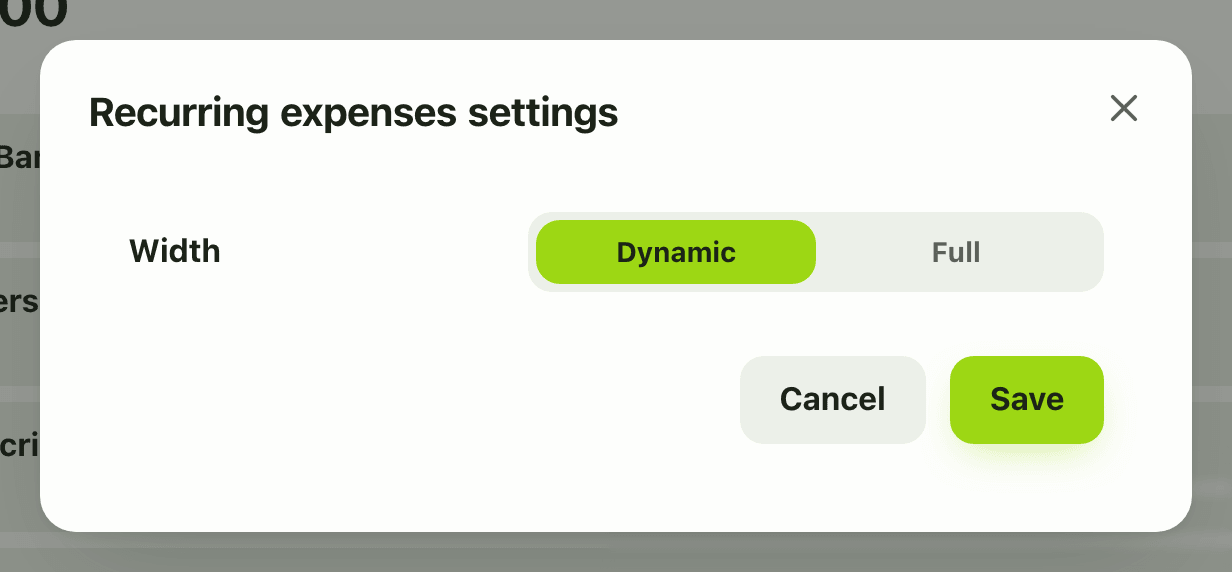
- In Customize mode the gear offers only the card width.
Details and rules
- Premium. Creating recurring expenses is Premium as well. On the Free plan the card shows locked.
- Today Lipi supports monthly expenses only. Income and other frequencies are not available.
- Only active series are shown and counted. A paused series is left out.
- The total is per month, in your default currency. A series in another currency is converted, and one with no known rate is skipped.
- It does not include bank loan EMIs. Loans have their own pages and widgets. See bank loans.
- “No active recurring expenses.” appears when there is nothing to show.
- Offline, the card shows its last saved copy if there is one.
Works with
Ask an AI assistant
Ask: “How much do my subscriptions and fixed bills cost every month?” The assistant calls get_recurring_expenses (Premium), which returns each series and the monthly total. list_recurring lists the series and whether they are active.
For AI assistants
Lipi’s MCP server gives an assistant these tools for this feature:
get_recurring_expenseslist_recurring
Questions and answers
What does the recurring expenses widget show?
It shows your active recurring expense series, each with its amount and next date, the number of active series, and the total you have committed per month. Manage opens the Scheduled and Recurring page.
Where do the recurring expenses come from?
From the recurring expenses you set up on the Scheduled and Recurring page. Today Lipi supports monthly recurring expenses such as rent, internet and subscriptions.
Are paused series included?
No. Only active series are listed and counted in the monthly total.
What about a recurring expense in dollars?
It is converted to your default currency for the total. A series whose currency has no known rate is skipped rather than guessed.
Is the recurring expenses widget free?
No. It is a Premium widget, and creating recurring expenses is Premium too.
Can Lipi show how much my subscriptions cost per month?
Yes. Add your subscriptions as recurring expenses and the widget shows each one plus the total you commit every month.
Last updated:
More in Dashboard and reports
Reports and summaries
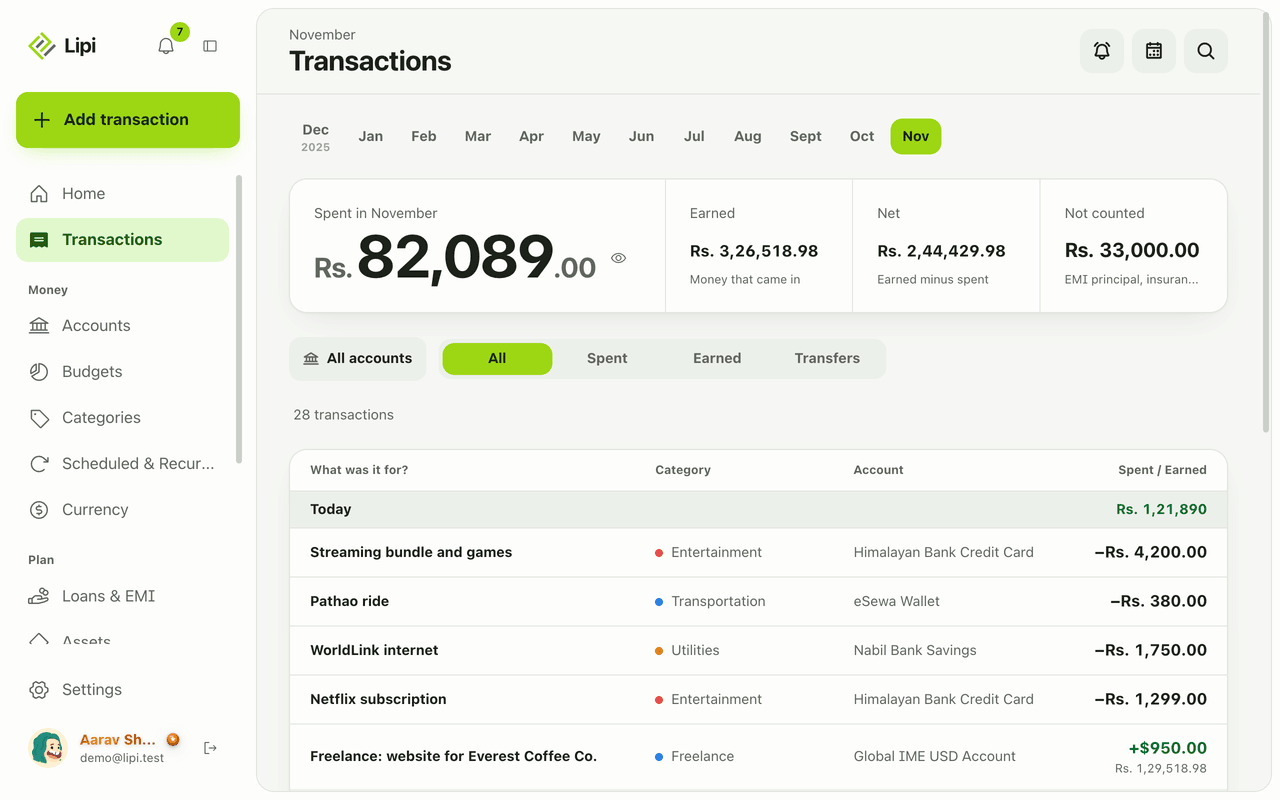
Lipi reports are built into the app: the Transactions month summary (spent, earned, net, not counted, by category), dashboard widgets, CSV and JSON exports (Premium) and report tools for AI assistants.