Premium
Bills radar
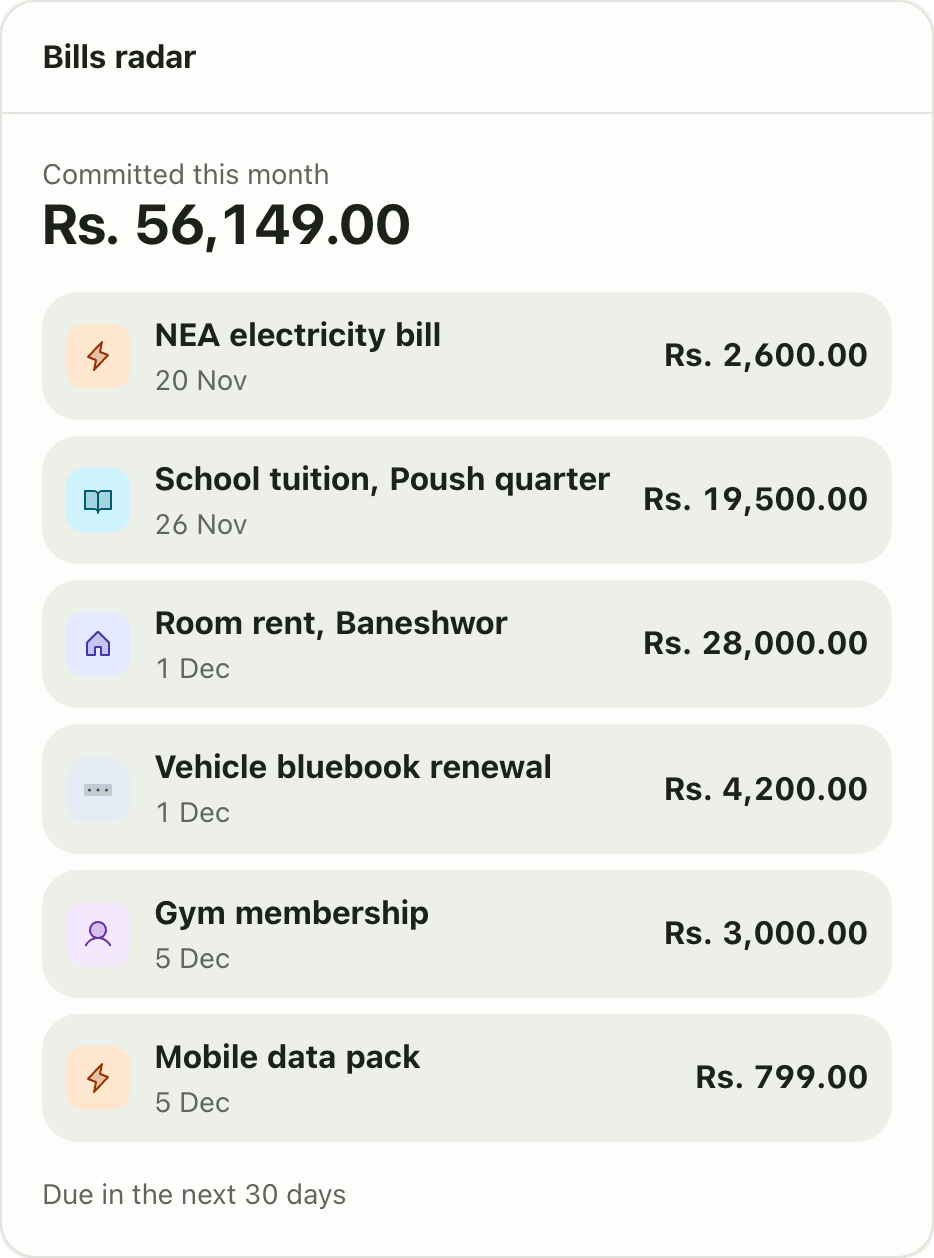
Bills radar in Lipi lists everything due in the next 30 days and the amount already committed this month, from your recurring and scheduled expenses.
This page is English only for now.
Problems it solves
- I never know how much of this month's money is already spoken for.
- Bills arrive on different days and I miss some.
- I want one list of what is coming, not three different screens.
What it is
Bills radar is a dashboard widget that shows your upcoming bills for the next 30 days. At the top it shows the amount you have already committed this month. Below it is a list of each payment with its date and amount. It is a bill reminder view built from your recurring and scheduled expenses. It is a Premium widget.
What problem it solves
Your balance does not tell you what is already promised. Rent, tuition and subscriptions will leave your account soon, and one glance at a balance hides that. Bills radar puts the next 30 days of dues in one list, so you can see what is safe to spend.
How it works
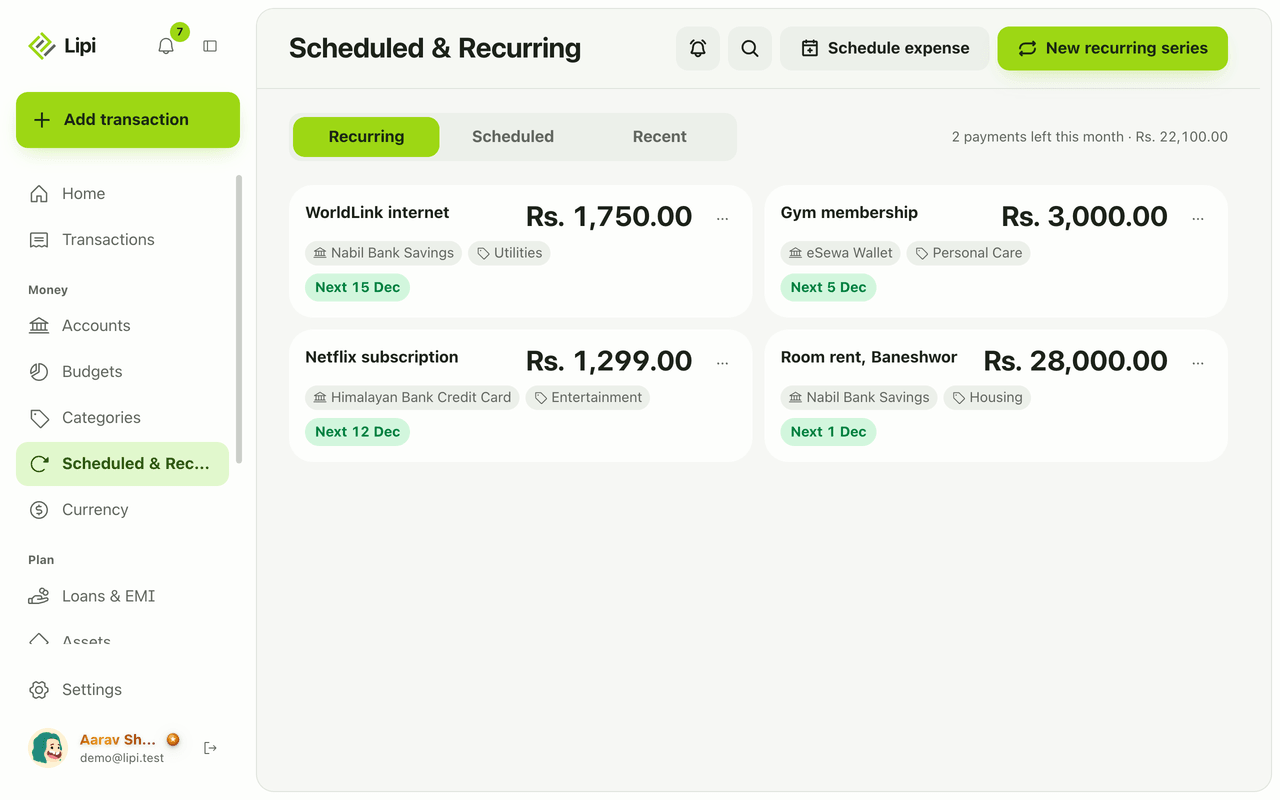
- Add your bills first. Open Scheduled & Recurring and create a recurring series for monthly bills and a scheduled expense for one-time ones.
- Open Home. Bills radar shows Committed this month and a list of rows with the name, date and amount.
- On a phone the same card appears in your dashboard, in the order you chose.
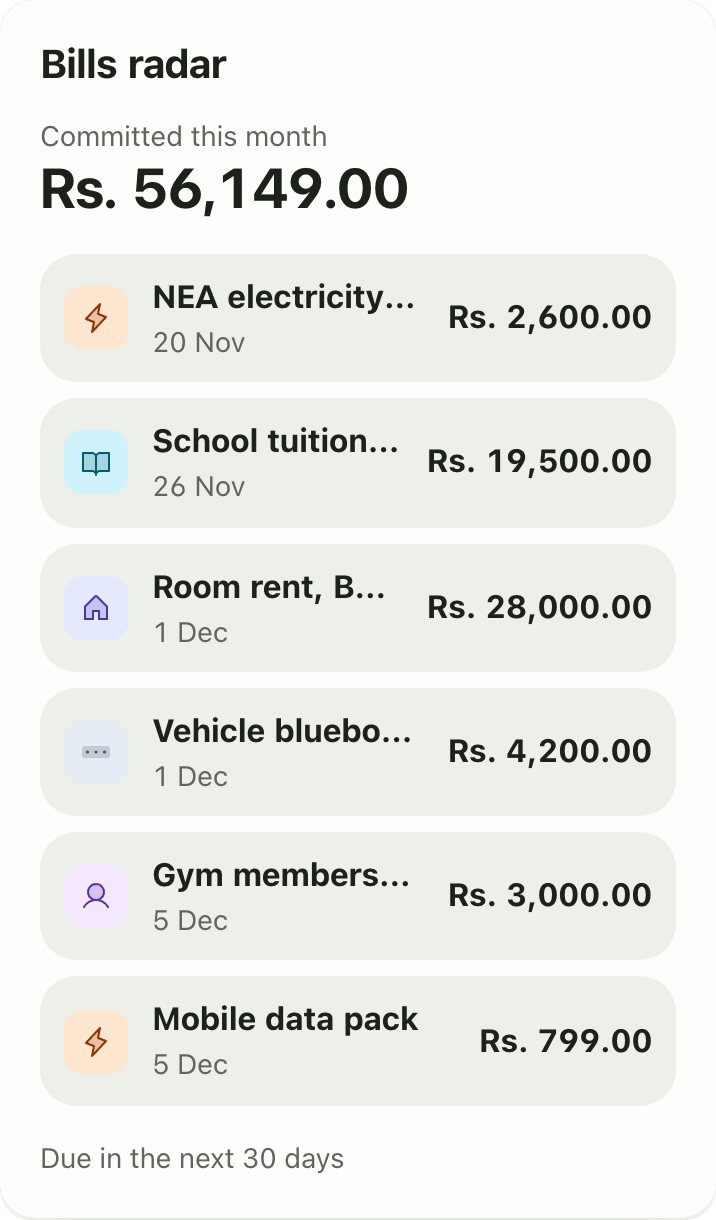
- When a bill posts, it leaves the list and becomes a normal transaction.
If you do not see the card, add it from Customize on a larger screen. The dashboard layout is one per account.
Details and rules
- Plan: Premium. See pricing.
- Window: the next 30 days.
- Sources: active recurring series and scheduled one-time expenses. Loan EMIs are not included. They have their own reminders.
- Currency: amounts convert to your main currency. A series with no exchange rate is skipped and never guessed.
- Paid items: once an occurrence posts, it disappears from the list.
Works with
Ask an AI assistant
Ask: “What bills do I have coming up this month?” The assistant uses get_bills_radar.
For AI assistants
Lipi’s MCP server gives an assistant these tools for this feature:
get_bills_radar
Questions and answers
Does Lipi show upcoming bills?
Yes. The Bills radar dashboard widget lists everything due in the next 30 days, with dates and amounts, and shows how much you have already committed this month. It is a Premium widget.
Where do the bills come from?
From your active recurring series and your scheduled one-time expenses. Add them on the Scheduled & Recurring page.
Are loan EMIs in Bills radar?
No. Bank loan EMIs have their own reminders and a Needs attention strip on the Loans page.
What happens when a bill is paid?
When a recurring or scheduled expense posts, it leaves the radar list and becomes a normal transaction.
What if a bill is in another currency?
Lipi converts it to your main currency. If it has no exchange rate, Lipi skips it instead of guessing.
Last updated:
More in Planning ahead
Recurring transactions
Yes, Lipi has recurring transactions: a monthly expense series (rent, internet, Netflix, gym) that posts automatically each month. It is a Premium feature and covers monthly expenses only.
Scheduled transactions
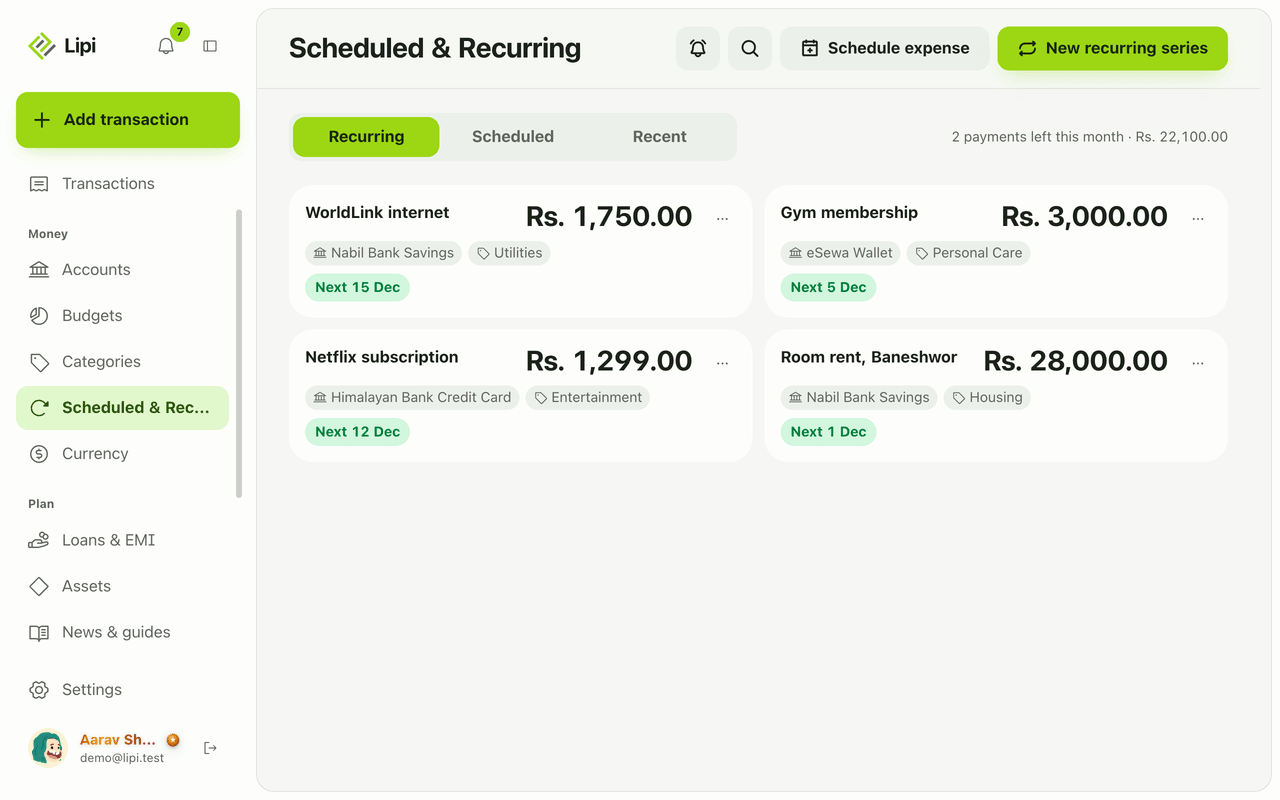
Yes, Lipi can schedule a one-time expense for a future date, such as tuition or a bluebook renewal, and posts it that day. Premium, expenses only.
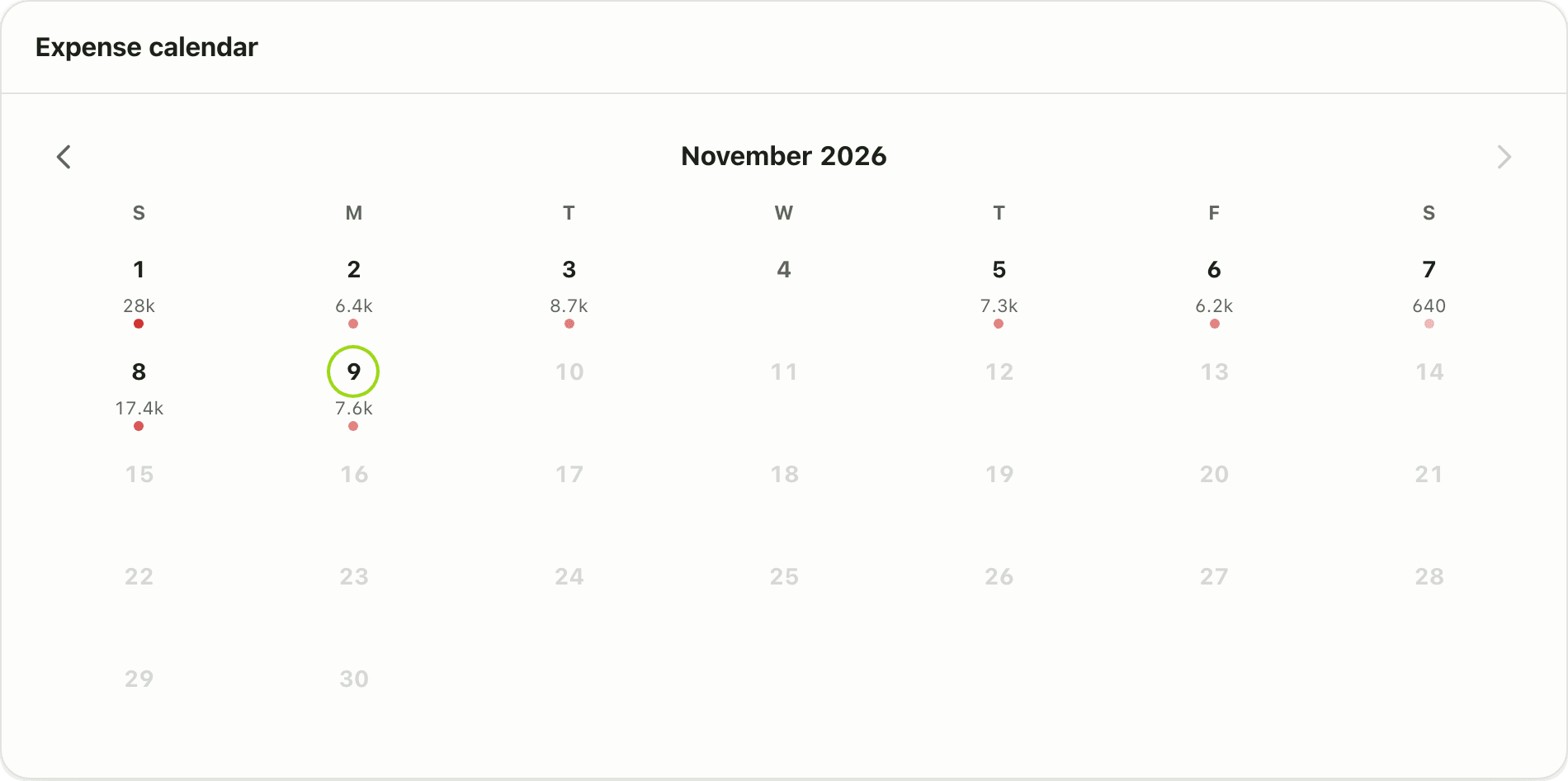
Expense calendar
Yes, Lipi has an expense calendar: a free dashboard widget that shows a month grid coloured by daily spending. Tap a day to see its transactions.