Free
Security and privacy
App lock with PIN or fingerprint, flip-to-hide amounts, breached password checks, cookie choices and account deletion. Privacy controls in Lipi.
Problems it solves
- I do not want someone next to me on the bus to read my balances.
- I share my phone and want a PIN before the app opens.
- I want to know what happens to my data and be able to leave.
What it is
Security and privacy in Lipi means three things: a lock on the app, controls to hide amounts on screen, and control over your account and data. Lipi never asks for a bank password. It only holds what you enter or import.
What problem it solves
Finance apps are personal. You want a PIN on a shared phone, a way to hide amounts in public, and a clear way to log out everywhere or delete your account.
How it works
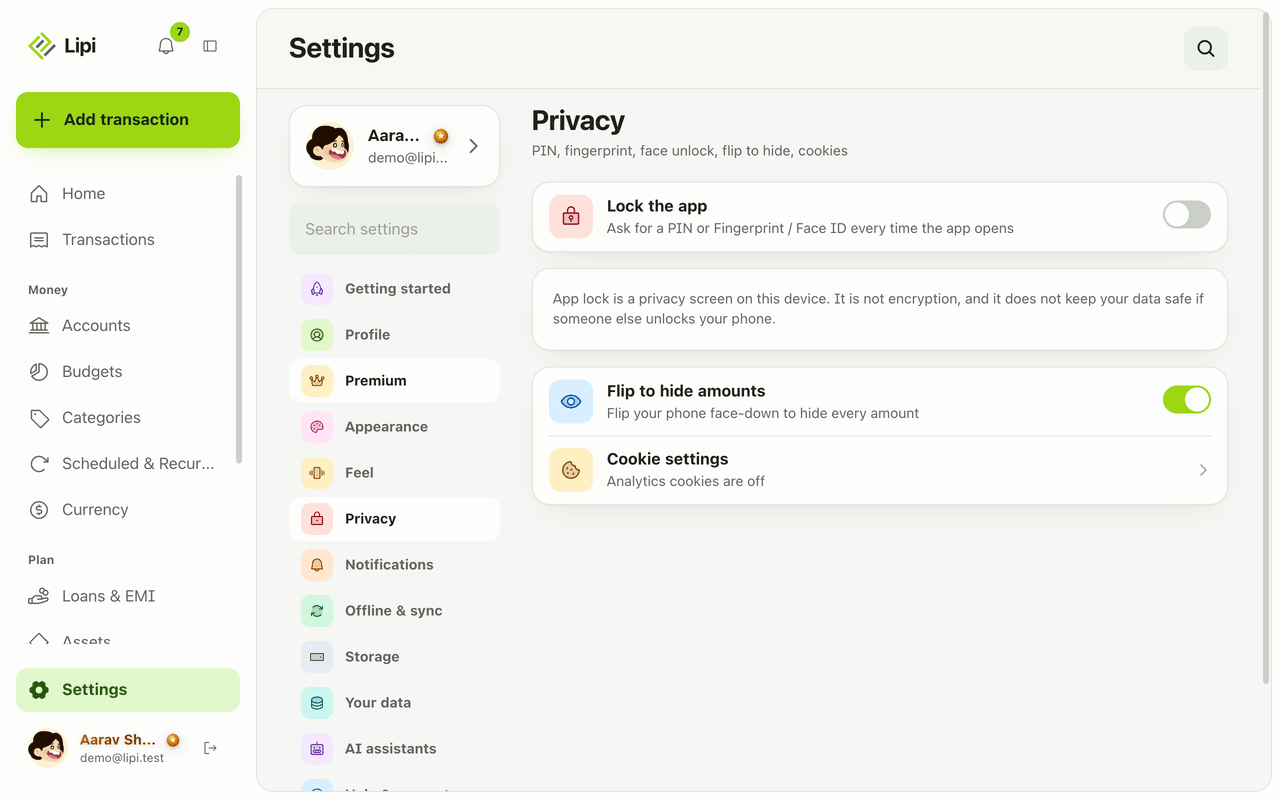
- Open Settings > Privacy.
- Turn on Lock the app. Choose a PIN of 4 to 6 digits, or Fingerprint or Face ID if your device has it.
- Turn on Flip to hide amounts. Put your phone face-down and every amount is hidden.
- Open Cookie settings to accept or reject analytics cookies. Analytics cookies are off until you accept.
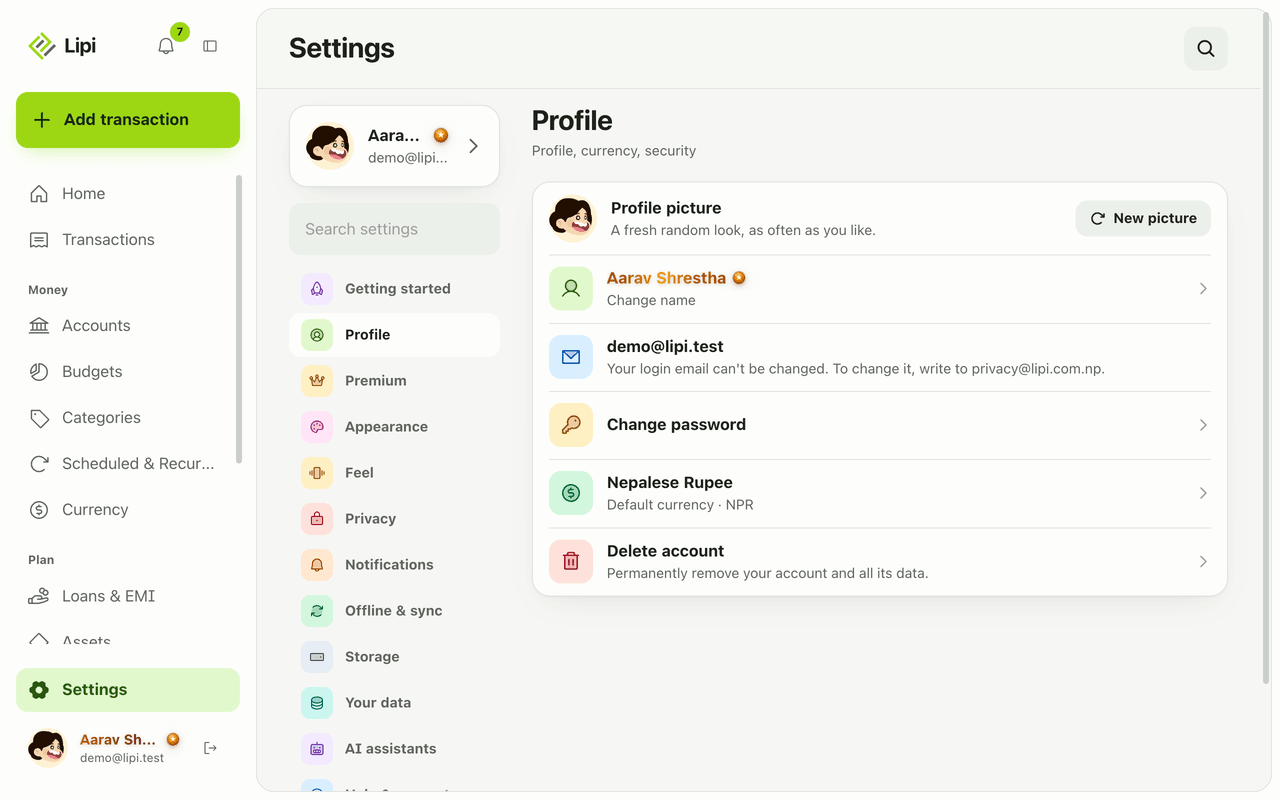
- Open Settings > Profile to change your name, change your password (or set one if you signed in with Google), see sign-in sessions, log out everywhere, or delete your account.
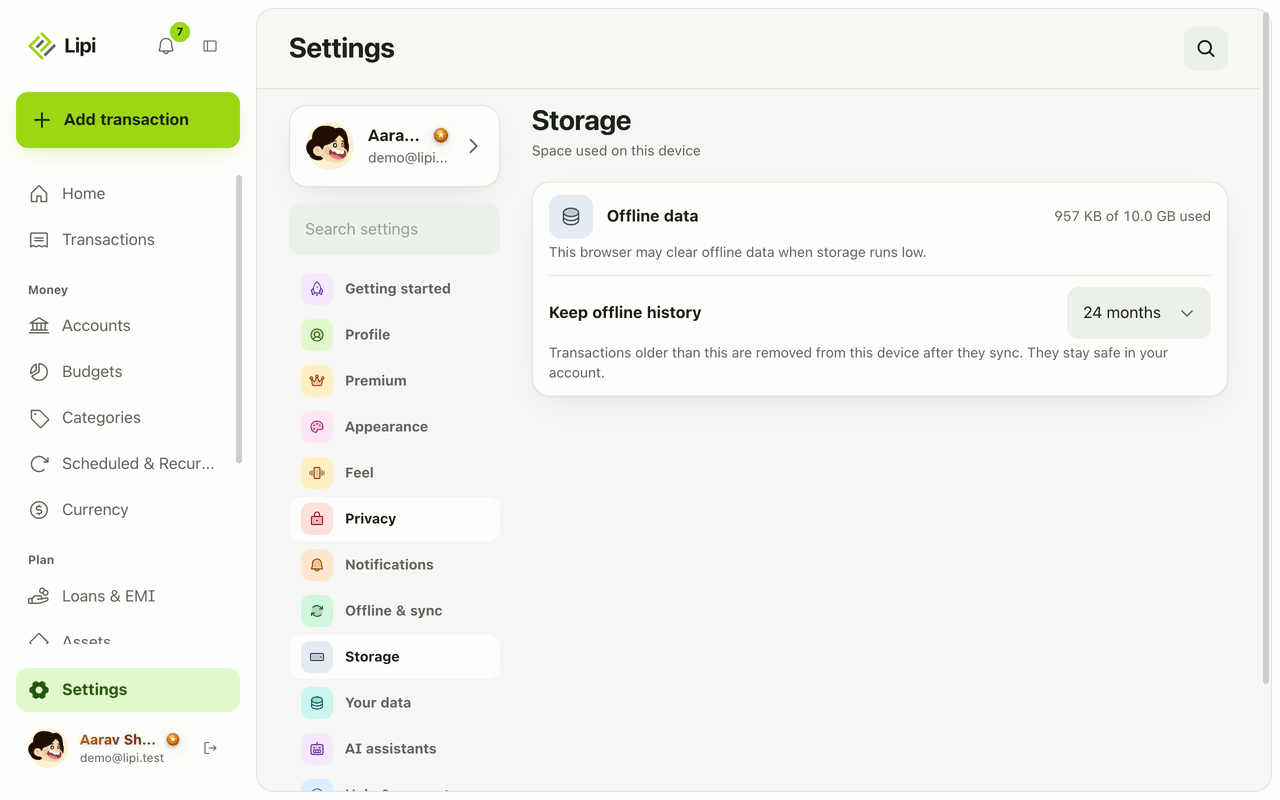
- Open Settings > Storage to see and control how much data is kept offline on this device.
Details and rules
- Plan: all of this is free. More profile pictures are Premium.
- App lock is a privacy screen on the device. It is not encryption.
- Sign-in: email and password, or Google. Attempts are limited to 5 a minute with a lockout. Breached passwords are rejected. You can ask for a notice on login from a new device.
- Email: the login email cannot be changed in the app. Write to privacy@lipi.com.np.
- Delete account: 30-day grace period.
- Age: Lipi asks for birth month and year once, for the 13-and-over rule. It is not shown, and staff see only an age bracket.
- Data rights: download your data from Settings, Your data. Export and backup are Premium.
Works with
Questions and answers
Does Lipi have an app lock?
Yes. In Settings, Privacy, turn on Lock the app. Lipi asks for a PIN of 4 to 6 digits, or a fingerprint or Face ID, every time the app opens.
Is the app lock encryption?
No. The app lock is a privacy screen on your device. It is not encryption and does not protect your data if someone else unlocks your phone.
How do I hide my balances in public?
Turn on Flip to hide amounts in Settings, Privacy. Turning your phone face-down then hides every amount. There is also a Hide amounts eye on the home screen.
Does Lipi need my bank login?
No. You add transactions yourself or import a file, so Lipi never asks for your online banking password.
Can I delete my account?
Yes. Settings, Profile, Delete account. There is a 30-day grace period before the data is removed.
How does Lipi protect my password?
Sign-in attempts are limited to 5 a minute with a lockout, and Lipi checks passwords against known breached passwords. You can also sign in with Google and log out of all sessions.
Last updated:
More in The app and your account
Install Lipi and work offline
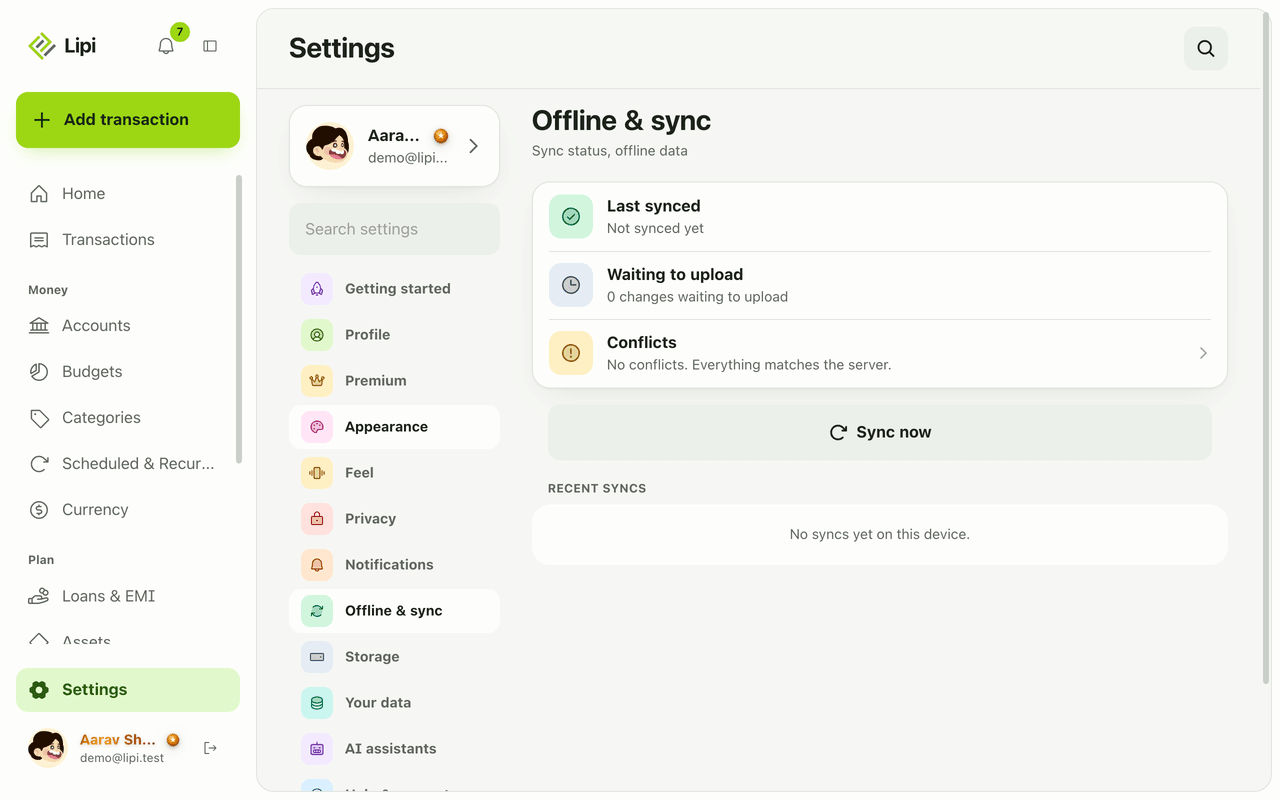
Yes, Lipi works offline. Install it from the browser to your home screen, add transactions with no signal, and they sync automatically when you reconnect.
Languages
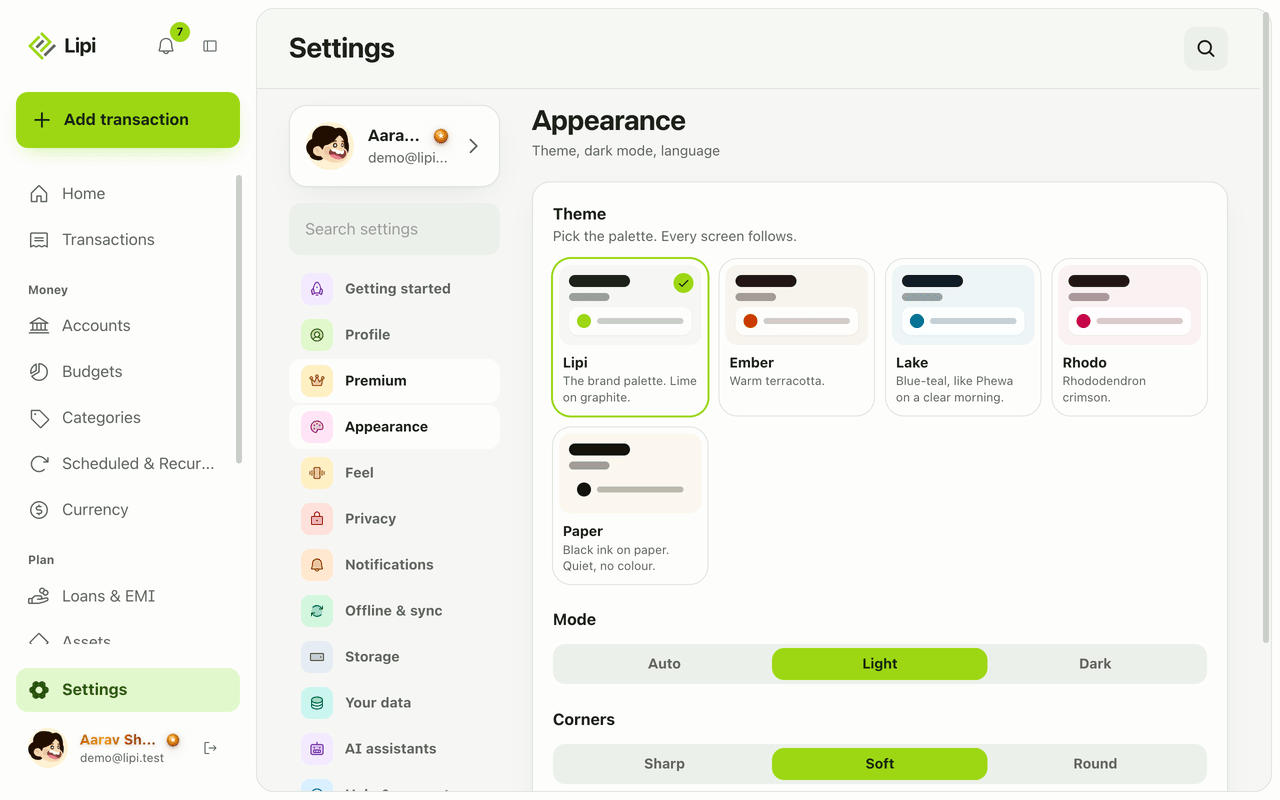
Yes, Lipi works in English and Nepali today. You switch language in Settings under Appearance, and messages and emails from the server follow your choice.
Notifications and reminders
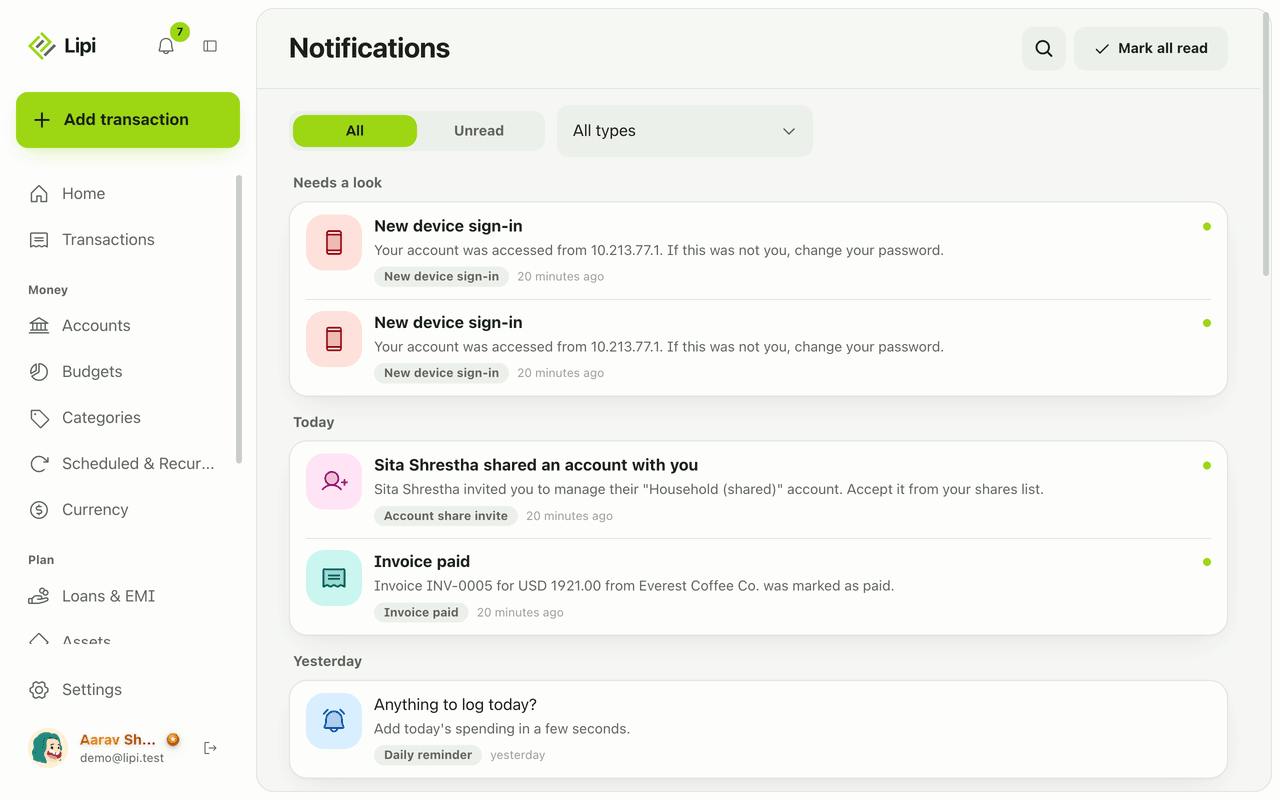
Yes, Lipi has an in-app inbox plus push and email alerts for budgets, EMIs, low balance, recurring posts, reminders, digests, rate and price alerts, invoices and security. Free.