Chapters 6
How-to · Video guide
Can an app replace a shop's khata book?
0:28 video6 chapters
Yes, for the daily cash book and the credit page together: sales, expenses, totals, searching, export, and invoices with what each client owes, in one place.
Can an app replace a shop's khata book? For the daily cash book, yes. Sales in, stock and expenses out, a day total you can check, and a month total you can trust are all jobs Lipi does in one place, from the same entries, without a second book. The credit page is covered too. Lipi raises the invoice, tracks what each client still owes, and records the payment against it, so a shop that runs mainly on credit can switch the whole book, cash and credit together. The limits are smaller and worth knowing: making, sharing and downloading an invoice needs a connection, and putting your own logo and colours on the invoice is Premium.
What a khata book actually does
A shop khata book is four jobs, and they are worth separating, because an app can do three well and still fail the fourth. It records the day: sales in, stock, rent, wages, and small costs out. It totals the day and the month, so the owner knows whether the shop made money or just moved it. It answers questions about the past: what sold last Tuesday, what stock cost last month, which category keeps eating the margin. And it tracks who owes what: the customer who took goods on credit and has not paid yet.
Paper does all four in one place. Its weakness is hand addition: a page torn out is a month lost, searching means flipping, and two people writing at once end up with different pages. An app earns its place only if it keeps the four jobs together without those three failures.
Set the shop up before the first sale
Start with accounts, not entries. Lipi accounts are the pockets money moves through: bank, wallet, cash, investment, and credit card. A shop needs at least two: a cash account named for the till, so cash sales land somewhere you can check against the drawer, and a bank account, so a deposit is a move between accounts rather than a new sale. A transfer moves money from one of your accounts to another, which is exactly what a trip to the bank is, and neither total is counted twice.
Categories are the second piece of setup. Lipi lets you add categories of your own, so the book can speak the shop's language: Sales as income, and stock or supplies, rent, wages, transport, and small shop costs as expenses. Keep the list short. Five or six categories you actually use beat twenty you have to hunt through at the till.
Clients are the third piece, and they matter even for a mostly cash shop. The client list is free, with no Premium lock on the form. A client record holds a name, and optionally a company, email, phone, address, and tax id. Add the regulars once, spelled the way you will search for them later. The client detail then shows an outstanding amount, the invoices and payments under that name, and a paid-up state when nothing is owed. That detail is the shop's credit page, and how it works is set out below.
The daily routine, entry by entry
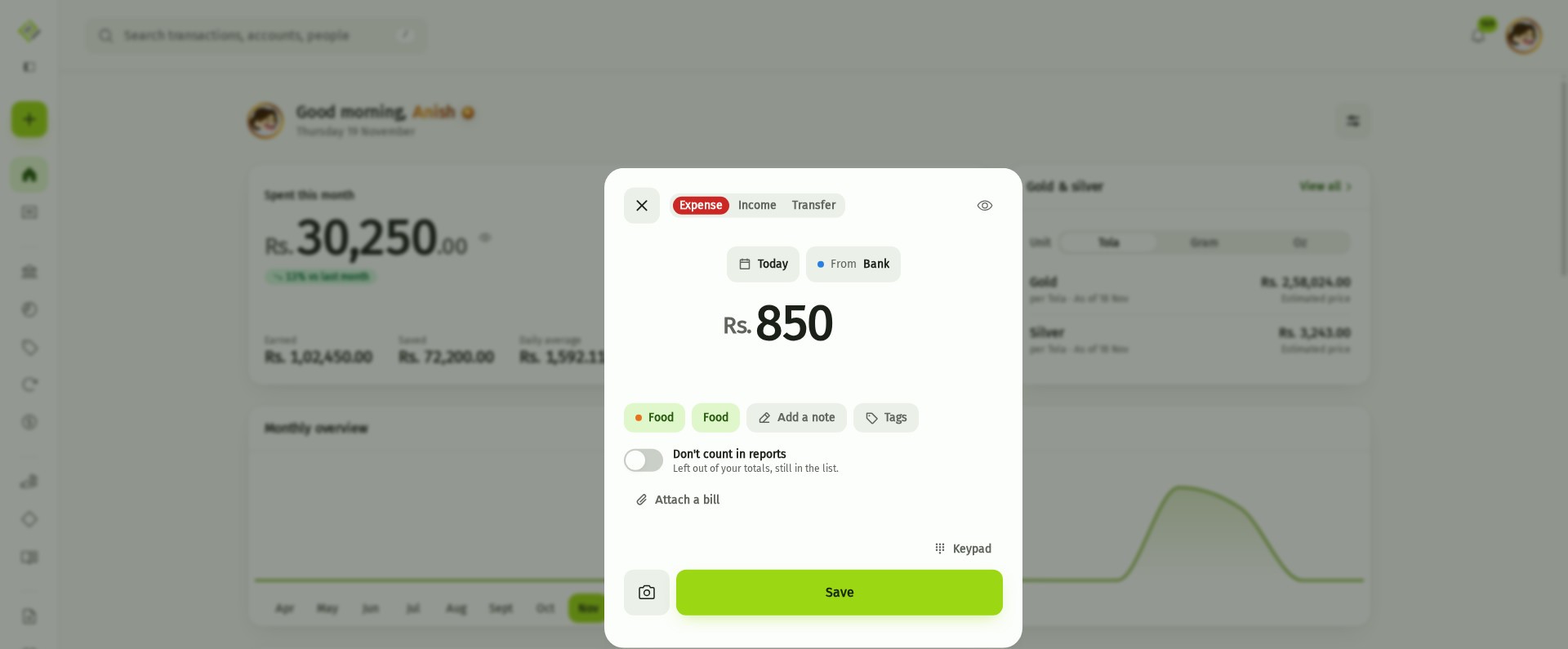
A shop day in Lipi is a short list of entries, each made at the moment the money moves. The add transaction screen puts the amount first, with the rest as chips around it: the account, the date, the category, a note, a fee, and a budget. The type is expense, income, or transfer, picked at the top. A sale is income, against the till cash account, in the Sales category, dated today. A stock purchase is an expense, against whichever account paid for it, in the stock category. If no note is typed, the entry takes the category name as its description, so a hurried entry still reads sensibly later.
Take a shop day as an example. Morning sales of Rs 8,400 go in as one income entry per till count. A stock delivery paid in cash, Rs 5,200, goes in as an expense in the stock category, against the cash account. Wages of Rs 1,500 for a helper, paid from the bank, go in as an expense against the bank account. At closing, Rs 6,000 is taken to the bank: a transfer from cash to bank, not another sale and not another expense. The day then reads as income Rs 8,400, expenses Rs 6,700, and a deposit that moved Rs 6,000 between pockets without changing the day's profit.
Two habits keep this routine honest. Enter the sale when it happens, or at the till count, not from memory at night, because memory rounds amounts and drops small sales. Keep cash and bank separate in the entries even when the money feels like one pot, because the day the drawer and the bank disagree is the day the separate accounts pay for themselves.
Finding a day, a week, or a customer again
Recording is only half the book. The other half is finding a record again, and this is where the app pulls away from paper. The transactions list filters by month or date range, by account, by category, and by type: all, expense, income, or transfer, with a text search across the entries as well. What stock cost last month is a category filter and a month, not an afternoon of flipping.
The dashboard carries the month view without a separate calculation: spent this month, earned, net, a monthly overview, spending by category, and recent transactions. It shows the same totals the filtered list would give, because both read the same entries. A paper book, a spreadsheet, and a memory of the month can disagree, with no way to tell which is right. One set of entries, read two ways, cannot disagree with itself.
The monthly money routine guide shows how the same month view, budgets, and recurring bills fit together for a household, and the same shape works for a shop: one month, checked while there is still time to change it, rather than totalled after it is over.
The credit page, stated plainly
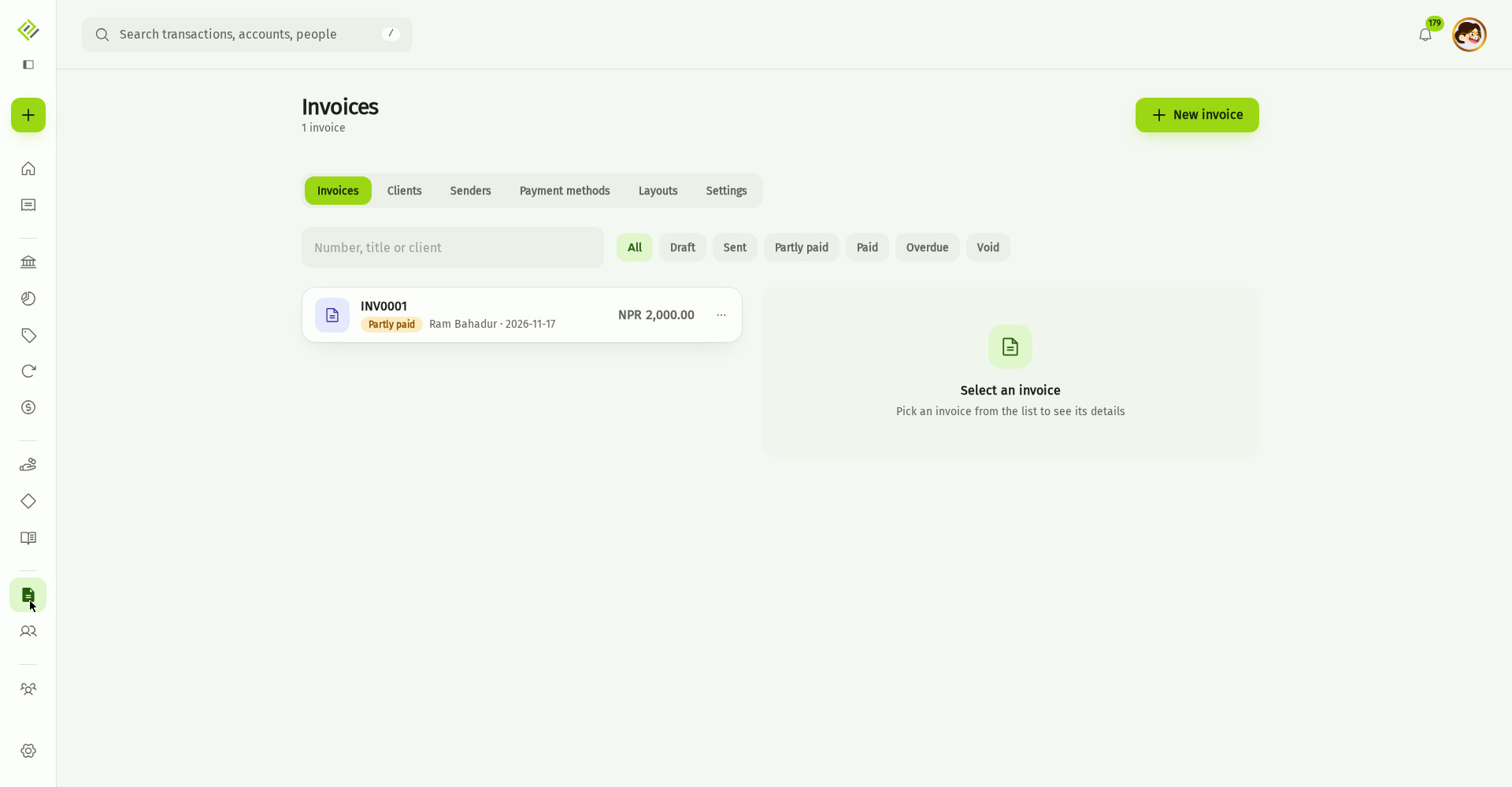
This is the part to get right, because it is where a khata replacement claim usually stretches. In Lipi the credit page is the invoice flow, and it runs from the sale to the payment. Open Invoices, start a new invoice, pick the client, and add a line for each item taken on credit, with a quantity and a price. Taxes sit on the invoice as VAT or a service charge, inclusive or added, and a discount comes off the total. The totals are exact, never rounded.
The invoice then sits in one of five states: draft, sent, partly paid, paid, or overdue. Share it as a PDF download or as a link the client opens without an account, over WhatsApp, Viber or email, and set an expiry on the link or turn it off at any time. When the client pays, record the payment in full or in part, and Lipi books it as income in the account you choose, in one step. The client record shows what is still owed in each currency, and says paid up when nothing is left.
Two habits make the credit page work. Raise the invoice on the day the goods leave, not at month end, so the outstanding figure is always the truth. Record the payment the day it arrives, against the invoice, rather than as a loose cash entry, so the invoice and the client record agree. Lipi can also remind you when an invoice is due soon or has gone overdue, and a recurring invoice makes a draft for you on schedule, though it never sends anything to the client on its own.
What the flow does not do is worth saying too. Making, sharing and downloading an invoice needs a connection: offline you can still read the invoice list from cache, but the actions wait until you are back online. Your own logo, colours and signature on the invoice are Premium, and the invoice carries a Lipi footer on the free plan. And the invoice is a record of what is owed, not a chase: Lipi reminds you, it does not message the client for you.
For a shop, the practical line is simple. If credit is a small part of trade, the invoice flow covers it with little extra work. If credit is the business, daily credit entries for many customers, the flow still holds: one invoice per credit sale, one client record per customer, and the outstanding figure always in front of you. The paper credit page has no job left that Lipi does not do, as long as there is a connection when the invoice is made.
Getting the book out again
A book you cannot take with you is a trap, paper or digital. Lipi answers that in Settings, under download data, with two choices: a backup in JSON format, and the transactions as a CSV file. Download data is Premium, USD 3 a month, or USD 2 a month billed yearly (USD 24), so a free account sees the upgrade nudge instead of the download dialog. The CSV is the useful one for a shop: the entries, in a file a spreadsheet can open, for an accountant, for a tax file, or as a copy held outside the app. Download it at month end, and the shop has an archive that does not depend on any single device. The expense tracker vs spreadsheet comparison sets out where a file like that helps and where the app's live totals help more.
The same care applies in reverse. A backup restores by replacing the current data or by merging and skipping duplicates, and the choice is made at restore time. Do not restore one casually over a live book, and do not treat a downloaded CSV as a second live book: it is a copy of a moment, and later edits live only in the app until the next download.
Mistakes to avoid
Do not record a bank deposit as income. It is a transfer, and counting it as a sale inflates the month. Do not record a credit sale as cash income on the day the goods leave, because the cash has not arrived and the drawer will not match. Do not build twenty categories before the first week is done, and do not let two people keep two books, one in the app and one on paper, for the same shop. Two books will disagree, and the disagreement will be settled by memory, which is how the paper book failed in the first place.
Start with one month, one till account, one bank account, and a handful of categories. Run the app book and the paper book side by side for that month if the change feels risky, and compare the totals at month end. If the app month is fuller, because entries were made at the till rather than reconstructed at night, the paper book can retire. The credit page is no longer a reason to keep it: raise the invoice on the day the goods leave, and the paper page has nothing to add.
FAQ
Can Lipi replace my khata book completely?
Yes, for cash sales, expenses, totals, searching, export, and the credit page too: invoices are raised in Lipi, the client record shows what is still owed, and payments are recorded against the invoice. A mostly cash shop and a mostly credit shop can both switch fully. The limits are that invoice creation, sharing and PDFs need a connection, and your own logo and colours on the invoice are Premium.
Do I need a separate account for the shop?
Use a separate cash account for the till and a separate bank account for the shop bank, even if the same person owns both. Mixing shop money with household money in one account makes the month totals meaningless.
What happens if I lose my phone?
The book belongs to your Lipi account, not to one phone, and the month end CSV download gives you a copy outside the app. Sign in on another device to open the same account book. Keep the month end download as well, because a copy you hold is worth more than a promise.
Is Lipi free?
Lipi is free to use, and Premium is USD 3 a month, or USD 2 a month billed yearly (USD 24). If a screen in the app shows a Premium lock, that lock governs that screen, so check the screen rather than assuming a feature is free. What is Lipi gives the short version of what the app covers.
Can I bring old khata records into Lipi?
Bring older records across with a statement import, which is Premium, USD 3 a month, or USD 2 a month billed yearly (USD 24), rather than retyping years of history, and start the app book at the beginning of a month so the two records do not overlap.
Start with this week
Set up the till cash account and the bank account, add the handful of categories the shop actually uses, and add the regular clients by name. Record sales as income, stock and costs as expenses, and bank deposits as transfers, and check the dashboard totals daily for a week. At the end of that week, filter by category and by account, download the CSV (Premium), and compare the drawer, the bank, and the app. If the three agree, the khata book has a new home, credit page included.
Step by step
From the paper book into Lipi
Set up once: till, bank, categories
The daily routine
Find it again
The credit page: invoice and part payment
Month end: your data as CSV
Sources
- Lipi app, Accounts, Transactions, Clients, Settings export, Lipi (read 3 November 2026)
- What is Lipi, Lipi (read 3 November 2026)
- What's new, Lipi (read 12 November 2026)
- All Lipi features, Lipi (read 12 November 2026)
An AI assistant helped write this article.
Keep reading
Guide
Expense tracker app for shopkeepers: Lipi for daily sales, customer credit and keeping shop money apart
Lipi is the expense tracker app for shopkeepers: daily cash sales logged offline at the counter, per-customer amounts owed through free invoices and clients, and shop money kept apart from household money. Premium costs USD 3 a month, or USD 2 a month billed yearly (USD 24).
19 min read1 view
Guide
Expense tracker app for freelancers: Lipi for invoices, clients and irregular income
Lipi is the expense tracker app for freelancers who invoice clients and live on irregular income: free invoices and a free client list, multi-currency accounts, budgets built on money actually received, and receipt records for tax time. Premium costs USD 3 a month, or USD 2 a month billed yearly (USD 24).
18 min read3 views
Guide
Free alternative to EveryDollar: Lipi for zero-based budgeting without the locked months
Lipi is the free alternative to EveryDollar for zero-based budgeting without locked months: past months stay editable, budgets and splits are free, and Premium costs USD 3 a month or USD 2 a month billed yearly (USD 24).
20 min read
Guide
Free alternative to Monarch: Lipi for manual tracking without the subscription
Lipi is the free alternative to Monarch for people who want manual tracking without a subscription: free to start, budgets and splits free, and accounts in more than one currency in one book. Monarch Core costs $99.99 a year after a 7-day trial, with no free plan.
18 min read2 views